After you complete setup, CRM Analytics Direct Data for Google BigQuery lets you run
queries on the dataset associated with the connection in real time. You can also build dashboard
charts and tables based on the queries you run on Google BigQuery data.
Required Editions
| User Permissions Needed |
| To create live connections to Google BigQuery: |
Enable CRM Analytics Direct Data for external data sources |
| To explore data directly in Google BigQuery: |
Explore External Data Directly |
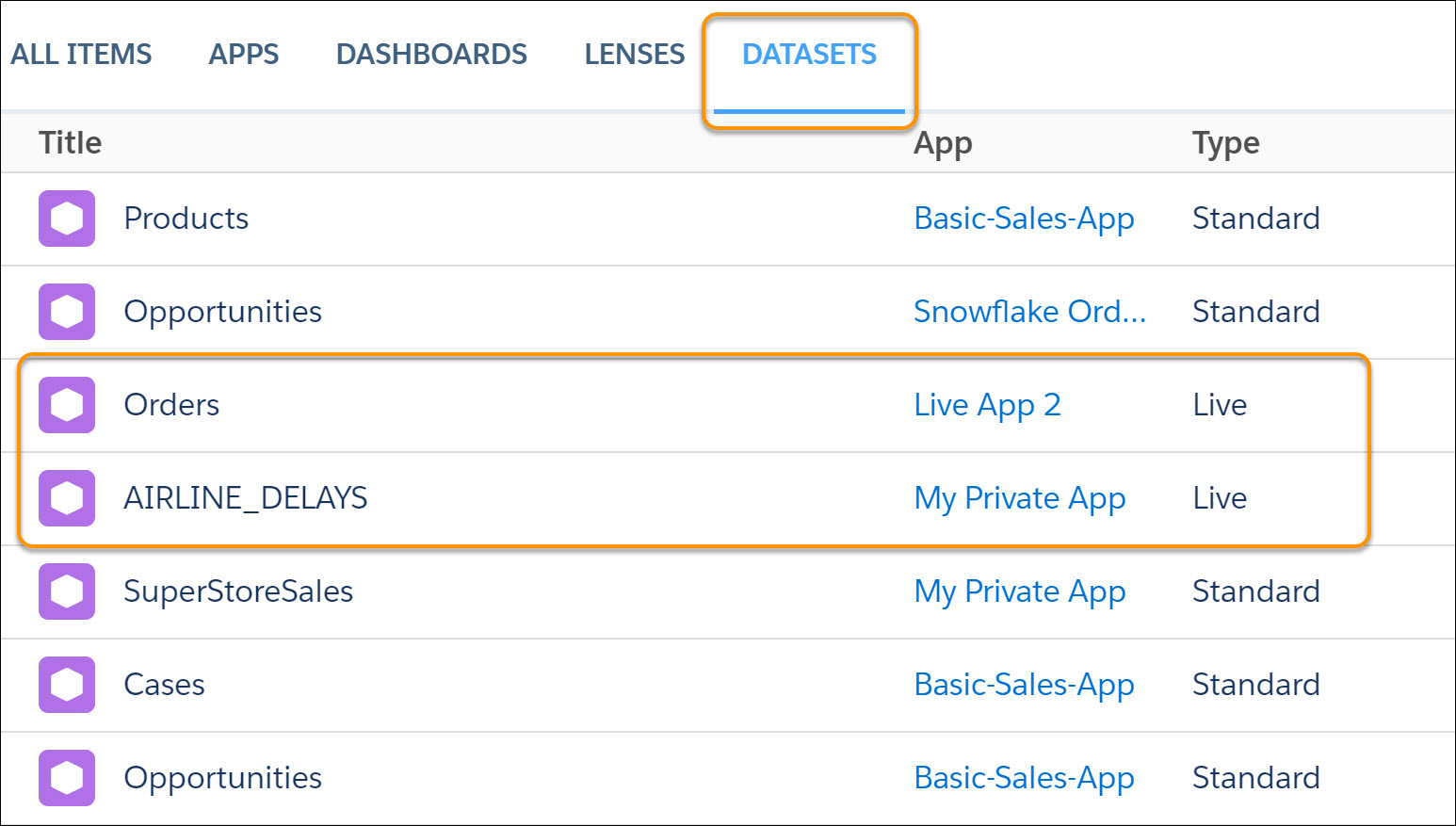
To begin exploring, click the live dataset from the Datasets tab in Analytics Studio.
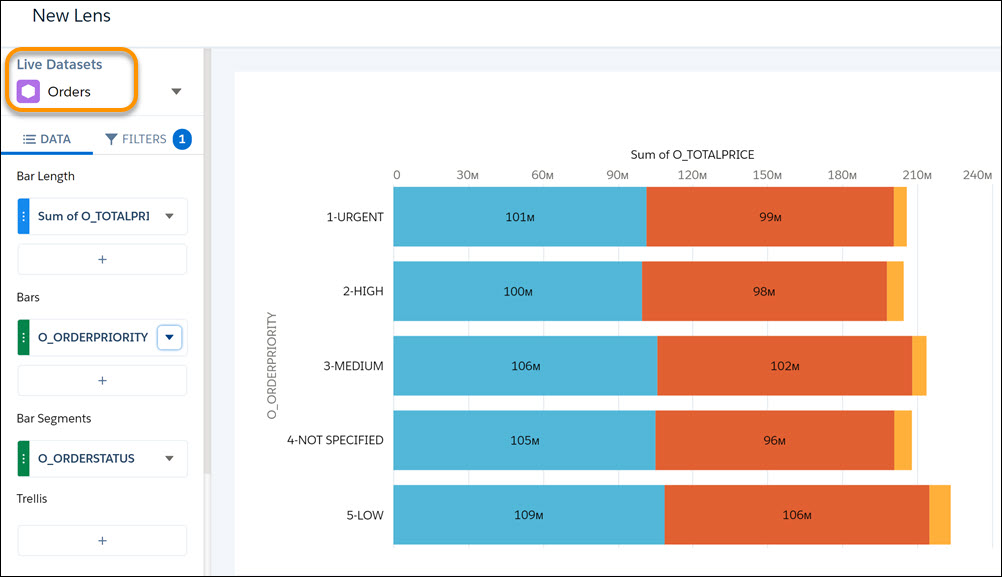
Data stored in the Google BigQuery object opens in a lens, which you can interactively explore
and visualize.