Make tables your own by choosing the default columns. For example, show the most
commonly used columns in a particular order. If you don’t set the defaults, the first five
measures and five dimensions are selected in alphabetical order.
Required Editions
| Available in Salesforce Classic and Lightning Experience. |
| Available with CRM Analytics, which is available for an extra cost in
Enterprise, Performance, and Unlimited Editions. Also available in
Developer Edition.
|
-
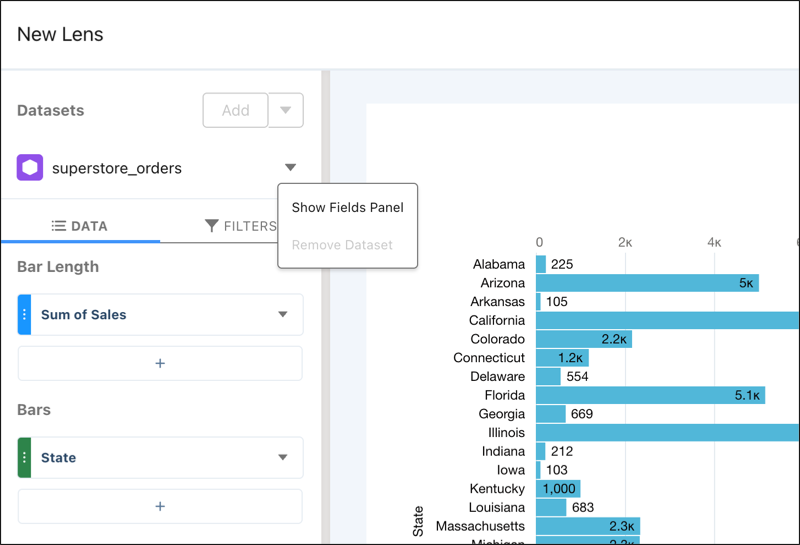
To configure the dataset columns, click Fields while exploring the
dataset.
-
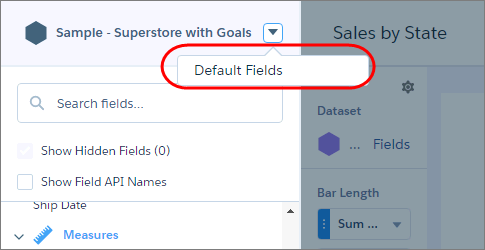
Click the dropdown arrow next to the dataset name, and click Default
Fields.
-
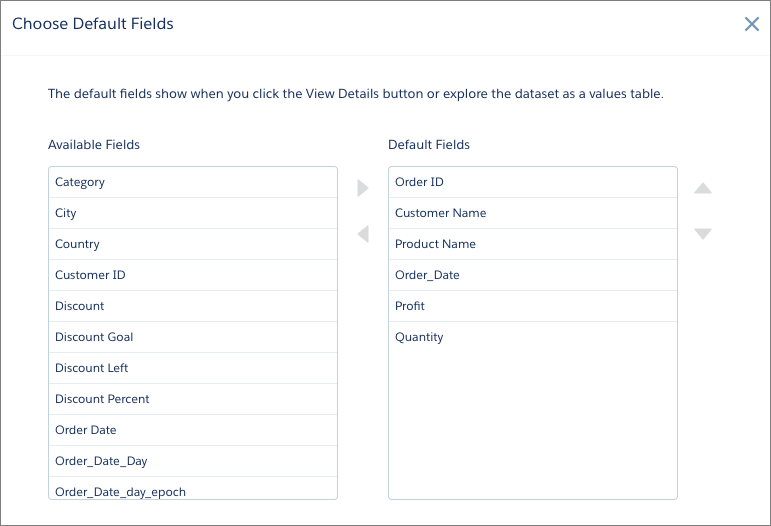
Select the columns to show by default, use the up and down arrows to reorder them, and
click Update.
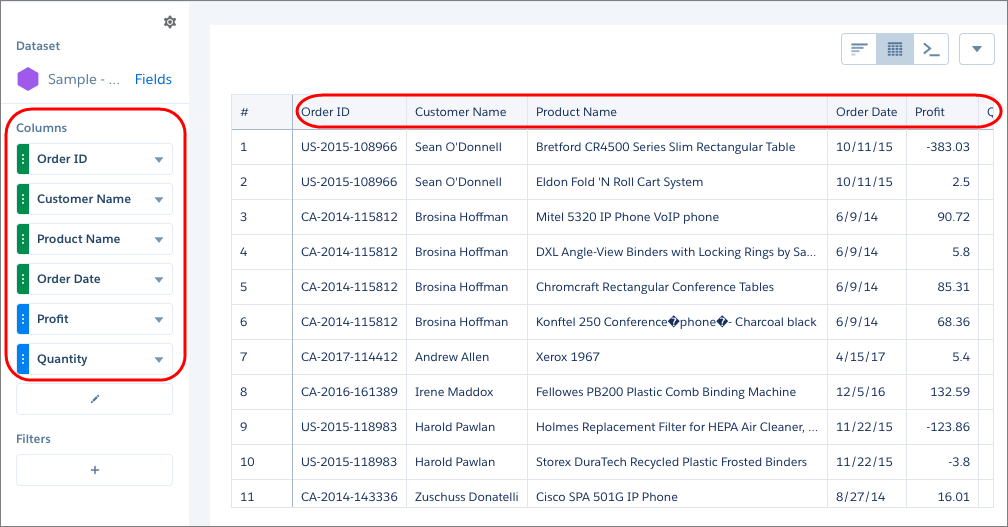
When you explore the dataset as a values table, the selected columns appear in the specified
order.
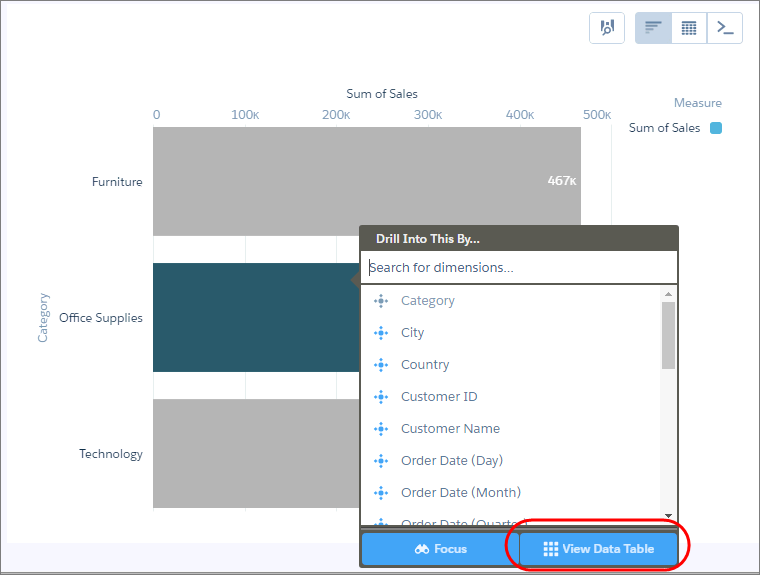
You see the same table columns and order when you click View Data Table
to view the data in a tabular format.