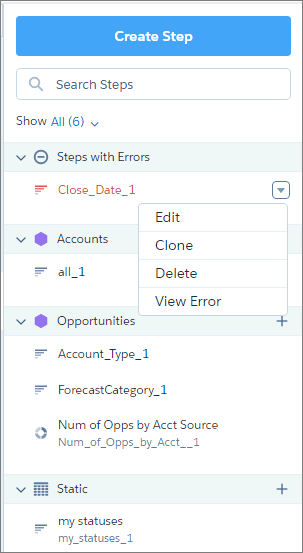
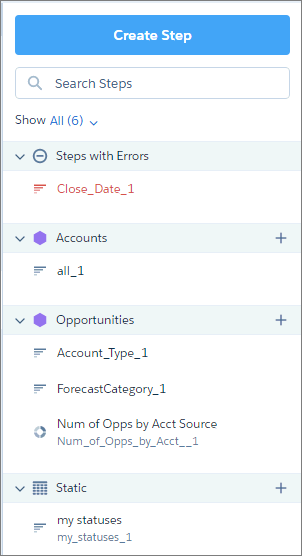
You can find all queries defined in the dashboard in the query panel. The panel organizes queries into categories and provides a search bar to help you locate your queries faster.
The queries panel categorizes queries by dataset name and query type. It also contains a special category for erroneous queries. Categories and queries are listed in alphabetical order. You can collapse each category.
Hover over the query and click the down arrow to view actions that you can perform on the query. For instance, in the Queries with Errors section, click View Error to understand what’s wrong with the query.