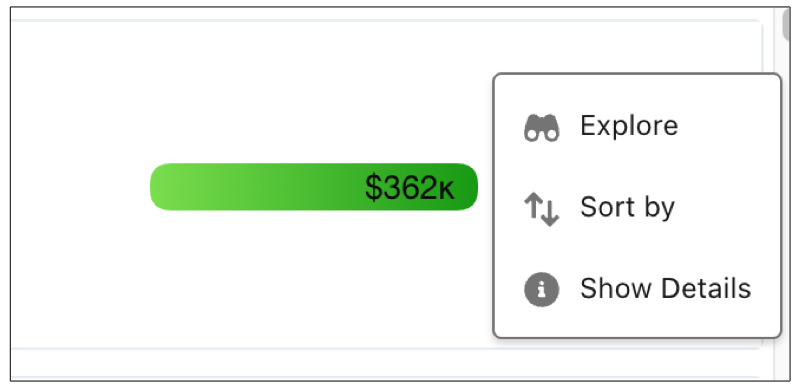
View metrics in the order that you want by sorting repeater cards at run time.
-
Click the repeater widget and click the Sort By menu in the
widget’s properties.
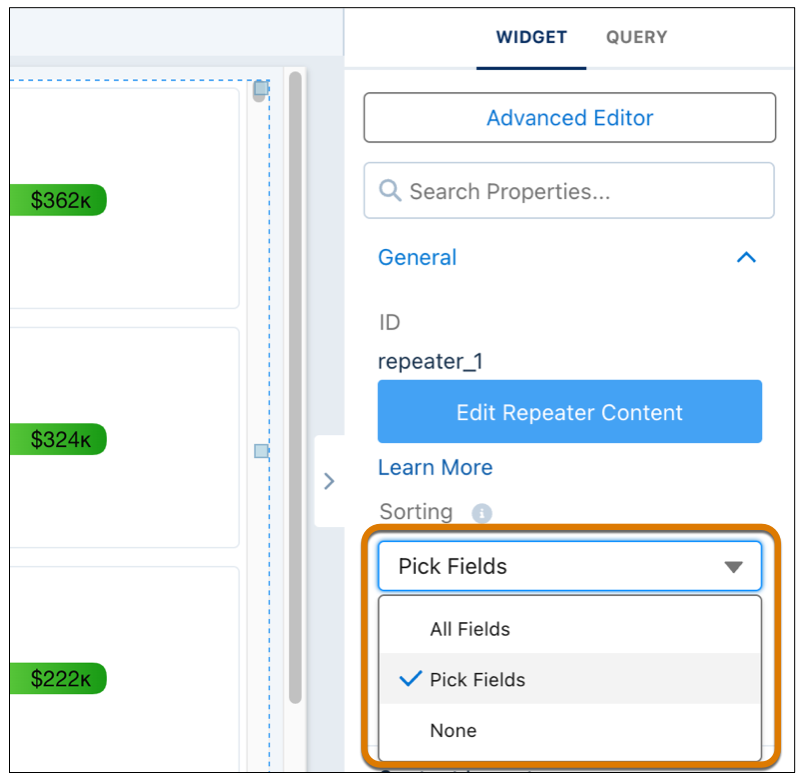
- To add all dimension fields as sort options, select All Fields.
-
To select fields to sort, select Pick Fields, and search or
click the Select fields link.
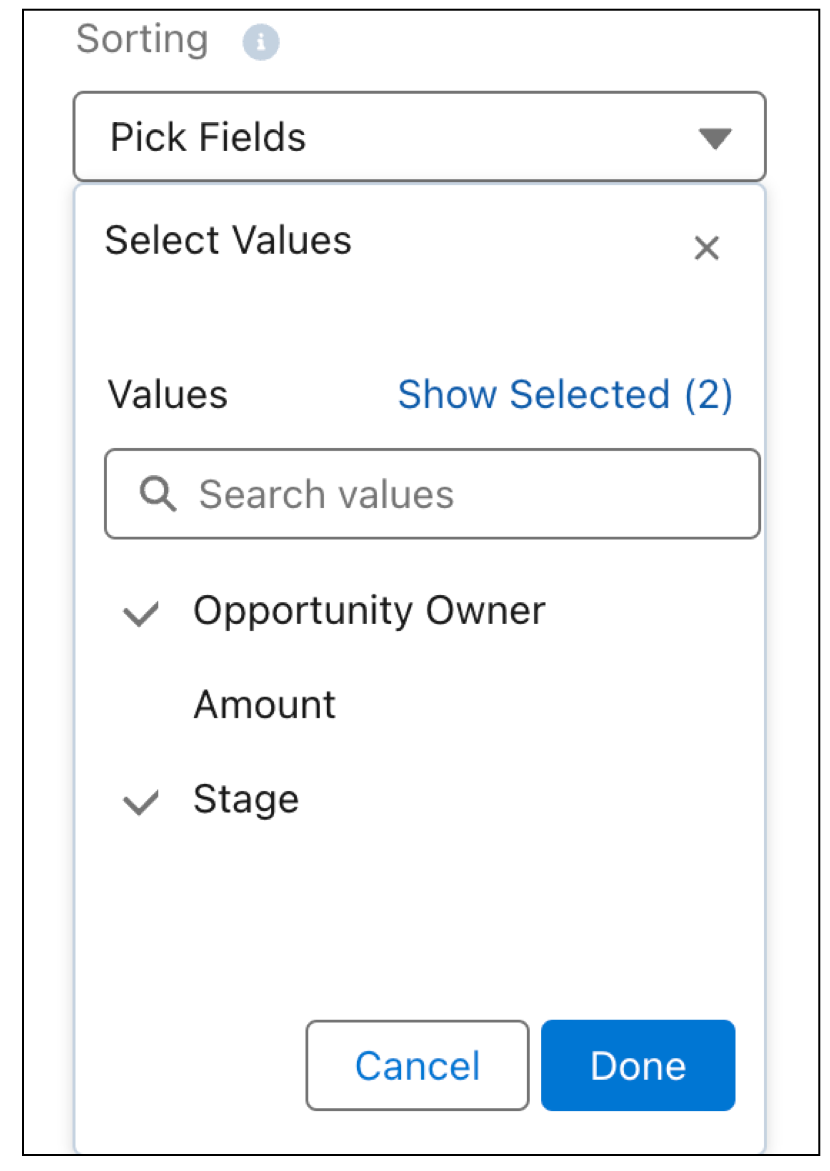
- Click Done.
-
To sort the cards in run time, click the repeater widget menu and select Sort by.