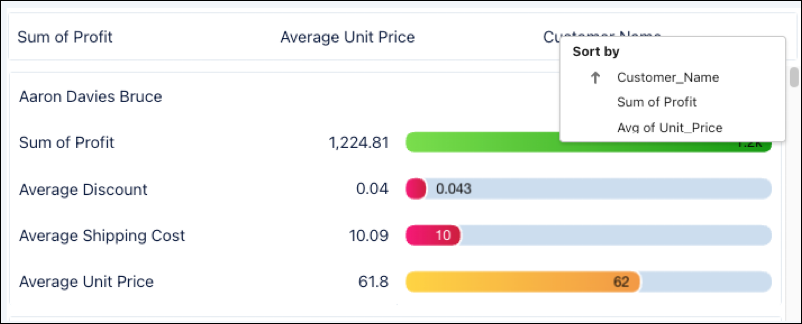
Add custom headers to the repeater widget and enable sorting to organize data.
Required Editions
| User Permissions Needed | |
|---|---|
| To customize dashboard widgets: | Create and Edit Analytics Dashboards |
-
Click Add Header to add a header above the repeater
widget.
 Note The header appears at the top of the widget and can't be repositioned.
 -
Drag a text widget to the header row. Use widget properies to label and format the text
widget. Resize the widget to the size you want.
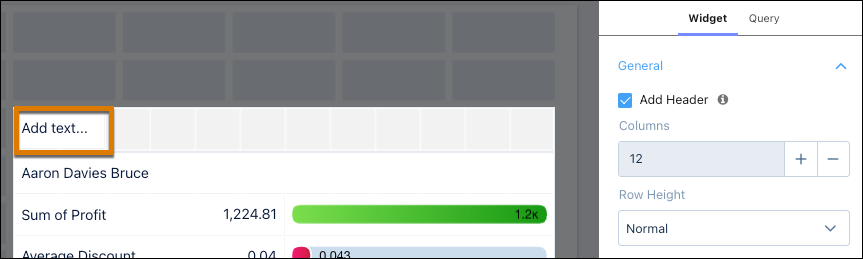 Note The header only supports text widgets.
 - Click Done.
-
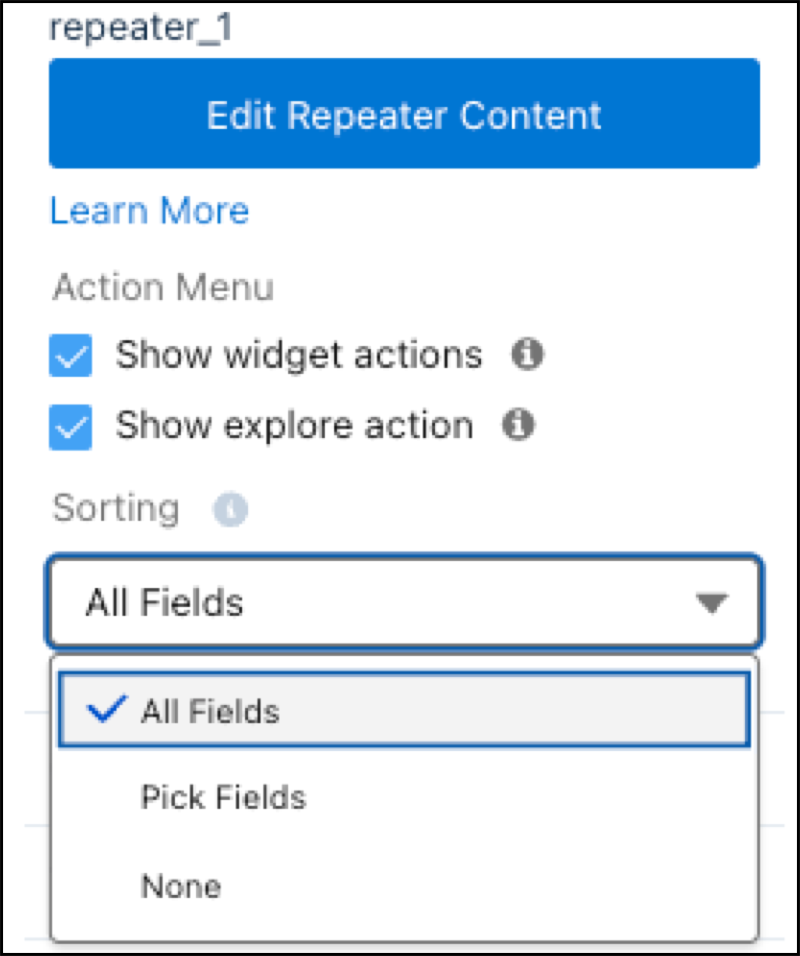
Click the Sorting dropdown in widget properties and select the
header columns to sort widget data.
-
Save your dashboard. Click the dropdown in the repeater widget to sort the data.