You can delete a repeater widget and its content.
-
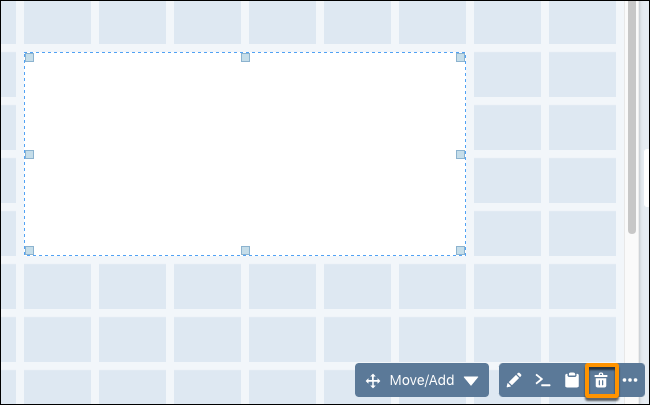
To delete a repeater widget, select it in the dashboard and click the delete icon.
- To delete content from a repeater widget, click Edit Repeater Content in the Widget tab.
-
Select a widget and click the widget delete icon.