A repeater widget is easy to create because you make just one custom layout using
fields from a row of data. For each row of data in a query, the custom layout repeats in a
scrollable list.
Required Editions
| User Permissions
Needed |
| To create a dashboard: |
Create and Edit Analytics Dashboards |
-
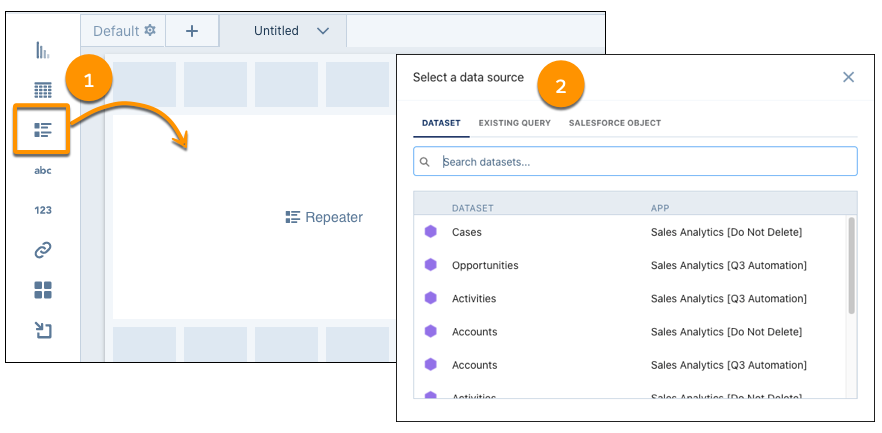
Add a repeater widget to your dashboard (1), and then add a query (2). For best
results, use a grouping in your query, such as a compare or pivot table.
-
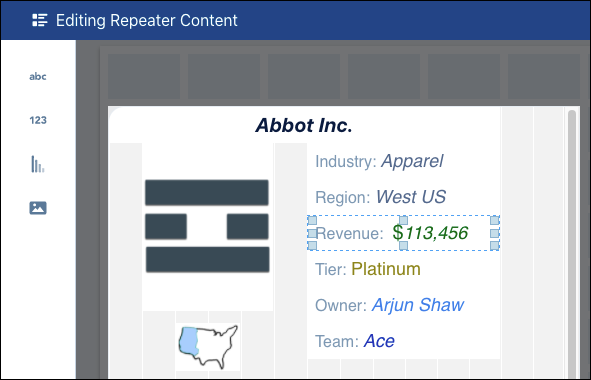
Add and arrange text, numbers, charts, and images.
When you add a widget to a repeater widget, you see values from the first row of query
data.
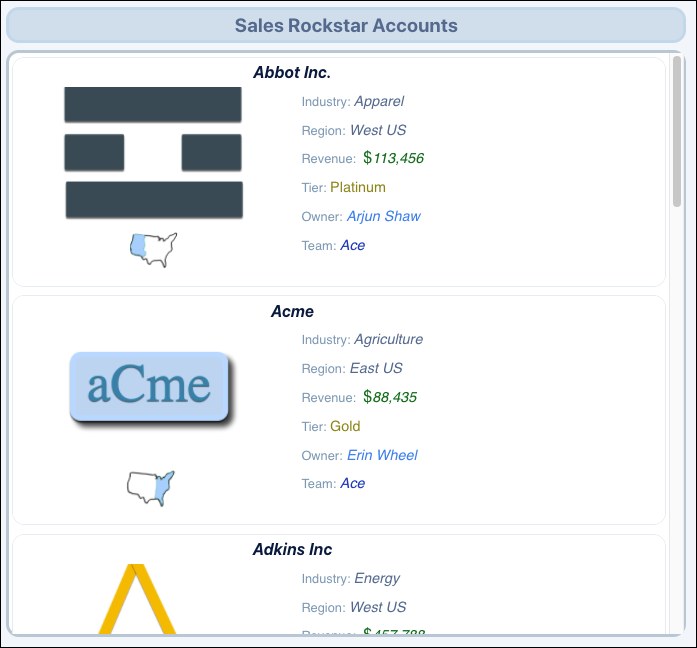
When you’re done, your customized layout repeats in a scrollable list.
To preview repeater widget content,
change the size of the repeater widget container. Adjust the layout if needed, and click
Done to save your repeater widget content.