
You can edit parameters to make minor adjustments or change for a different use, and delete them when they’re no longer needed.
Required Editions
| User Permissions Needed | |
|---|---|
| To manage a parameter: | Create and Edit Analytics Dashboards |
-
Edit a parameter
- Edit a component and click Advanced Editor.
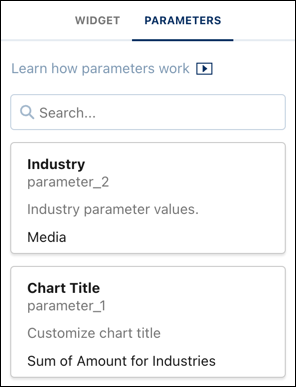
- Click the Parameters tab.
- Click a parameter and add your changes .
-
Click Update.
- Click Save when complete.
-
Delete a parameter
- Edit a component and click Advanced Editor.
- Click the Parameters tab.
- Select a parameter and click Delete.
- Click Save when complete.