
Studio disconnects the Java debugger by default. Connect it in the Studio preferences if you need to debug Java code in your Mule project.
-
Open the preferences view in the manner appropriate to your OS:
-
In macOS, either navigate to Anypoint Studio > Preferences… or press
cmd + ,. -
In Windows and Linux, navigate to Window > Preferences….
-
-
Expand Anypoint Studio in the left navigation bar, and select Debugger,
-
Select Connect Java Debugger.
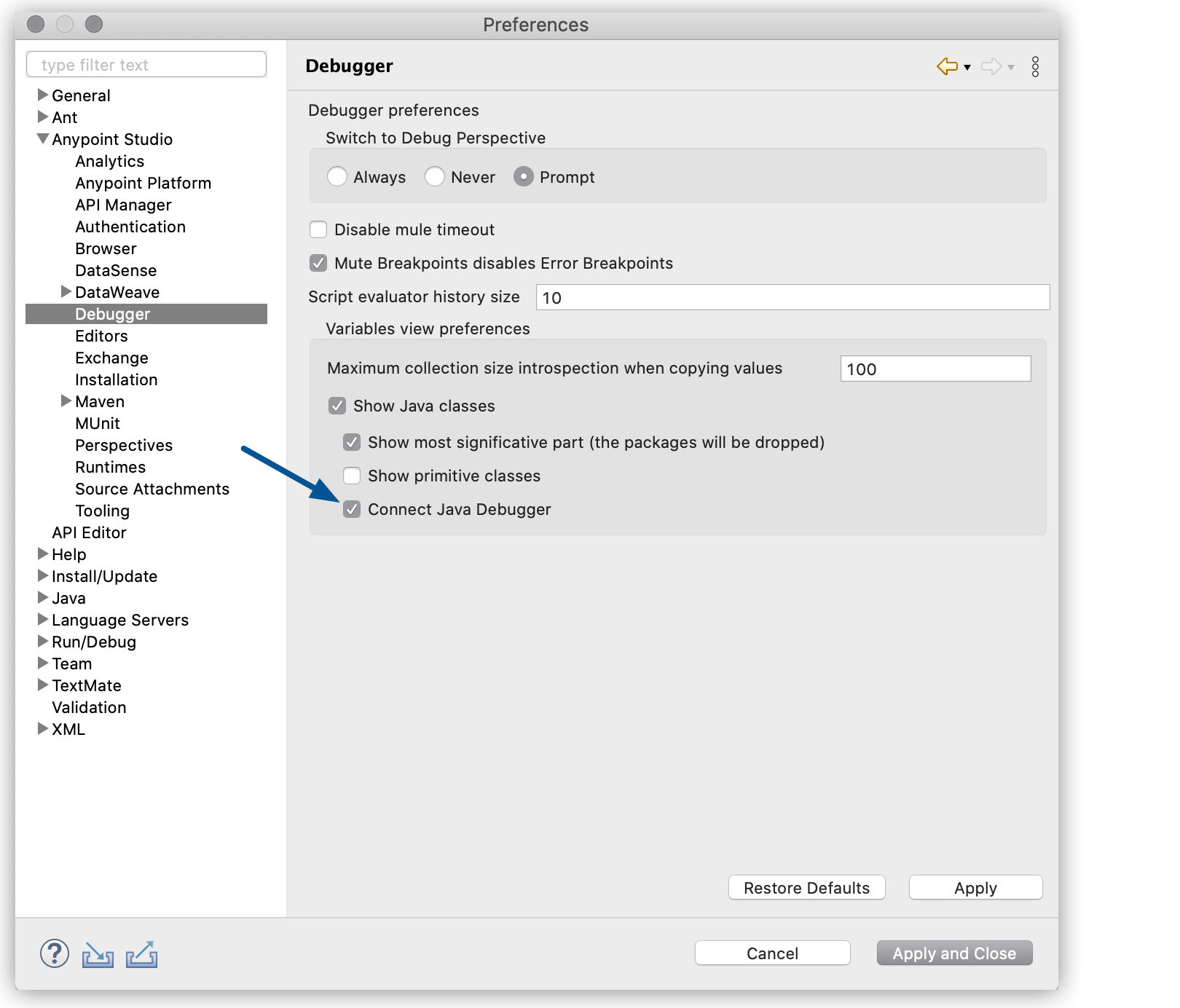
-
Select Apply and Close.
Note that connecting the Java debugger in Studio can cause performance degradation in your subsequent redeployments.