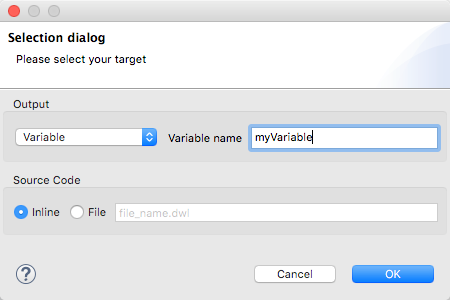
By default, the Transform Message component outputs to the message payload. You can change this target, so that the result of your transformation populates another part of the output such as a property or variable.
-
Click the Edit Current Target button
 .
. -
Specify where in the output Mule message to place the result of your DataWeave transform. In case you’re creating a new variable or property, you must also set a name for it.