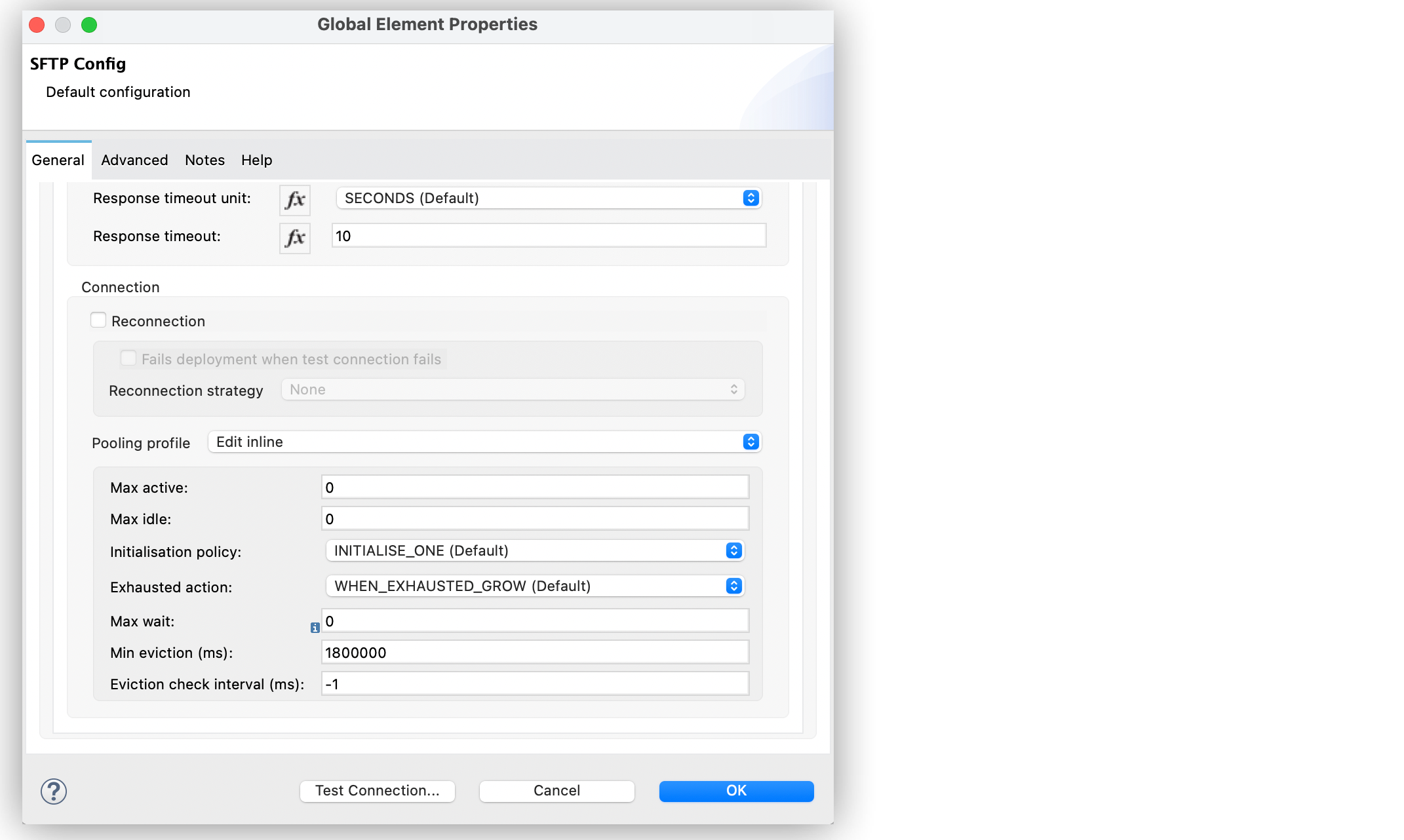
Disable connection pooling in the Anypoint Connector for SFTP (SFTP Connector) configuration to make sure no connection is active if there is nothing to transfer.
-
In Studio, navigate to the Global Elements tab.
-
Select the SFTP Connector config.
-
Click Edit.
-
In the Global Elements properties tab, click the Advanced tab.
-
Set Pooling profile to Edit inline.
-
Set the values of Max active, Max idle, and Max wait to
0to ensure that no connection is active if there is nothing to transfer.