---
schema_version: "1"
id: 2f0cdbfb261117f0f8b1ad6b34557b5e80ee1e27961dac24c24f73fab6e0f07e
title: Set Transaction Id
collection: mulesoft
version: current
locale: en-us
portal_url: https://docs.salesforce.com/mulesoft/current/en-us/mule-runtime/4.9/set-transaction-id.md
canonical_url: https://docs.mulesoft.com/mule-runtime/4.9/set-transaction-id
source_site: docs.mulesoft.com
content_type: documentation
content_hash: e810ebd5e16aa0ed530aa370a77f3dc3da9781a958af5927a5689ab4a5dcc975
description: MuleSoft Documentation Site
release: "4.9"
latest: false
---
---
product: Mule Runtime
version: 4.9
keywords: transaction, id, component, mule
---
# Set Transaction Id
> For the full documentation index, see: https://docs.mulesoft.com/llms.txt
The Set Transaction Id component enables you to set an identifier for all tracked events so that
meaningful information, such as an order number, is displayed for a transaction when analyzing
tracked events at runtime, whether using Anypoint Runtime Manager or CloudHub.
The transaction ID supports DataWeave expressions, which enables you to create an ID dynamically and
include information related to the event into the ID.
## Customize the Transaction ID
Follow these steps to set a transaction ID either in Anypoint Studio or by editing the configuration
XML:
- In the Studio UI:
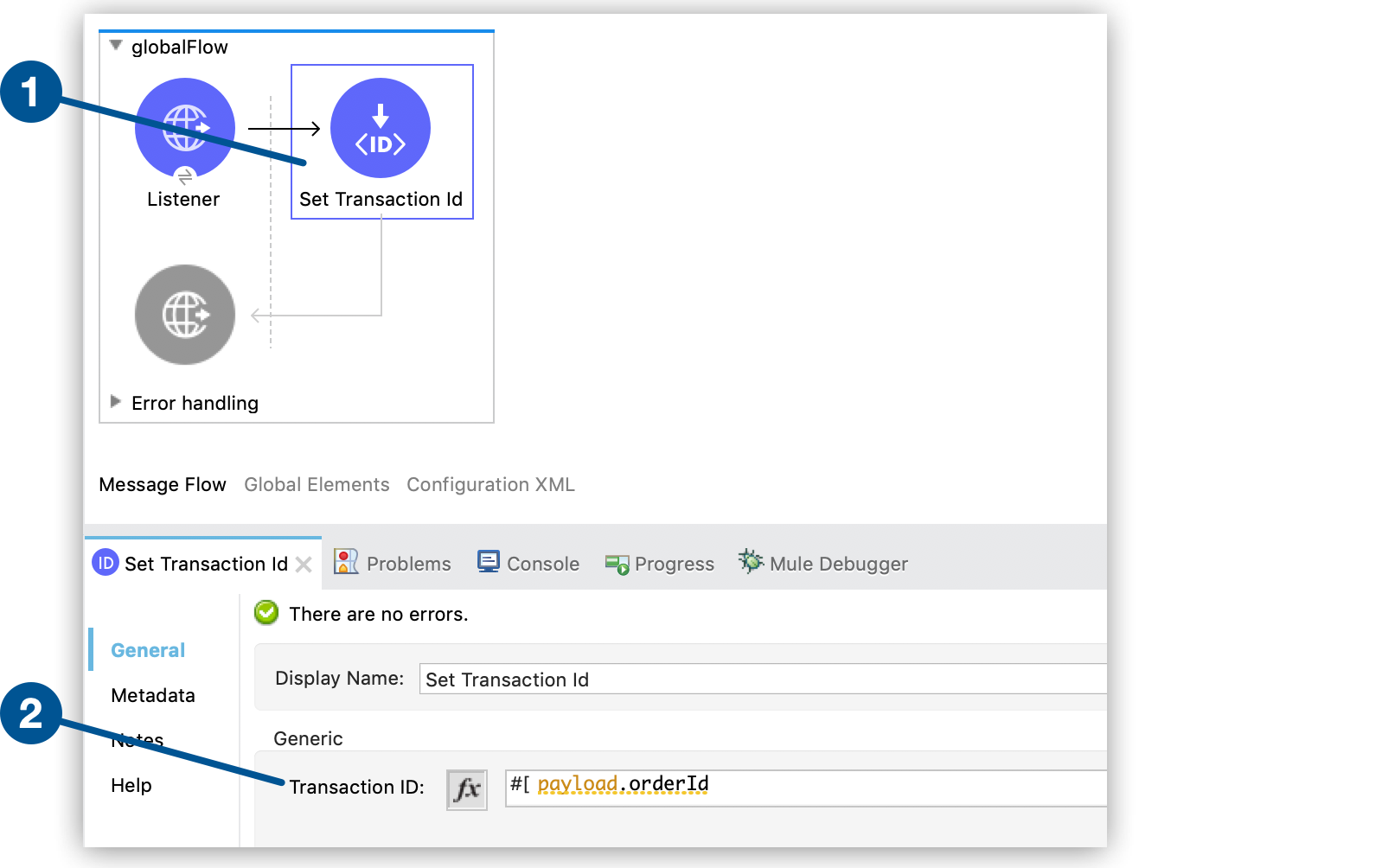
1. Drag the **Set Transaction Id** component to your flow.
2. In the **Set Transaction ID** configuration screen, set an ID value for the **Transaction ID**
field:
- In the XML editor:
- Add a child element to the `flow` element:
```xml
...
...
```
## Set Transaction ID Reference
Field
Description
Transaction ID (id)
Defines the value of the identifier. It can be an expression or a literal. By default, the component assigns a numeric value.
## See Also
- [Business Events](https://docs.mulesoft.com/mule-runtime/4.9/business-events)
- [Configure Default Events Tracking](https://docs.mulesoft.com/mule-runtime/4.9/business-events-in-components)