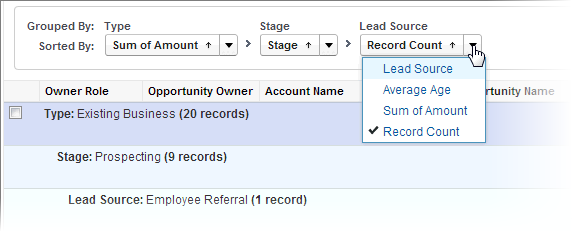
Sort a report by the data in a particular column by clicking that column’s
heading. Clicking a column header sorts data according to that column’s ascending order:
text is sorted from A to Z, numerical data is sorted from lowest to highest, and time/date data is
sorted from earliest to latest.
Required Editions
| Available in: Salesforce Classic and
Lightning Experience |
| Available in: Essentials, Group, Professional, Enterprise,
Performance, Unlimited, and Developer Editions
|
| Available in: Enhanced Folder Sharing and Legacy Folder Sharing |
| User Permissions Needed |
| To sort report results: |
- Legacy Folder Sharing
- Run Reports
- Enhanced Folder Sharing
- Run Reports
|