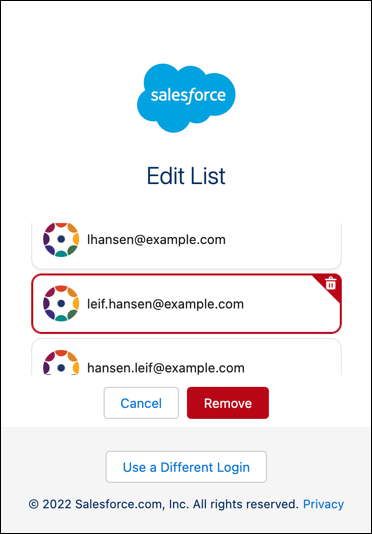
If you no longer use an email address, you can remove it from the list on the Welcome
Back page.
Required Editions
| Available in: Lightning Experience |
| Available in: all editions |
- Open the Log In with Email page.
The Welcome Back page displays a list of email addresses that you verified and
used to log in.
- Click Edit List.
- On the Edit List page, choose the email address to remove, and click
Remove.