
Create a document from a template in the Template Library.
Required Editions
| Available in: Lightning Experience |
-
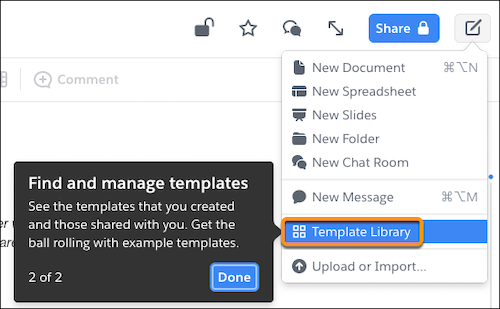
To access your available templates, click the Compose button, and
select Template Library.
-
Find the template you want to use:
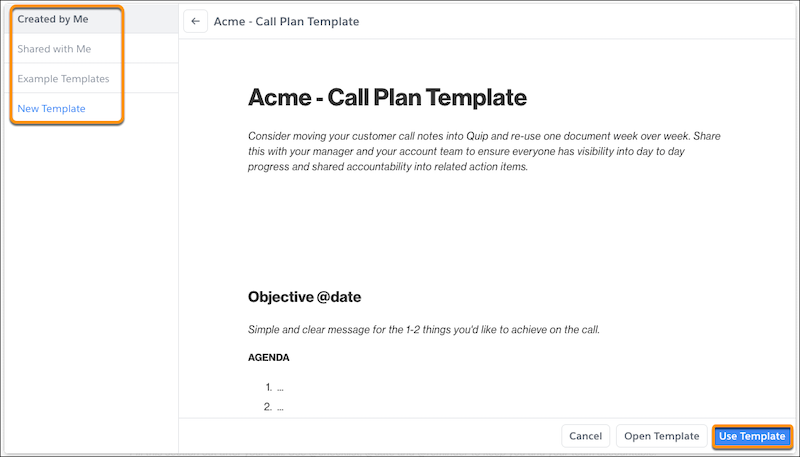
- To create a document from a template that you created, select Created by Me.
- To create a document from a template shared with you, select Shared with Me.
- To use a sample template from quip.com/templates, select Example Templates.
- To use an admin-approved company template, select the company gallery name.
- Click Use Template.
- Name your document and choose which folder to save it to.
After you embed the template in a Salesforce record and create a document from it, any Salesforce Template Data Mentions or mail merge fields added to the template autopopulate with the Salesforce record data.