
Use the Quip sidebar to quickly find your documents, browse folders, see notifications, and more.
Required Editions
| Available in: Quip desktop app, Quip iOS mobile app, and Quip on web |
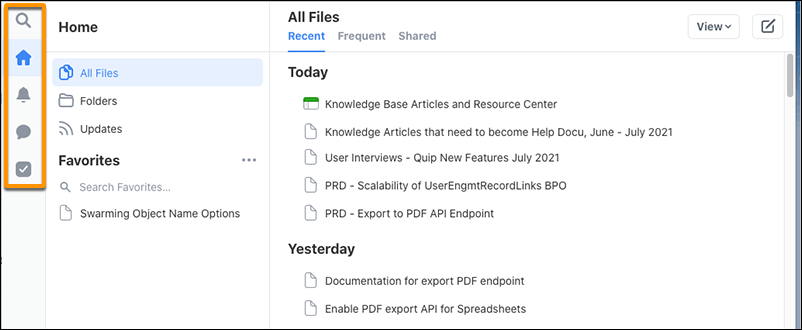
- Select Search to find your content.
- Select Home to see your recently and frequently used documents, folders, favorites, and updates.
- Select Notifications to stay up to date on conversations and requests. To mark all new notifications as read, at the top of the sidebar, click the check mark.
- Select Tasks to ensure that nothing important slips through the cracks. See the tasks from all your documents in one place, in the order that they’re due.