
Create a blank Quip document that’s automatically linked to a Salesforce record.
Required Editions
| Available in: Lightning Experience |
You can add a document to the Quip Document component only if your admin configured the component to let you do so.
-
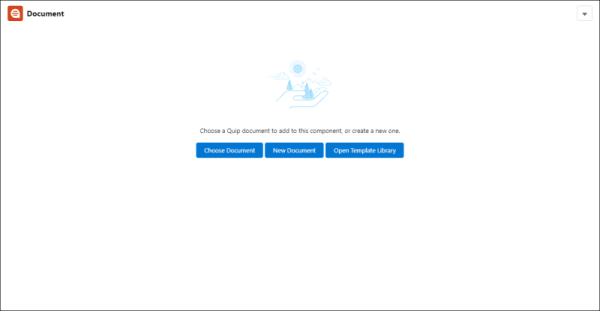
In the Quip Document component for a record, click New
Document.
-
Give your new document a title, and click Create.
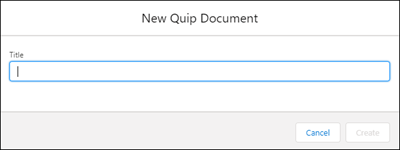
Your new document appears in the Quip Document component.
In the background, Salesforce links the document to the record. If the record also includes the Quip Associated Documents component, the document is listed there when the link is complete.