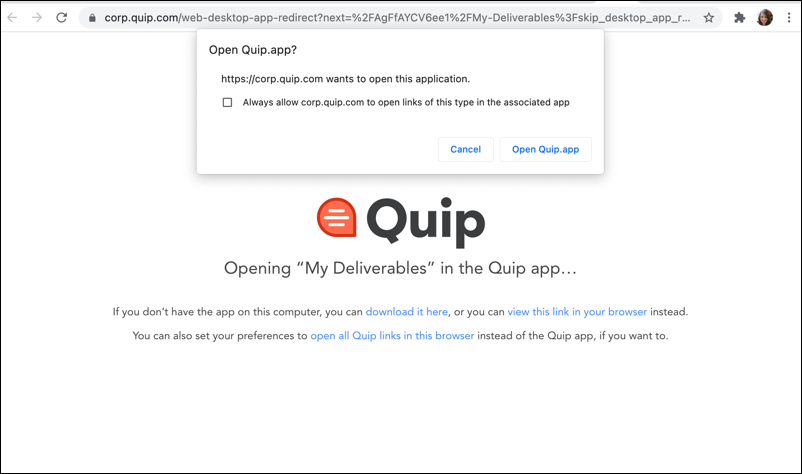
Set up Quip so that all document links to your Quip site open in the Quip desktop app
instead of your web browser.
Required Editions
| Available in: Quip on Web |
-
Open Quip in your web browser.
-
From your profile in Quip, click Appearance.
-
Select Open Links in App.
-
Save your settings.
The next time that you open a Quip link from your
email, Slack, or somewhere else, confirm that you want to open the document in the desktop app.
If you don’t have the Quip app, download it from the confirmation page.