
Safely update templates from the Template Library.
Required Editions
| Available in: Lightning Experience |
-
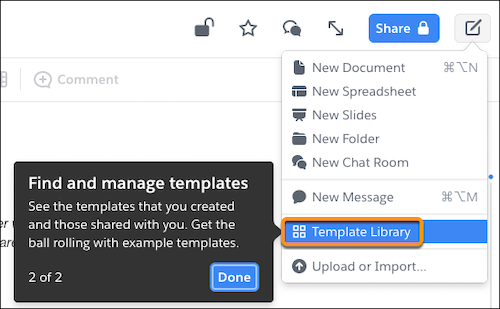
To access your available templates, click the Compose button, and
select Template Library.
-
Find the template you want to edit. To unlock a template, you need full access to it.
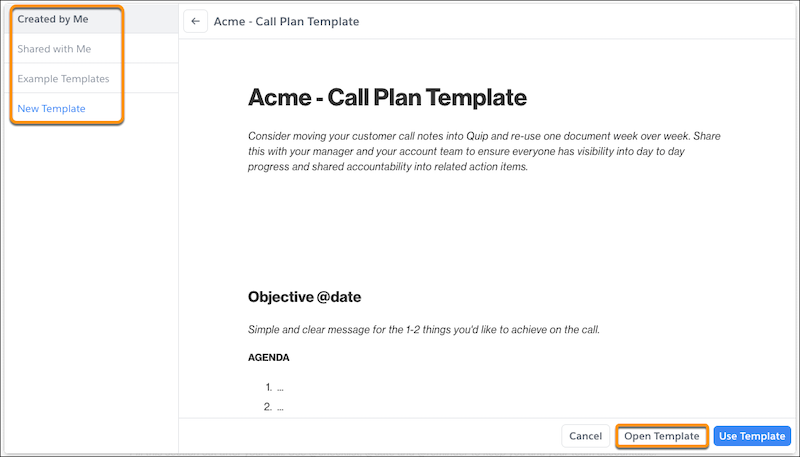
- Click Open Template.
-
Click the lock icon and unlock the template.

- Add your changes to the template.
- To prevent accidental changes after you edit, lock the template. After you lock the template, users can create documents from it.