
For the managed package runtime, the Vlocity Cards tab displays all of the layouts that can contain cards.
 This information is for Omnistudio for Managed Packages. For Omnistudio on standard runtime, see Omnistudio Help.
For some constructs, such as card templates, you must go to the Vlocity Templates tab and use the Template Designer before you use the Card Designer.
To go to the Vlocity Cards tab:
-
In Salesforce Classic, click All Tabs
 , then click
Vlocity Cards.
, then click
Vlocity Cards.
-
In Lightning Experience, click the App Launcher
 , then click
Vlocity Cards.
, then click
Vlocity Cards.
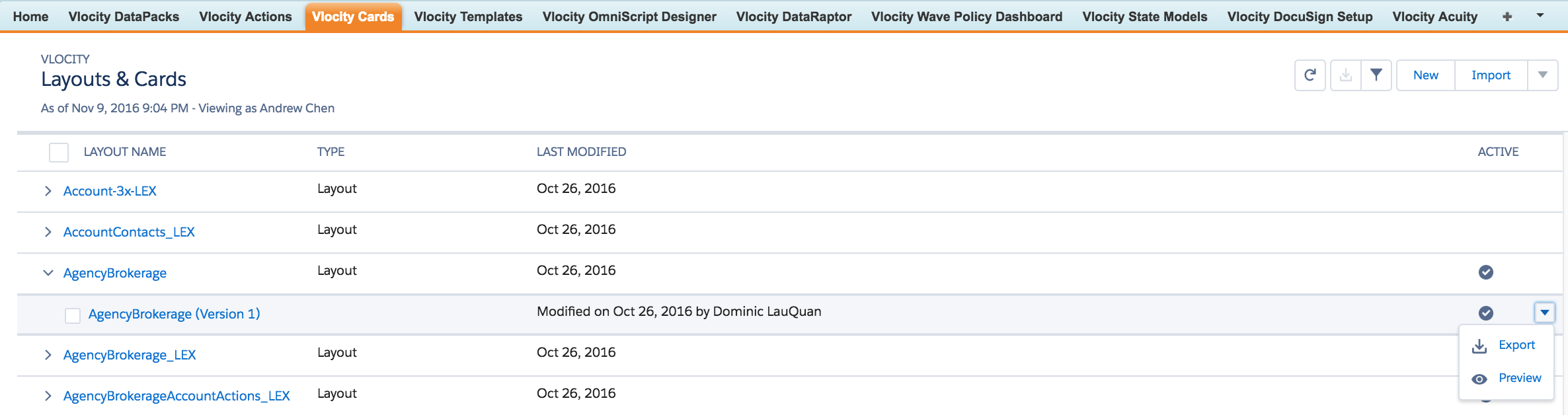
Vlocity Cards Tab in Salesforce Classic
Vlocity Cards Tab in Lightning Experience
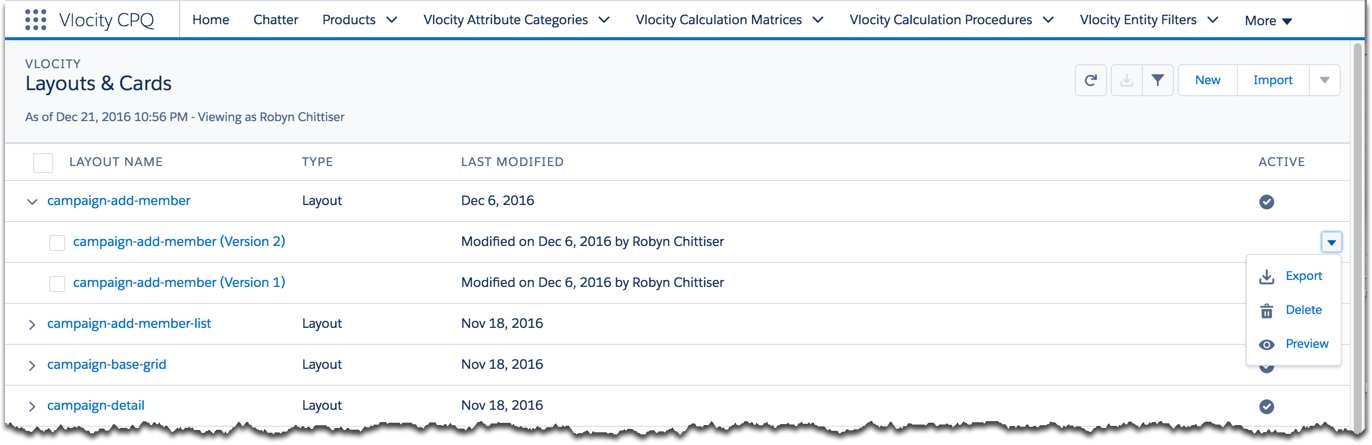
The Vlocity Cards tab displays a list of available layouts, including their types, last modified dates, and status.
-
Click a layout name to expand it and see all of its versions.
-
Click the Last Modified column to sort the layout list from most to least recently modified.