
For the managed package runtime, view the Template Designer Help modal to learn how to manually edit templates.
 This information is for Omnistudio for Managed Packages. For Omnistudio on standard runtime, see Omnistudio Help.
- Go to the Vlocity Templates tab, click a template, then click a template version.
-
Click Help.
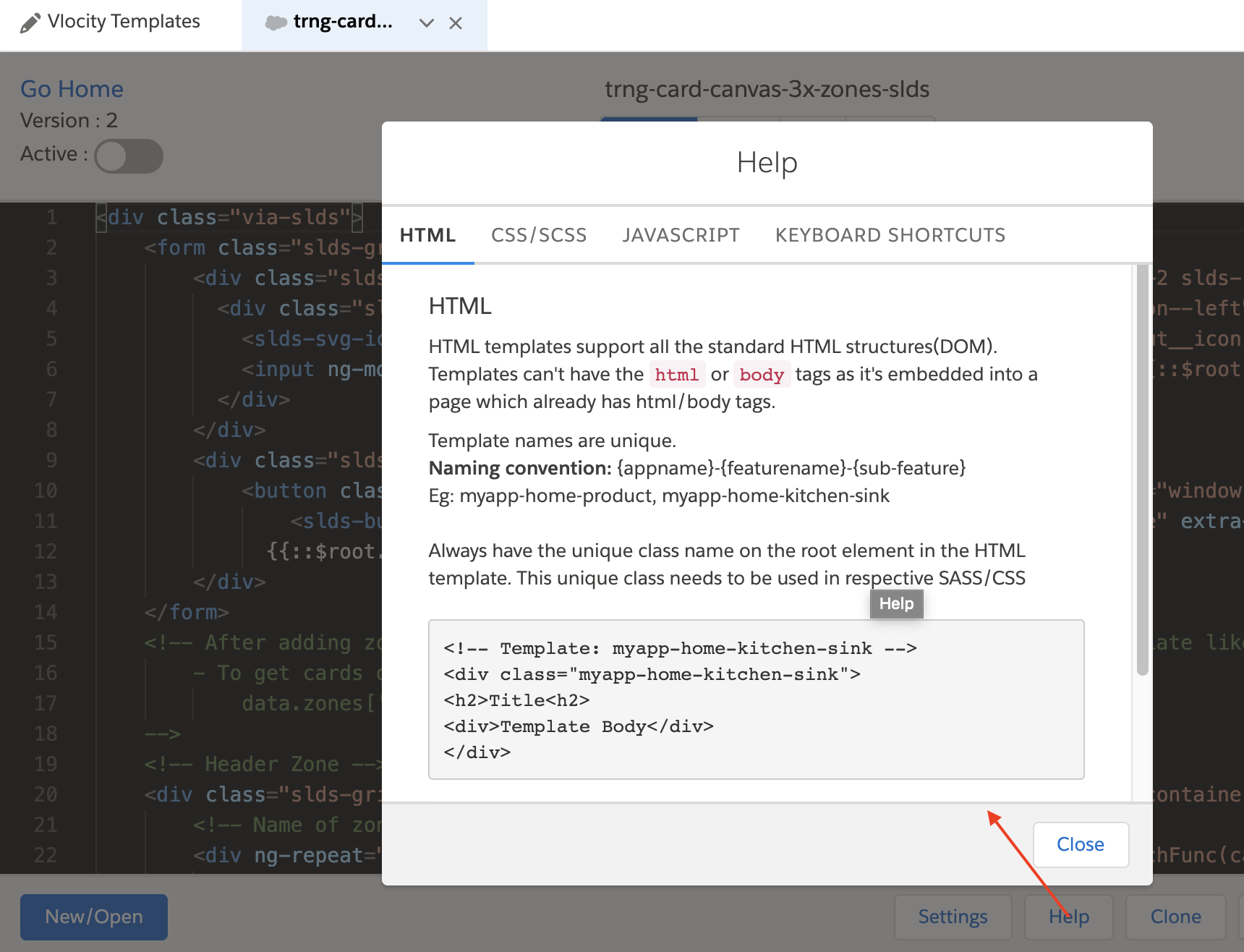
-
Learn how to use the code and shortcuts the Template Designer supports:
-
HTML: Learn how the Template Designer supports HTML.
-
CSS/SCSS: Learn how the Template Designer supports CSS and SASS.
-
JavaScript: Learn how the Template Designer supports AngularJS.
-
Keyboard Shortcuts: Learn what keyboard shortcuts are available for the Template Designer.
-