
For the managed package runtime, by default, a Flexcard loops through records returned from its data source. The Flexcard displays the list of records in containers called cards. For example, if a data source returns a list of active Cases for an Account, each card displays the Status, Priority, Subject, and any other data field or element added to a state.
 This information is for Omnistudio for Managed Packages. For Omnistudio on standard runtime, see Omnistudio Help.
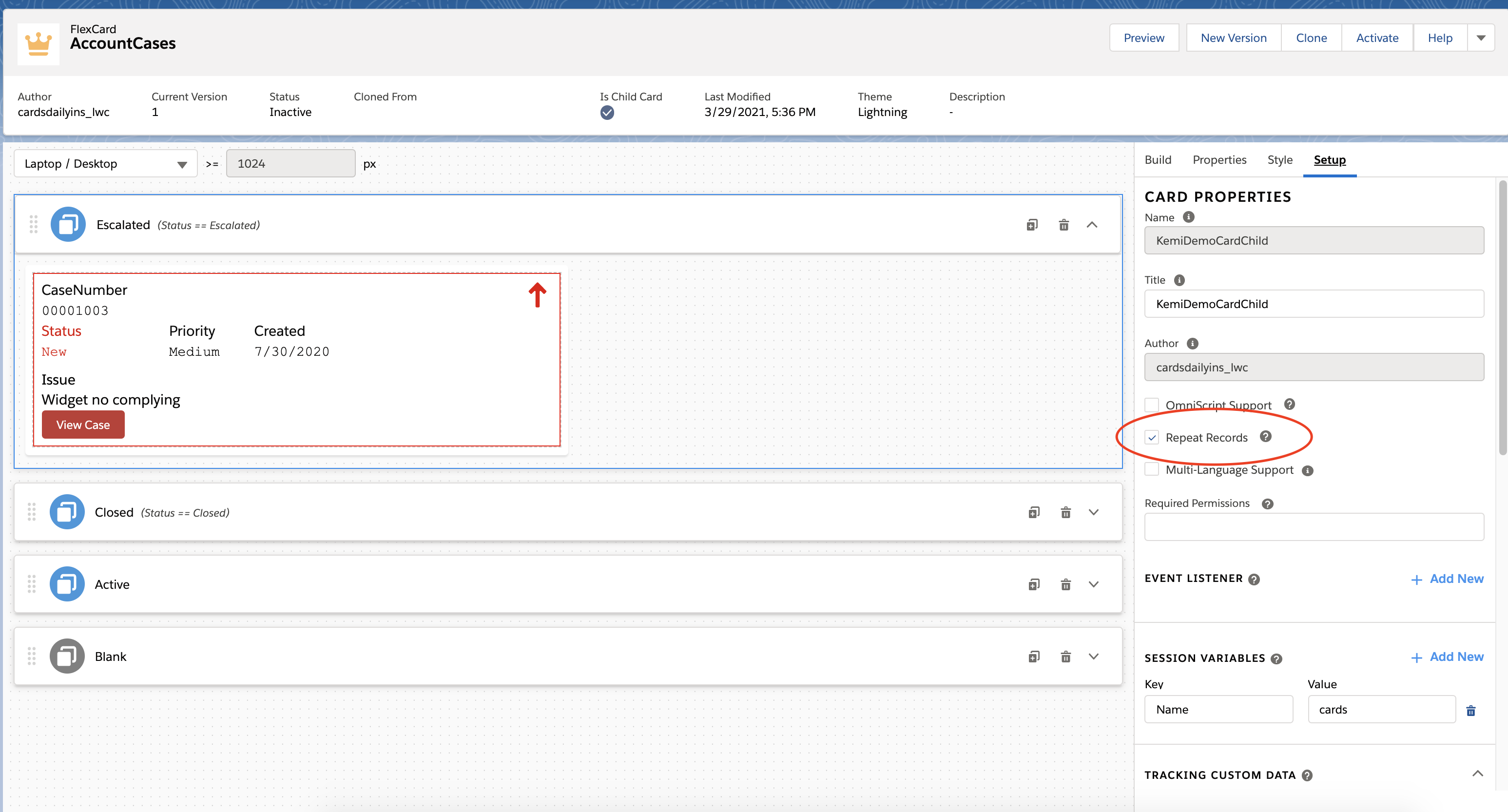
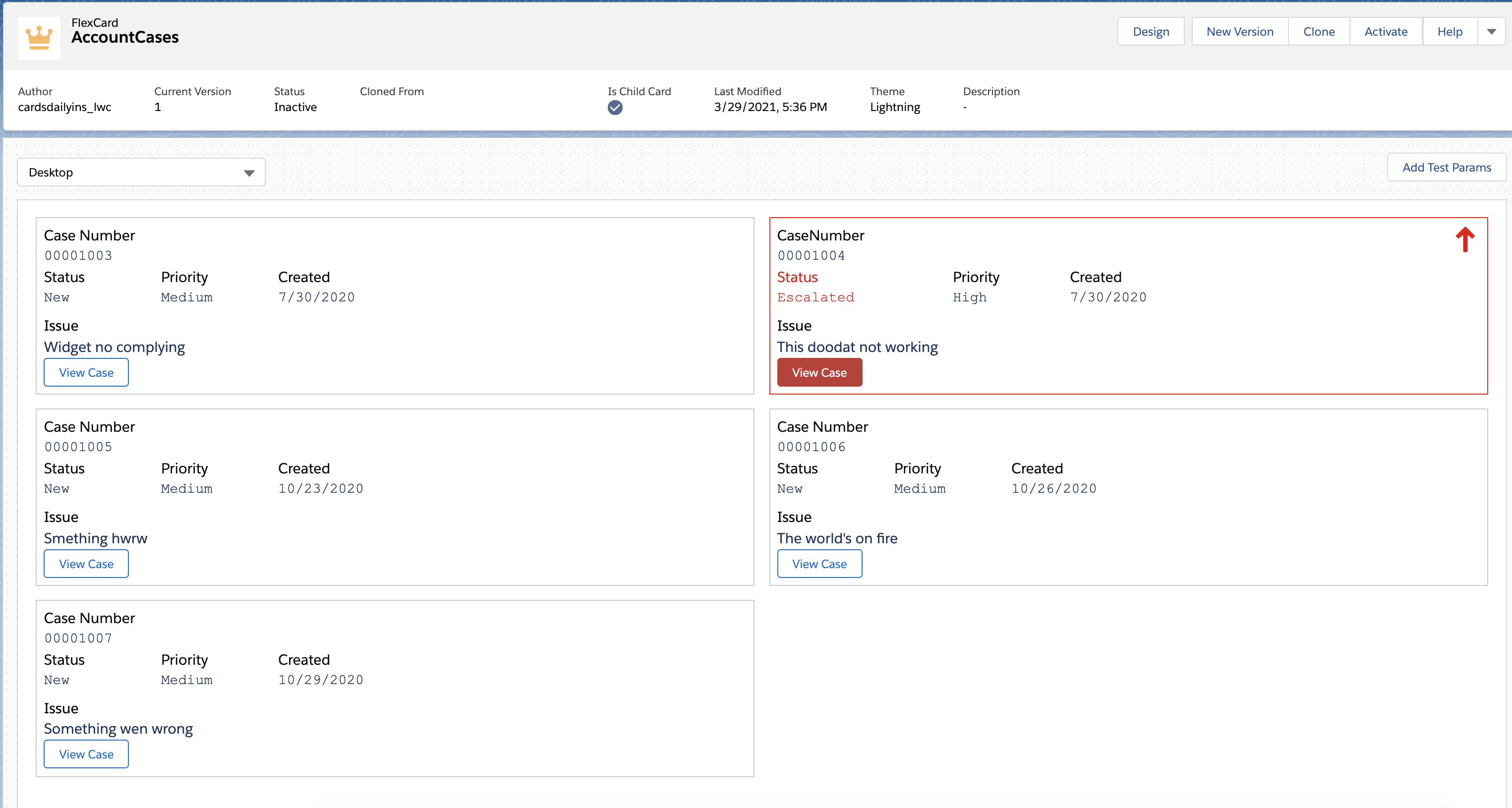
Improve the performance on rerendered elements when a Flexcard with repeating records updates. Only rerender the affected card record in the Flexcard component by entering a unique Render Key that identifies it. The Flexcard LWC uses the key to find which element in the Document Object Model (DOM), the rendered HTML, to update.
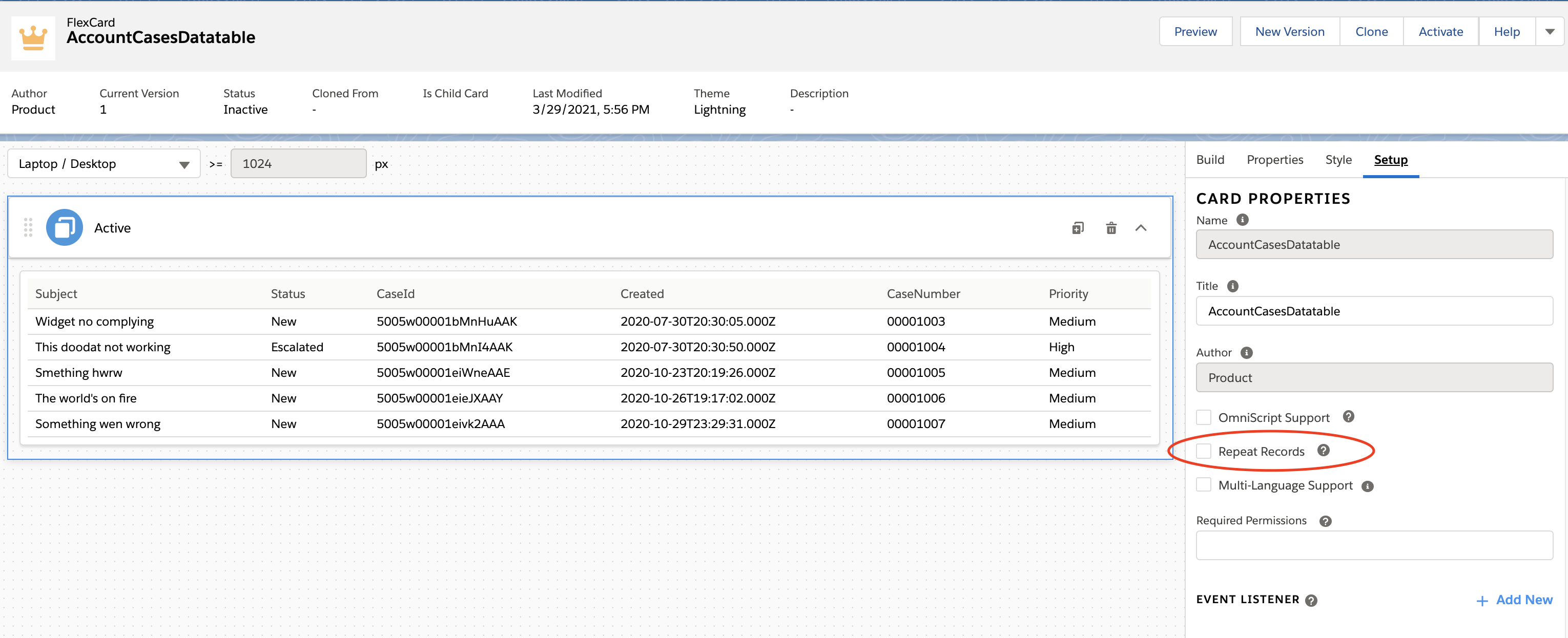
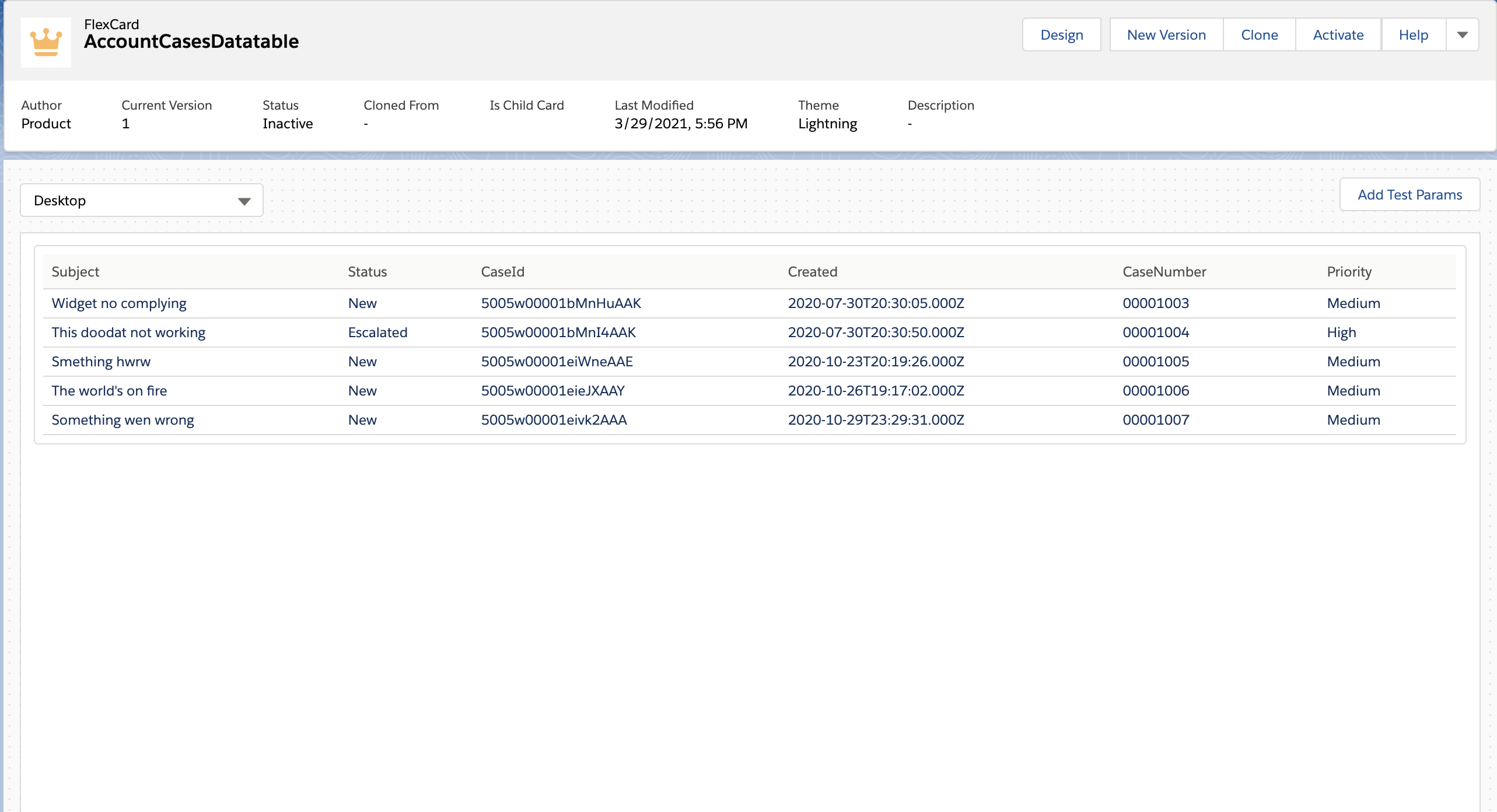
To display data that doesn't need repeating, disable the Repeat Records feature. For example, disable the feature to display a Chart element that displays data from multiple Accounts or a Datatable element that lists Account Cases.
Deselect Repeat Records only to make a Chart or Datatable display one record. For all other elements, Repeat Records is required for displaying even one record.
Repeatable Modes
This table displays how the Repeat Records feature works for an Active State and a Blank Card State when records are available and not available:
|
Enabled? |
Records Available? |
Active State |
Blank Card State |
|---|---|---|---|
|
Yes (default) |
Yes |
Show a card for each available record. |
Hidden |
|
Yes (default) |
Yes |
When a condition results in no records to show, this state is hidden. |
Show one card, such as to show an action link to create a record. |
|
Yes (default) |
No (or no Data Source) |
Hidden |
Show one card, such as to show an action link to create a record. |
|
No |
Yes |
Show one card with all available records inside it. For example, to display a Datatable, List, Chart, or a container, such as a Custom LWC or child Flex Card that uses the data source provided by its container. |
Hidden |
|
No |
Yes |
When a condition results in no records to show, this state is hidden. |
Show one card, such as to show an action link to create a record. |
|
No |
No (or no Data Source) |
Hidden |
Show one card, such as to show an action link to create a record. |
- Disable Record Looping on a Flexcard (Managed Package)
For the managed package runtime, to display data that doesn't need repeating in a Chart or Datatable, disable the Repeat Records feature. For example, disable the feature to display a Chart element that displays data from multiple Accounts or a Datatable element that lists Account Cases. - Improve Performance of Repeated Records on a Flexcard (Managed Package)
For the managed package runtime, improve the performance on rerendered elements when a Flexcard with repeating records updates. Only rerender the affected card record in the Flexcard component by entering a unique Render Key that identifies it. The Flexcard LWC uses the key to find which element in the Document Object Model (DOM), the rendered HTML, to update.