For the managed package runtime, update information on a card after making a change to an LWC Omniscript by passing an
event to the Omniscript in the URL parameter c__vlocEvents of an OS Action.
 This information is for Omnistudio for Managed Packages. For Omnistudio on standard runtime, see Omnistudio Help.
To refresh a card after an LWC Omniscript updates:
- Go to the Vlocity Cards tab, and open a card.
- From the Actions section of a card state, click Add OS Action and select the Action Options checkbox. To configure your OS Action, see Launching an LWC Omniscript from an OS Action on a Card (Managed Package).
-
Click Add Parameters:
-
Enter c__vlocEvents in the first input field.
-
Add componentName-reload in the second input field. Replace
componentNamewith the name of the card layout which must be in camelcase. For example, if your card layout name is accounts-campaigns-current, enter AccountsCampaignsCurrent-reload.
-
-
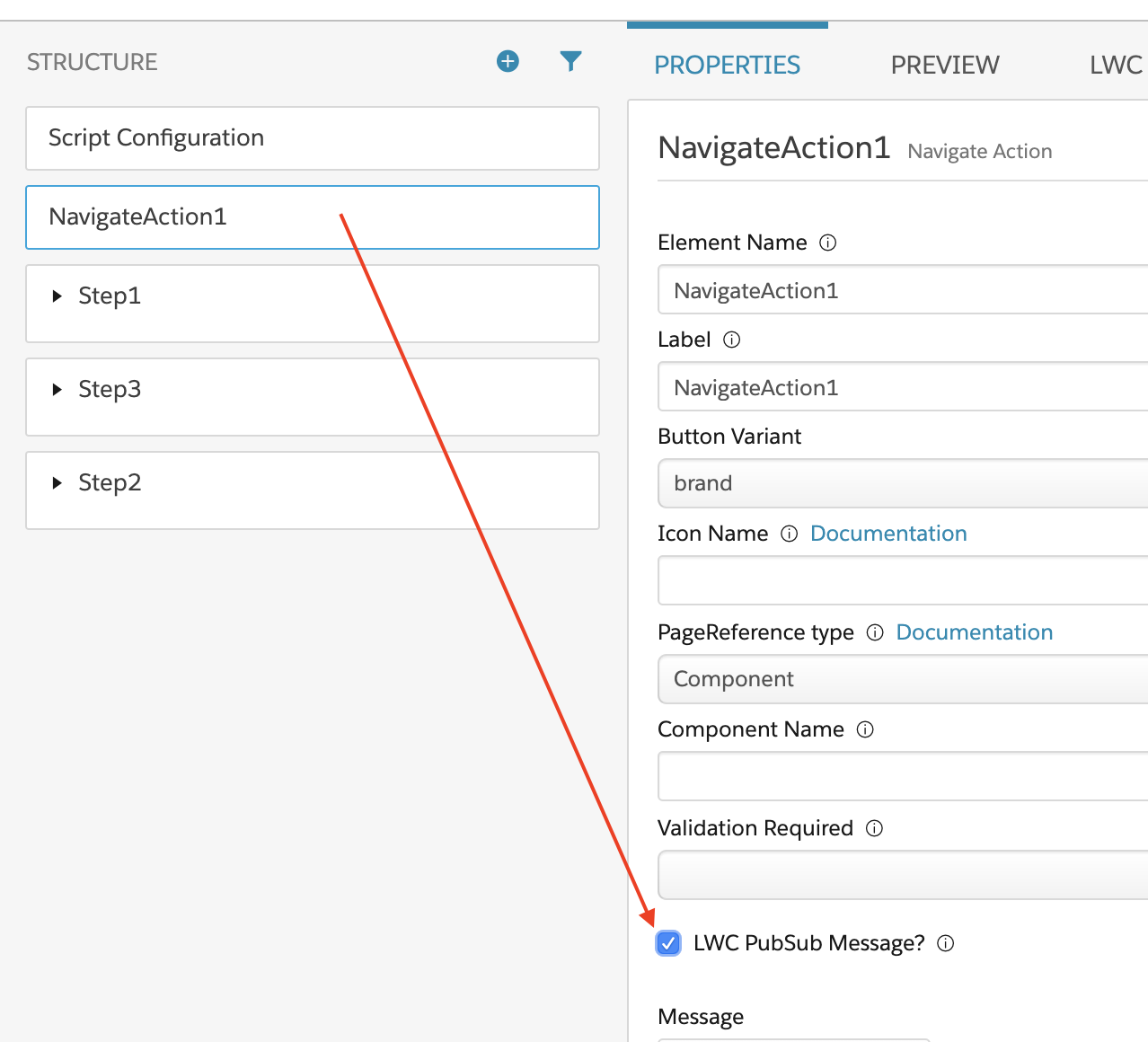
The Navigate Action element in your Omniscript must have
the checkbox property LWC PubSub Message? enabled to fire the
event. For more information on the Navigate Action, see See Navigate Action (Managed Package).