
For the managed package runtime, configure a Platform Event data source to enable apps to communicate inside and outside of Salesforce.
 This information is for Omnistudio for Managed Packages. For Omnistudio on standard runtime, see Omnistudio Help.
Platform Events are part of Salesforce’s enterprise messaging platform. A Platform Event combines PushTopic and Streaming Channel. Instead of working with an sObject, Platform Events work with custom objects.
-
Systems in request-response communication models make a request to a web service or database to obtain information about a certain state.
-
An event-based model obtains information and can react to it in near real time when the event occurs.
-
Event producers don’t know the consumers that receive the events. Any number of consumers can receive and react to the same events.
-
The only dependency between producers and consumers is the semantic of the message content.
-
Unlike with an sObject, you can’t update or delete event records. You also can’t view event records in the Salesforce user interface, and Platform Events do not have page layouts.
The architecture is suitable for large distributed systems because it decouples event producers from event consumers, thereby simplifying the communication model in connected systems.
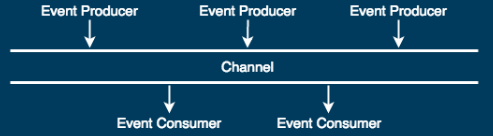
For details, see Delivering Custom Notifications with Platform Events in the Salesforce Help.
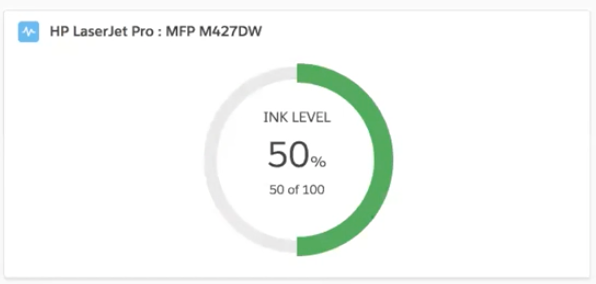
For example, you might create a Card that uses a Platform Event as a data source to display the current ink level for a printer. You must first create your Platform event. To see a detailed demo, see End-to-End Example: Printer Supply Automation in the Salesforce Help.
- Configuring a Platform Event Data Source (Managed Package)
For the managed package runtime, configure a Platform Event data source to enable apps to communicate inside and outside of Salesforce.