
For the managed package runtime, this page contains a table explaining the available Omniscript elements listed under the Groups section.
 This information is for Omnistudio for Managed Packages. For Omnistudio on standard runtime, see Omnistudio Help.
|
Element Name |
Element Description |
Templates |
Example |
Example Image |
|---|---|---|---|---|
|
Block |
The Block element groups elements inside of a Step component into a manageable structure. |
vlcBlock.html |
Lightning Block: 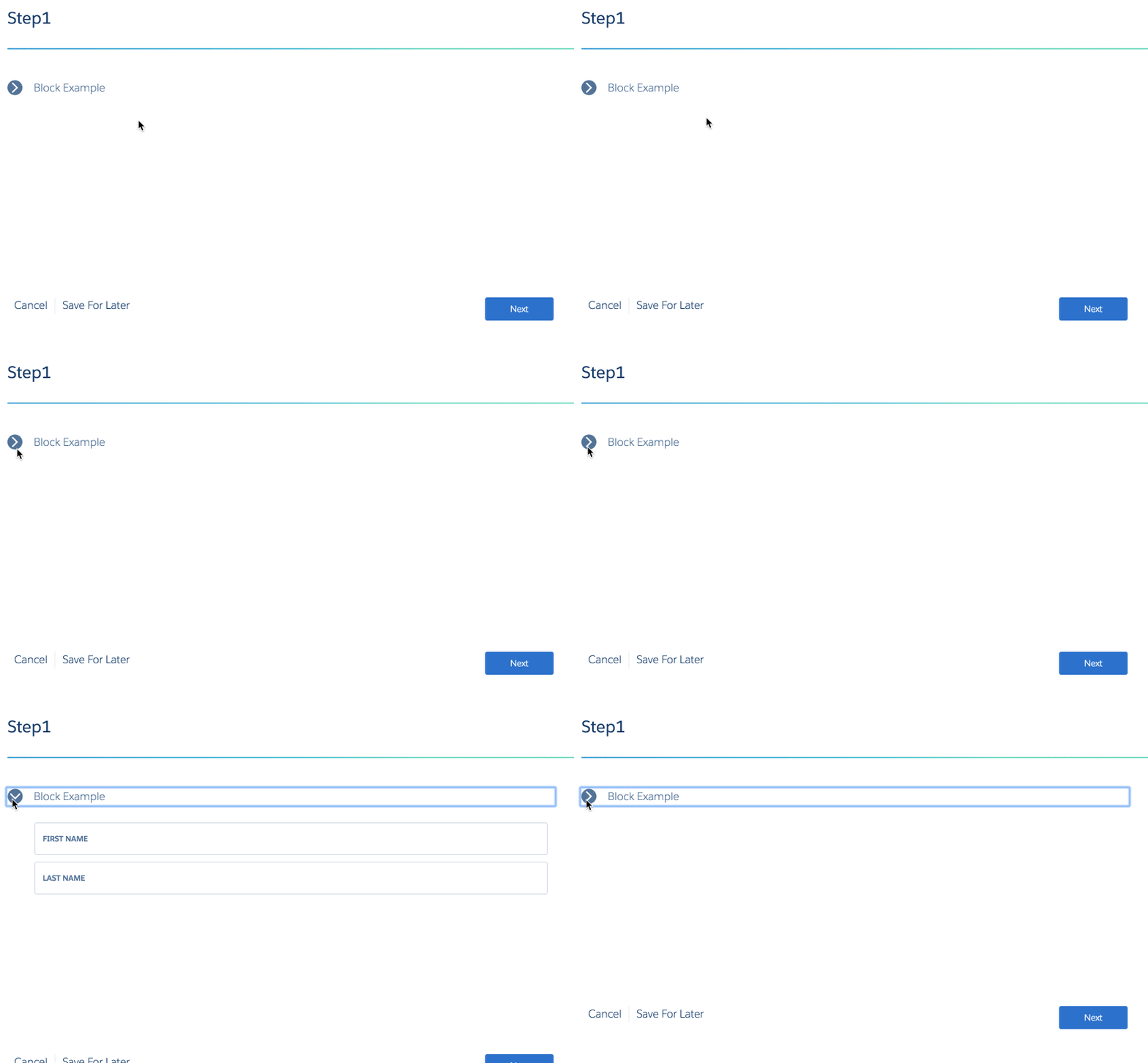 Newport Block: 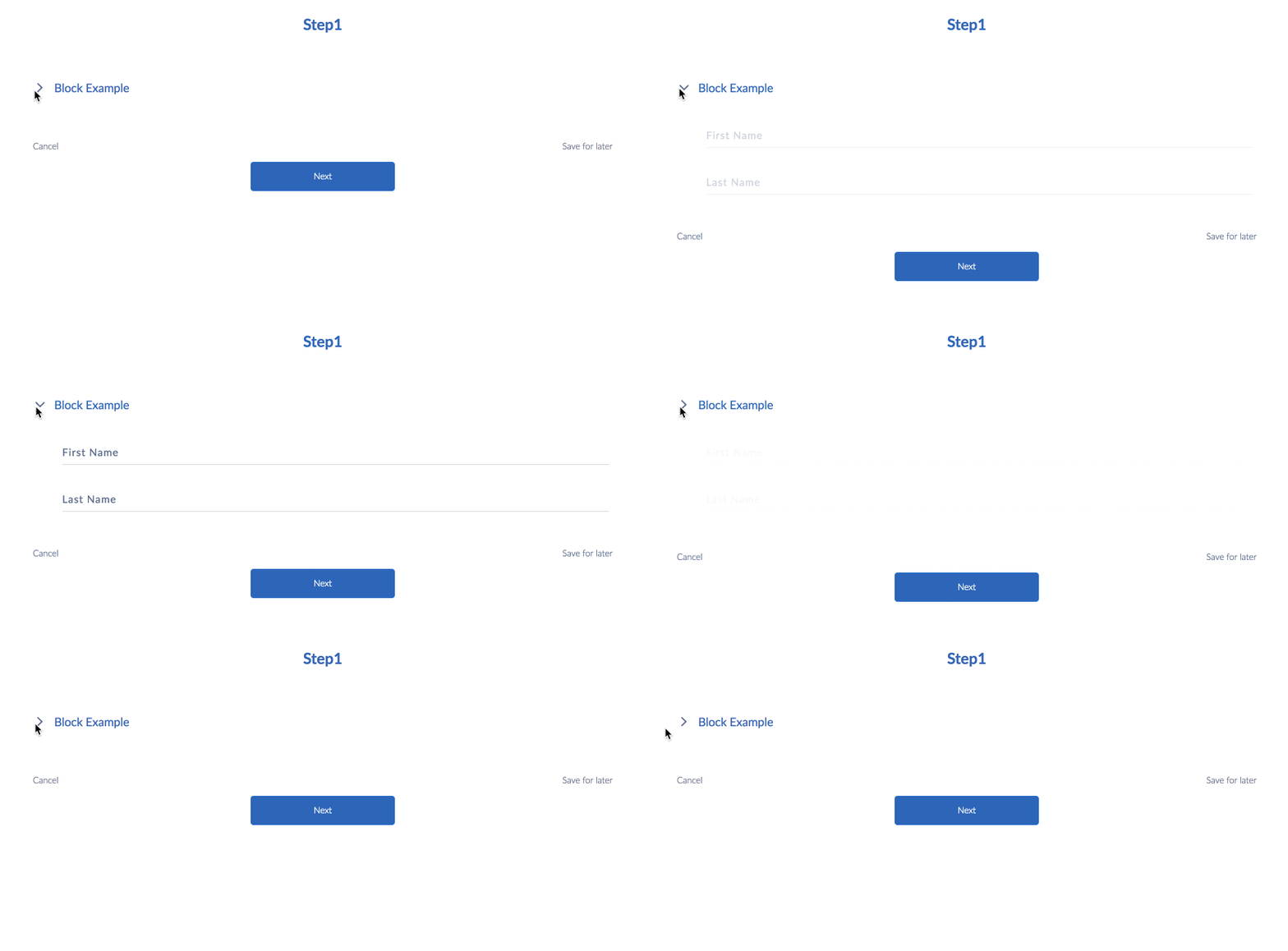 |
|
|
Edit Block |
The Edit Block element groups together inputs to allow users to add, edit, and delete records. |
vlcEditBlock.html vlcEditBlockCards.html vlcEditBlockFS.html (provides an additional "Sum element" property) vlcEditBlockInline.html vlcEditBlockLongCards.html |
||
|
Filter Block |
The Filter Block is the container that holds Filters. |
vlcFilterBlock.html |
n/a |
n/a |
|
Input Block |
The Input Block acts as a placeholder for a custom template. |
vlcInputBlock.html |
n/a |
n/a |
|
Radio Group |
The Radio Group element allows users to quickly answer a large volume of multiple choice questions in one step. |
vlcRadioGroup.html |
Lightning Radio Group: 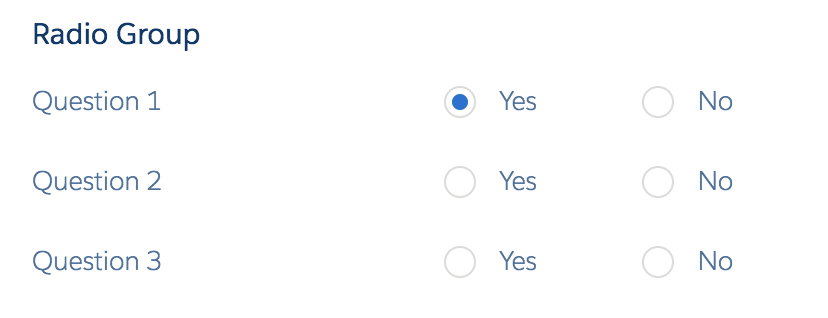 Newport Radio Group: 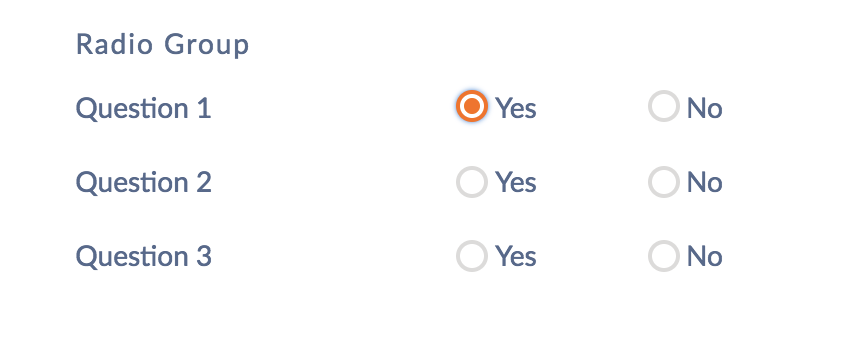 |
|
|
Selectable Items |
The Selectable Items component uses an array to populate a list of selectable items. |
vlcSelectableItemsV2.html vlcAssetList.html vlcSmallItemsV2.html vlcPaymentList.html |
n/a |
vlcSelectableItemsV2.html: 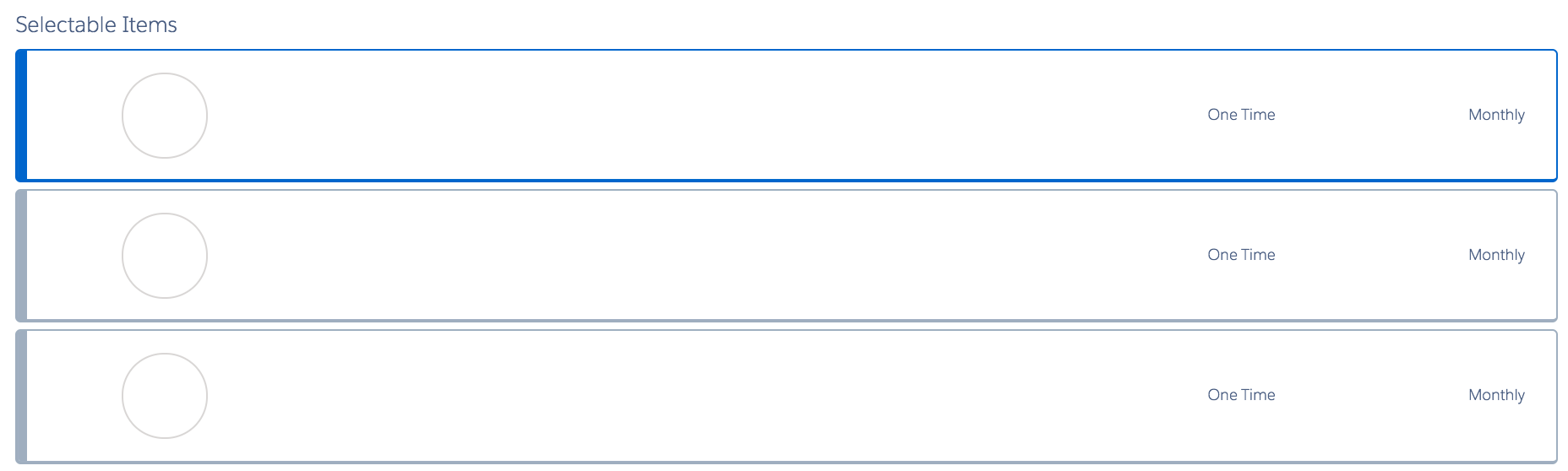 vlcAssetList.html:  vlcSmallItemsV2.html: 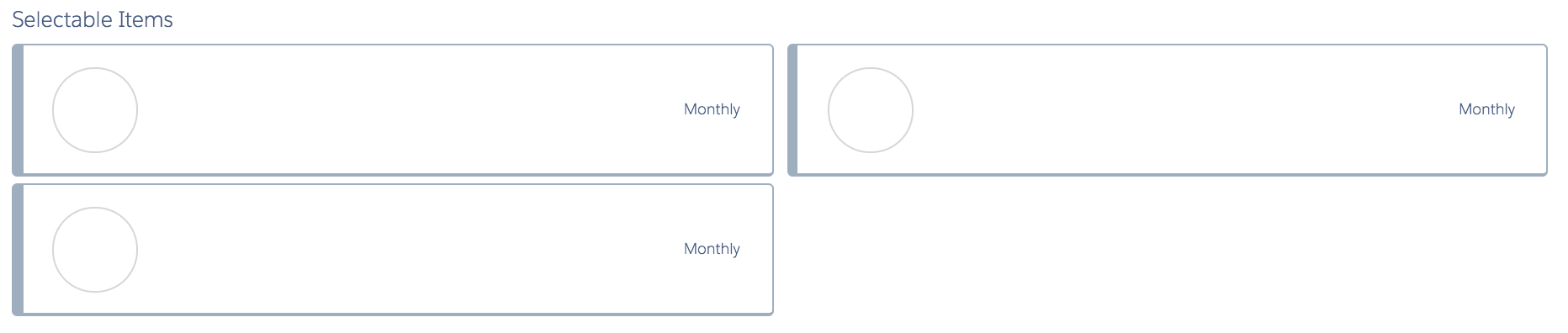 |
|
Step |
The Step element divides the Omniscript into different sections. |
vlcStep.html |
Lightning Step: 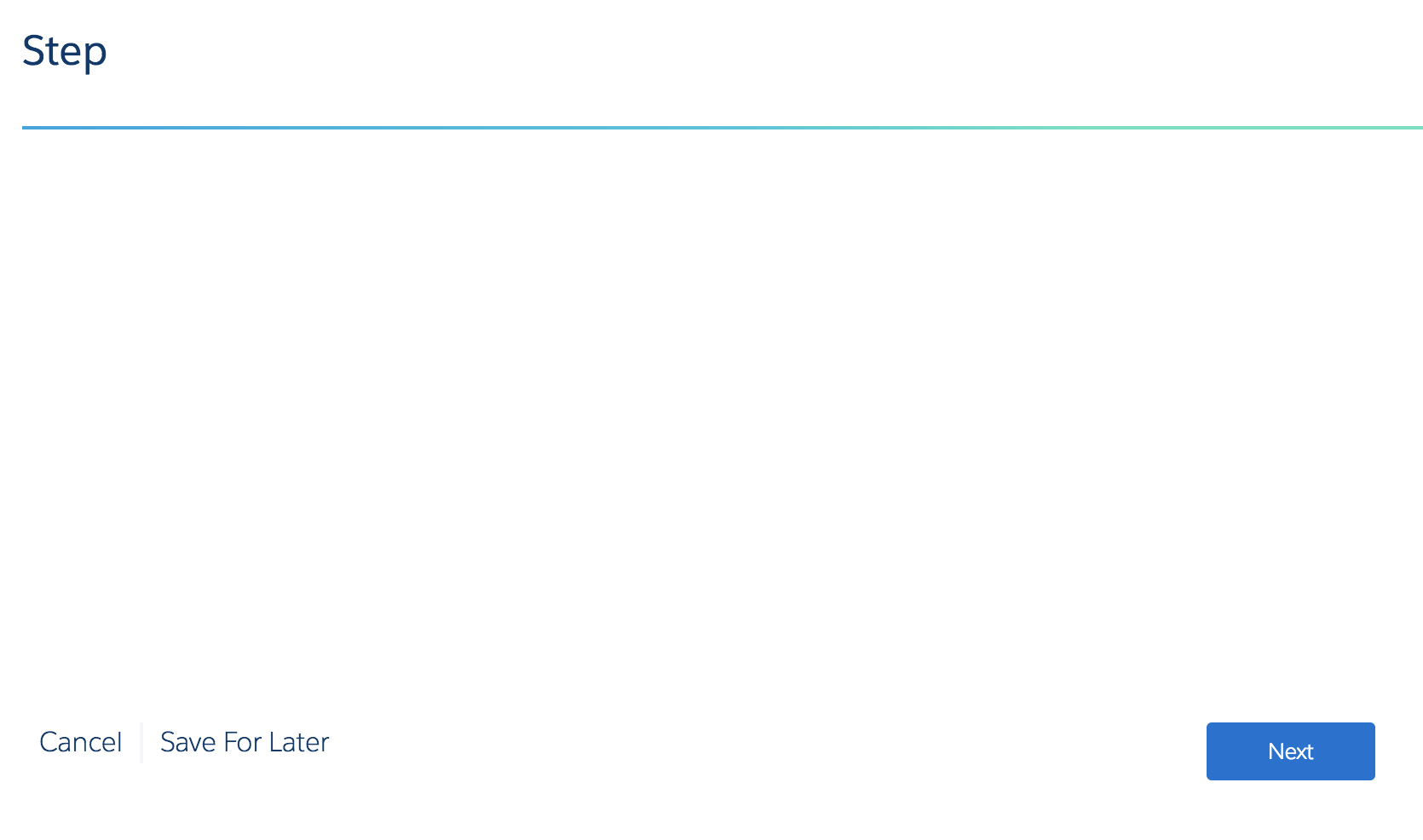 Newport Step: 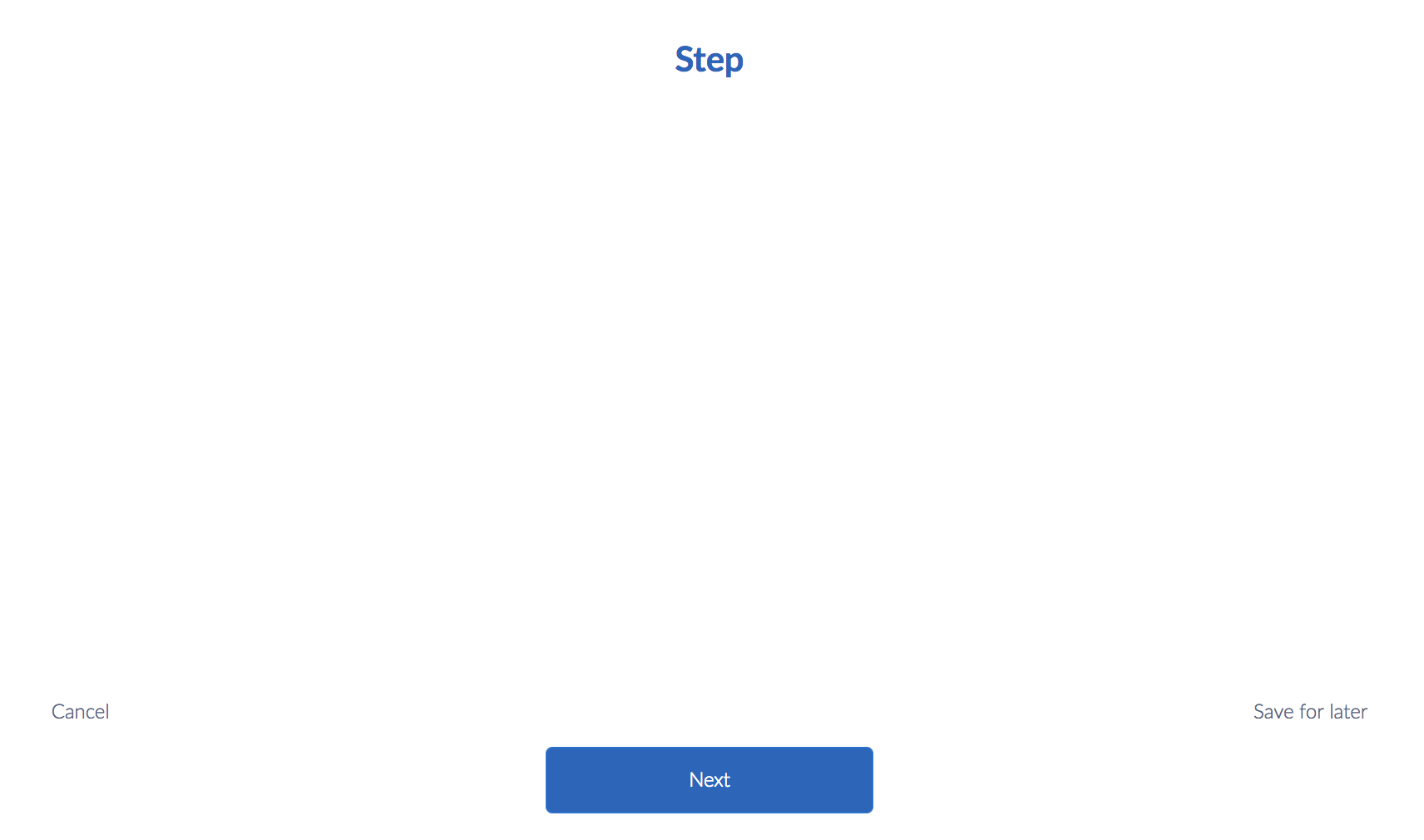 |
|
|
Type Ahead Block |
The Type Ahead Block displays as a text input field; the field auto completes results based on the user's input. |
vlcTypeAheadBlock.html |
Lightning Type Ahead: 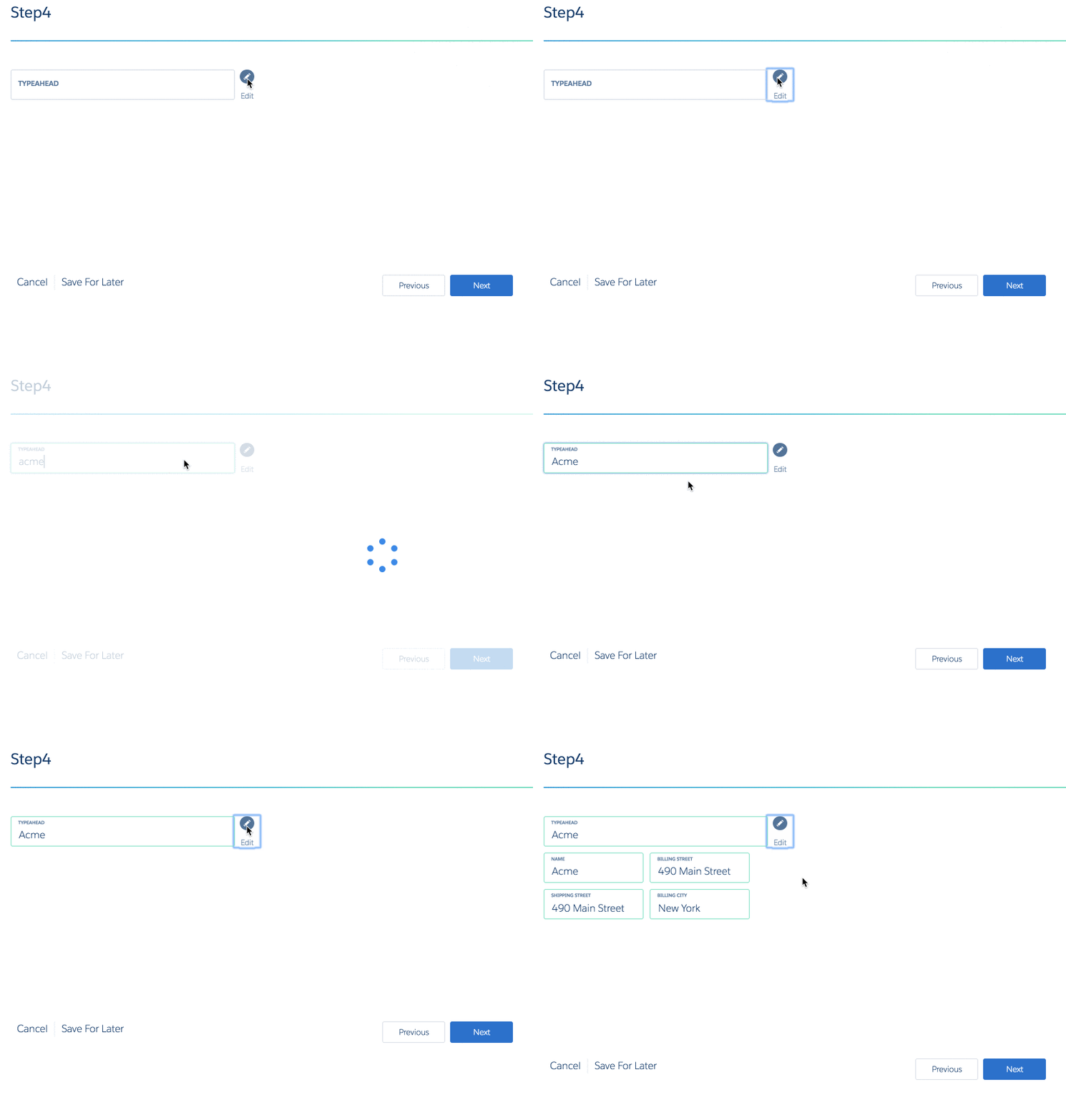 Newport Type Ahead: 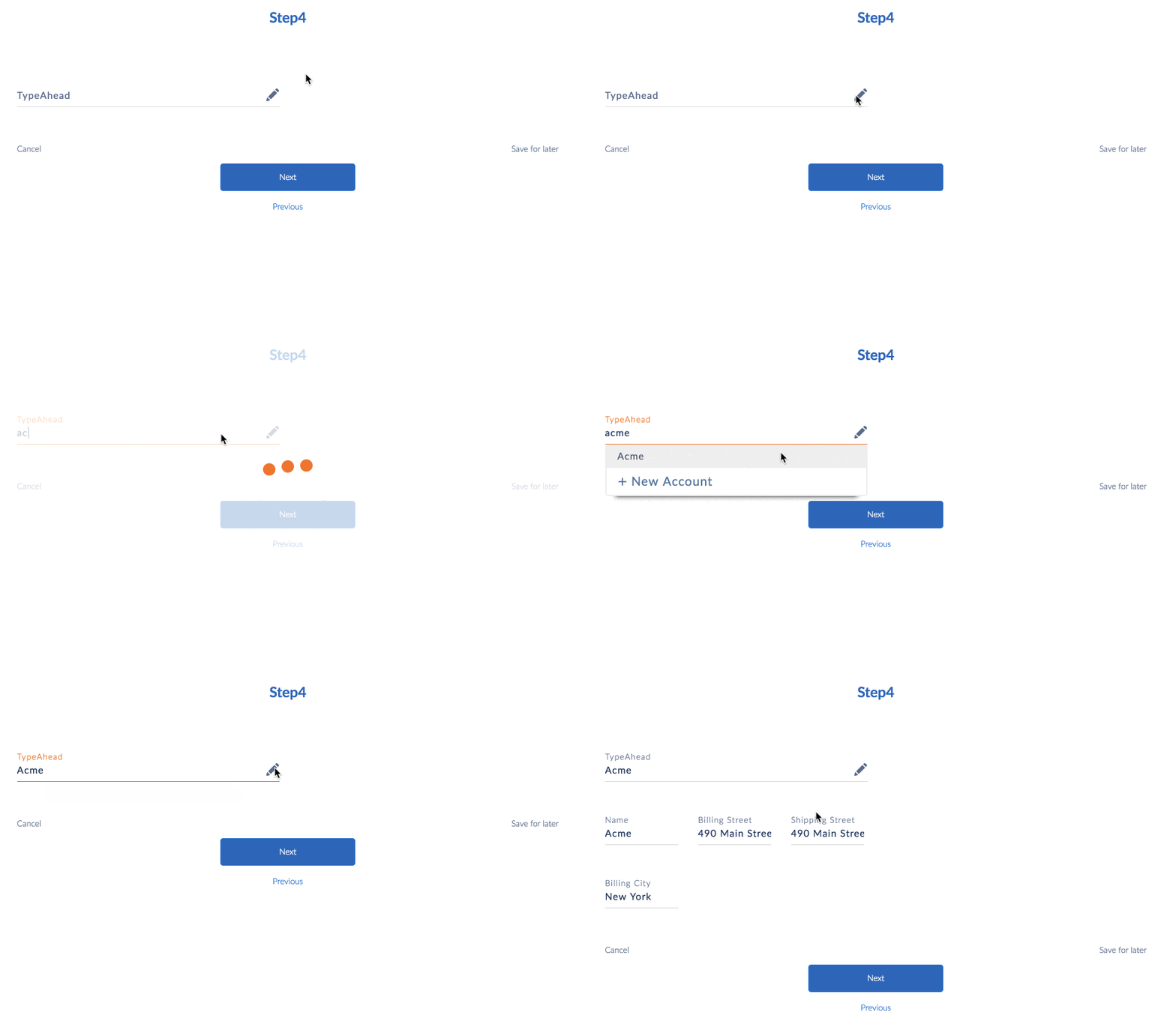 |
- Action Block (Managed Package)
For the managed package runtime, run multiple Omniscript Actions asynchronously by grouping them in an Action Block. Actions within the Action Block run in parallel and inherit the Action Block's settings. - Block (Managed Package)
For the managed package runtime, combine logical groups of elements in an Omniscript Step using a Block element. - Edit Block (Managed Package)
For the managed package runtime, create, edit, and delete multiple Salesforce or external records on one page by using an Edit Block. For example, if you're collecting an Account's Contact information, you can add an Edit Block to your Omniscript to enable users to add a record for each Contact. - Radio Group (Managed Package)
For the managed package runtime, Omniscript's Radio Group enables you to create and display questions in a questionnaire format. - Steps (Managed Package)
For the managed package runtime, each Step element in an Omniscript presents a page to the user that prompts for input or displays information. For navigation, all Steps except the first have a Next button, and all except the last have a Previous button. - Type Ahead Block (Managed Package)
For the managed package runtime, display a list of results when a user begins typing in an input field by using the Type Ahead Block. When a user selects a record, the Type Ahead Block can retrieve additional information related to the record. For example, a Type Ahead Block can be used with an Omnistudio Data Mapper to list Accounts in the results.