
For the managed package runtime, this page contains a table explaining the available Omniscript elements listed under the Function section.
 This information is for Omnistudio for Managed Packages. For Omnistudio on standard runtime, see Omnistudio Help.
|
Element Name |
Element Description |
Template |
Example |
Example Image |
|---|---|---|---|---|
|
Aggregate |
The Aggregate element provides a variety of functions for aggregation. Unlike the Formula component, the Aggregate component expects input in the form of an array. |
vlcFormula.html |
Lightning Aggregate: 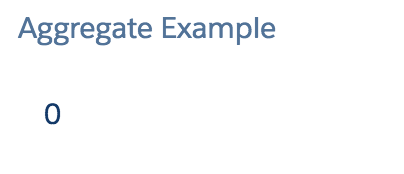 Newport Aggregate: 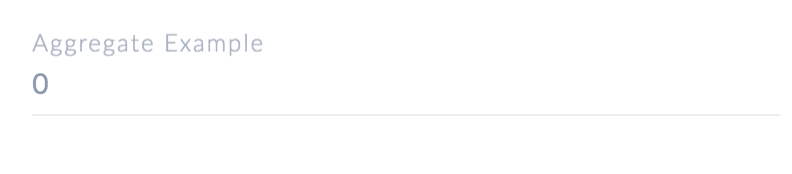 |
|
|
Formula |
The Formula element performs calculations that require complex operations. |
vlcFormula.htm |
Lightning Formula: 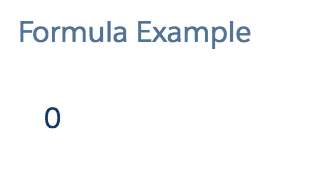 Newport Formula:  |
|
|
Geolocation |
The Geolocation element records the geographical location of a person when it is clicked by the User. |
vlcGeolocation.html |
Geolocation: 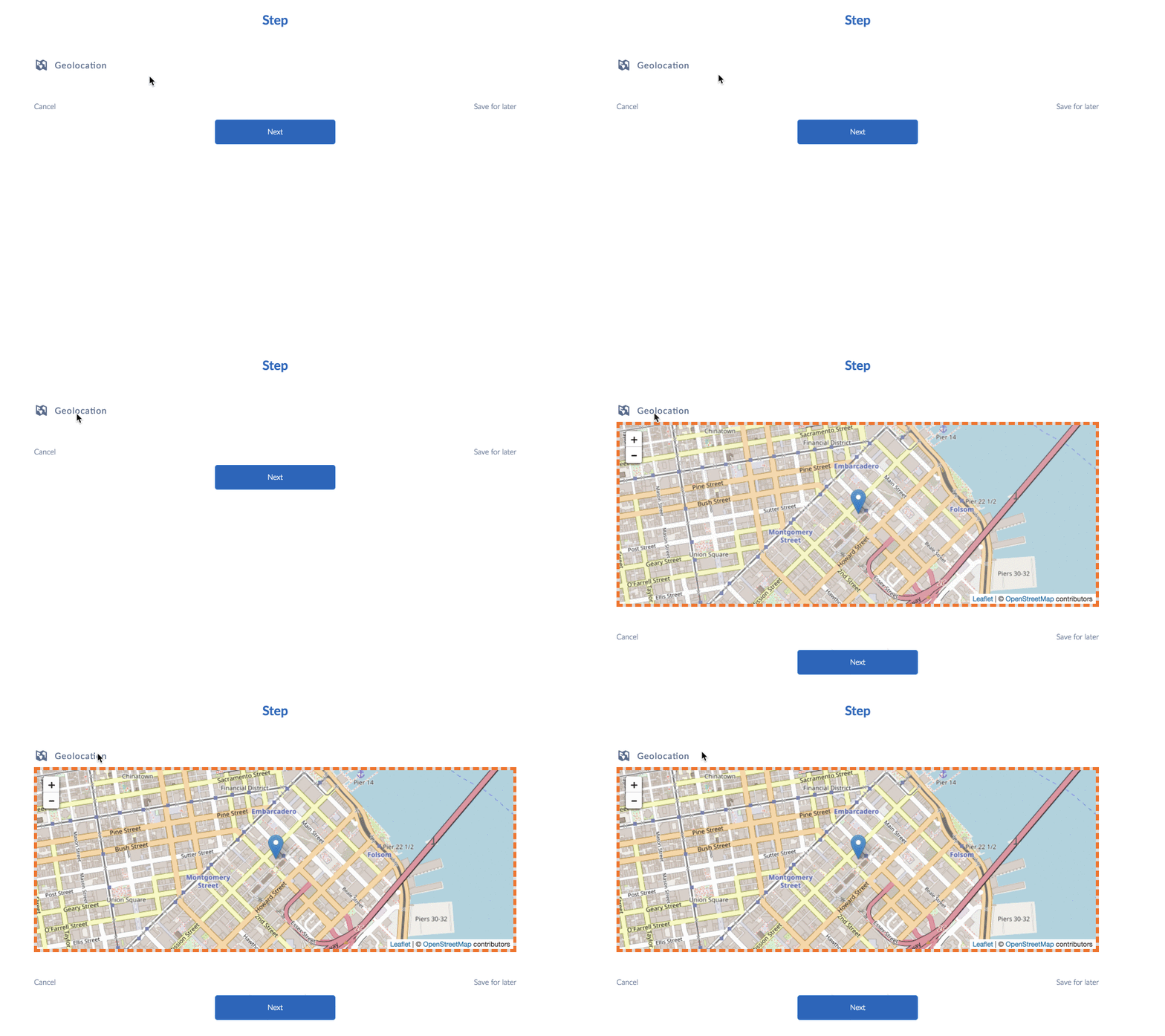 |
Lightning Geolocation: 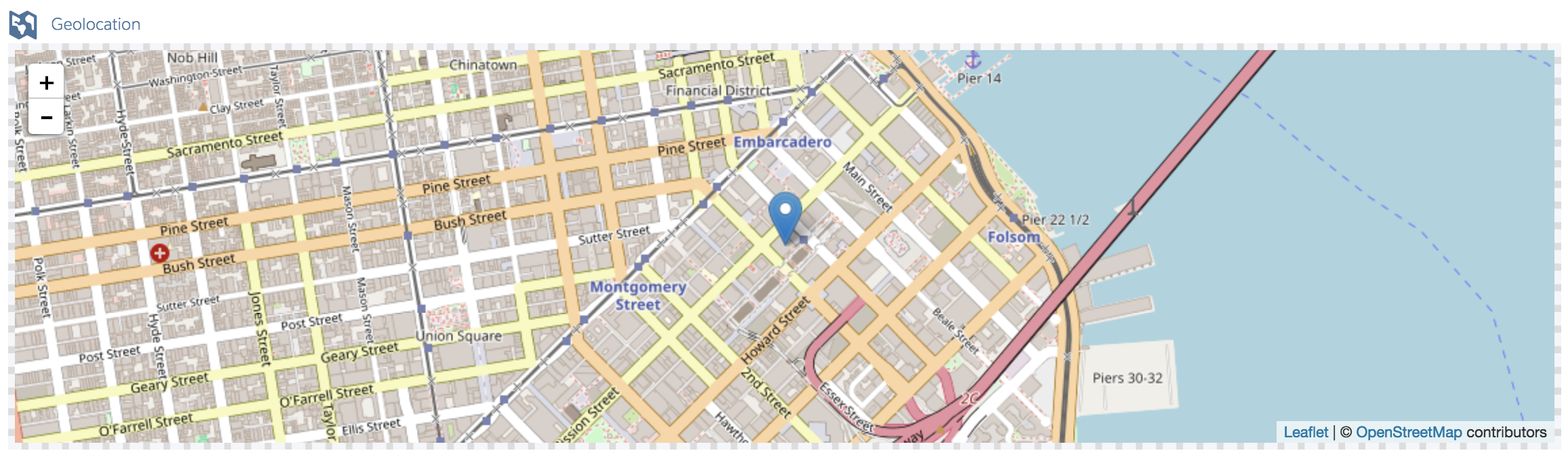 Newport Geolocation: 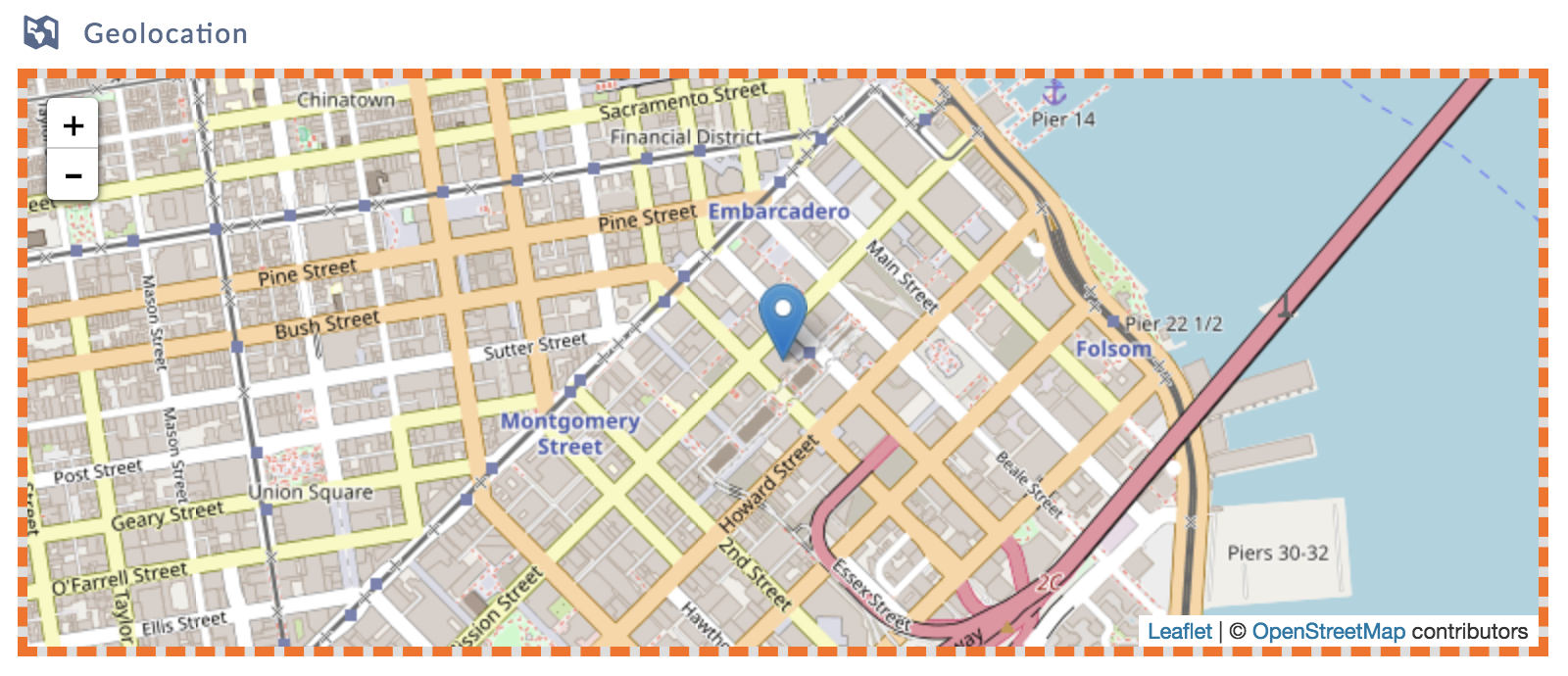 |
|
Messaging |
The Messaging element displays comments, requirements, success, and warning messaging depending on whether the validate expression is true or false. |
vlcValidation.html |
To view the different Message types, see Displaying Messaging in Omniscripts. |