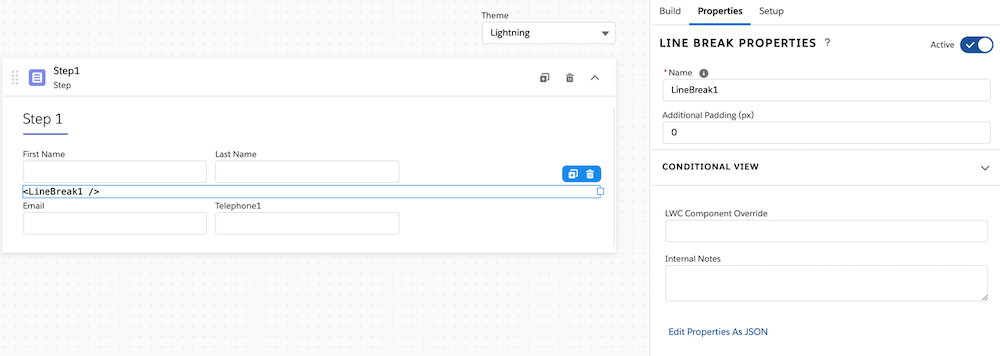
For the managed package runtime, the Line Break element creates a line break in the Omniscript wherever it exists. Elements placed after a line break start on the next line regardless of another element's width. Place the Line break element directly above the element that should begin on a new line.
 This information is for Omnistudio for Managed Packages. For Omnistudio on standard runtime, see Omnistudio Help.
- Drag the element into the Omniscript canvas.
- When editing the Line Break's element properties, you can add additional padding below the line break by entering a value in Additional Padding (px).