
For the managed package runtime, using the Action toolbar, you can launch a single Omniscript from a variety of contexts without configuring a Visualforce page for each context. For example, you can launch an Omniscript from a Contact, Account, Case record, or Customer Community, using a single Visualforce page.
 This information is for Omnistudio for Managed Packages. For Omnistudio on standard runtime, see Omnistudio Help.

Beginning with Winter '18, the Action Toolbar is no longer available.
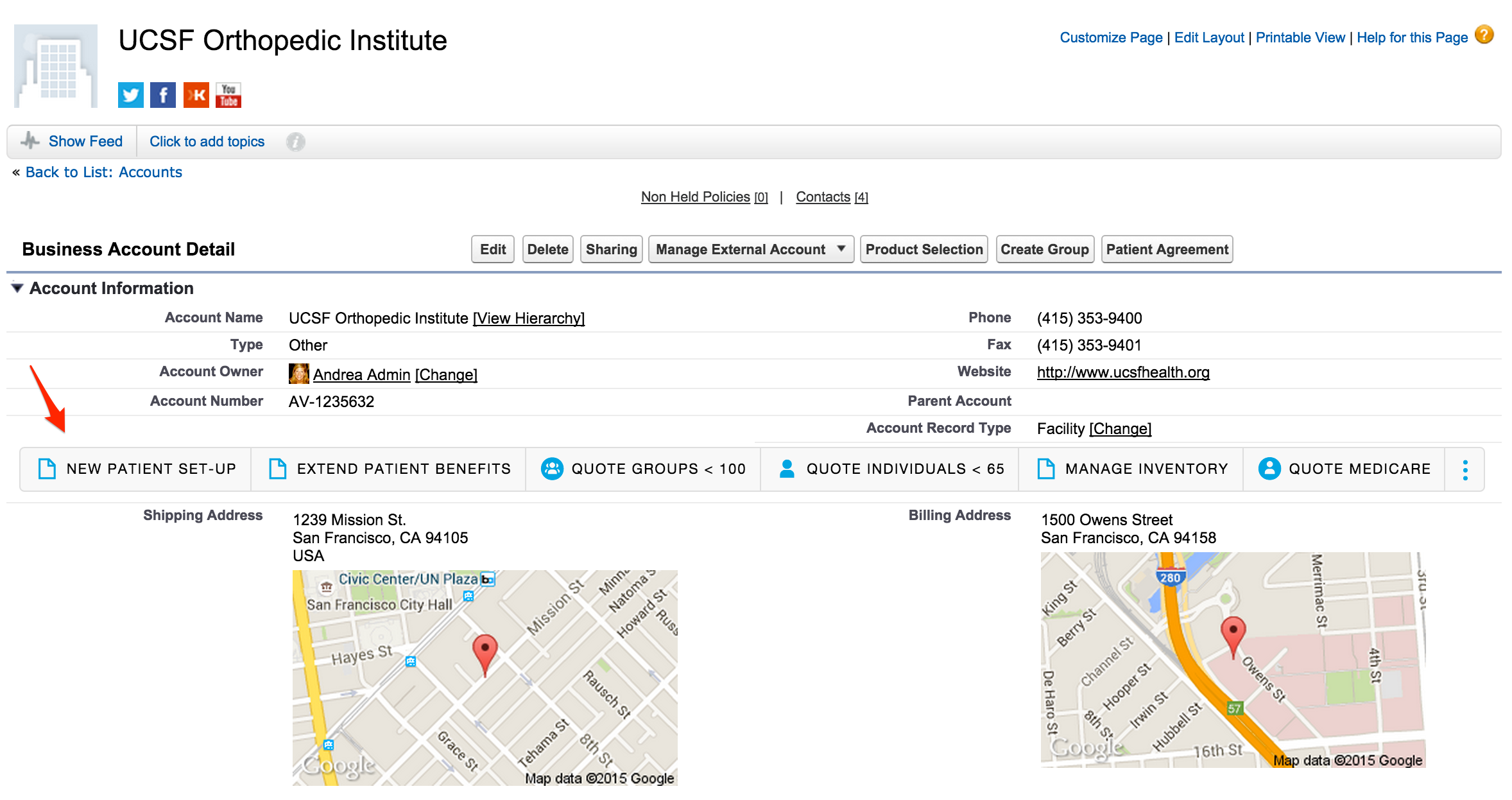
In addition, you can apply filters so that the Omniscript is available only if certain conditions are met. For example, an Insurance Omniscript called Add a Driver can be available on an Auto Policy record type, but not on any other policy record types, or only a certain user profile can see an action.
- Target URL and URL Parameters (Managed Package)
For the managed package runtime, to launch Vlocity Omniscripts, Vlocity Cards components, web pages, or external applications from a Vlocity Action, enter an Apex page, or a URL with parameters as the Target URL. LWC components, such as LWC Omniscripts, LWC Cards, and Flexcards, are not URL addressable and so can't be accessed directly from a URL and must embedded on a page. - Create a Visualforce Page to Display the Action Toolbar (Managed Package)
For the managed package runtime, visualforce Page to Display the Action Toolbar on the Home Page - Action Toolbar Style Types (Managed Package)
For the managed package runtime, this page lists and displays images of Action Toolbar style types.