
For the managed package runtime, map nested custom Lightning web components in your Omniscript to include them in your OmniOut project. Lightning web components that override or map to an Omniscript element are automatically downloaded with the off-platform Omniscript LWC.
 This information is for Omnistudio for Managed Packages. For Omnistudio on standard runtime, see Omnistudio Help.
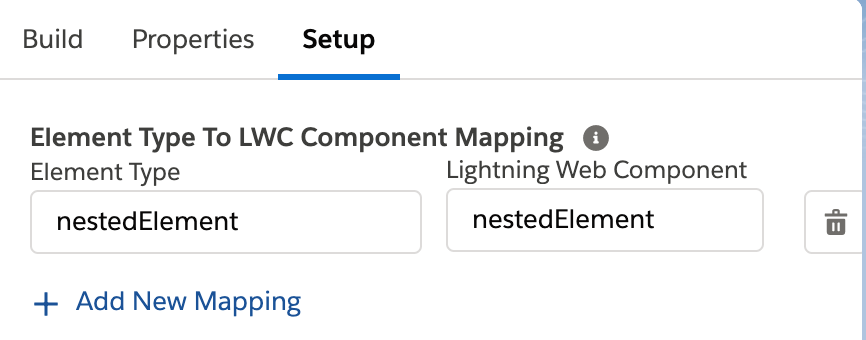
Nested custom Lightning web components referenced by a custom Lightning web component in the Omniscript aren’t included by default. To include nested custom LWCs, map them to a dummy element in the Element Type To LWC Component Mapping section.
- From Omniscript Setup, scroll to the Element Type To LWC Component Mapping section.
- In the Element Type field, enter a fake element type. For example, nestedElement.
-
In the Lightning Web Component field, enter the name of
your nested custom Lightning web component. For example,
nestedElement.
- Save and Activate your Omniscript.