
For the managed package runtime, for the DefaultRequiredPermission setting to work, you must implement the VlocityRequiredPermissionCheck class manually because Salesforce handles classes in managed and unmanaged packages differently. This class doesn't work properly if it's included in the managed package.
 This information is for Omnistudio for Managed Packages. For Omnistudio on standard runtime, see Omnistudio Help.

If you're using Omnistudio Spring '22 or greater, and the Managed Package Runtime is set to Disabled, you don't have to implement this class.
For DefaultRequiredPermission details, see Omnistudio Data Mapper and Integration Procedure Security Settings (Managed Package).
- From Setup, in the Quick Find box, type apex.
- Click Apex Classes.
-
Click New.
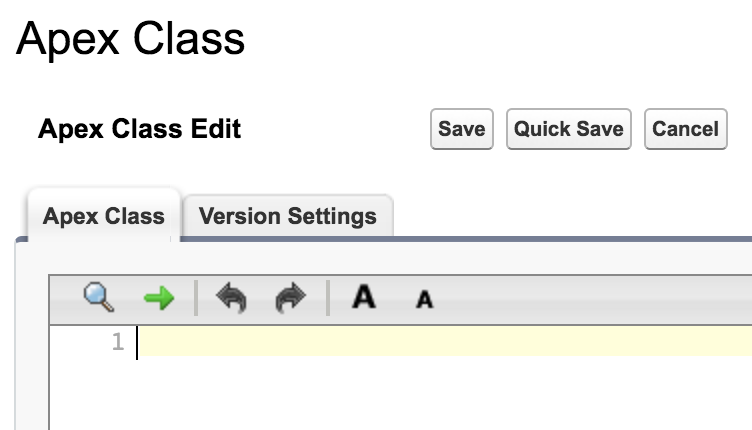
-
Enter the following Apex code in the Apex Class tab:
global class VlocityRequiredPermissionCheck implements Callable { global Boolean call(String action, Map<String, Object> args) { if (action == 'checkPermission') { return checkPermission((String)args.get('requiredPermission')); } return false; } private Boolean checkPermission(String requiredPermission) { Boolean hasCustomPermission = false; List<String> customPermissionsName = requiredPermission.split(','); for (String permissionName : customPermissionsName) { Boolean hasPermission = FeatureManagement.checkPermission(permissionName.normalizeSpace()); if (hasPermission == true) { hasCustomPermission = true; break; } } return hasCustomPermission; } } - Click Save.