For the managed package runtime, flyout templates enable users to view information or access additional actions for the current record or a child record. To create a flyout layout template, see Creating a Flyout.
 This information is for Omnistudio for Managed Packages. For Omnistudio on standard runtime, see Omnistudio Help.
To apply an LWC flyout template:
- In the Layout pane of a Vlocity Card, ensure the Type is set to Flyout.
-
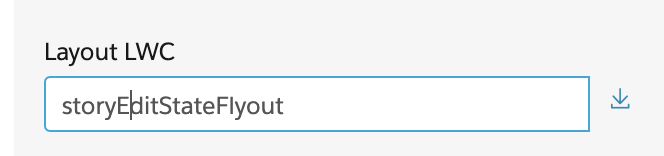
Enter a layout name in the Layout LWC field:
Card Template Description Template Preview Compatible Card Layout Templates storyEditStateFlyout Displays the parent story item edit fields in a Lightning form. 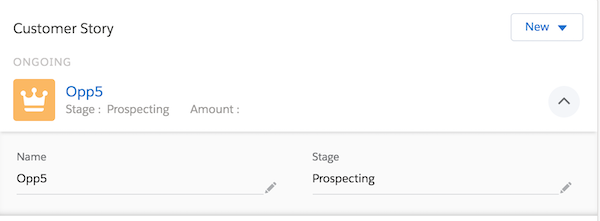
storyCardCanvas