For the managed package runtime, when you use a Formula element within a repeatable block, review guidelines and examples for accessing data within or outside the same repeatable block.
 This information is for Omnistudio for Managed Packages. For Omnistudio on standard runtime, see Omnistudio Help.
Guidelines
Within a repeatable block containing a Formula element, access the data in another element by referencing the element in the Formula element’s Expression property. Use these guidelines:
| Location of Data | How to Access the Data |
|---|---|
| Different element inside the same repeatable block |
In the Expression property of the Formula element, enter When the Omniscript runs, it accesses only the elements in the current block. |
| Different repeatable block | In the Expression property of the Formula element, enter BlockName|1:ElementName (where the number
after BlockName| is the block’s count
in the Omniscript). |

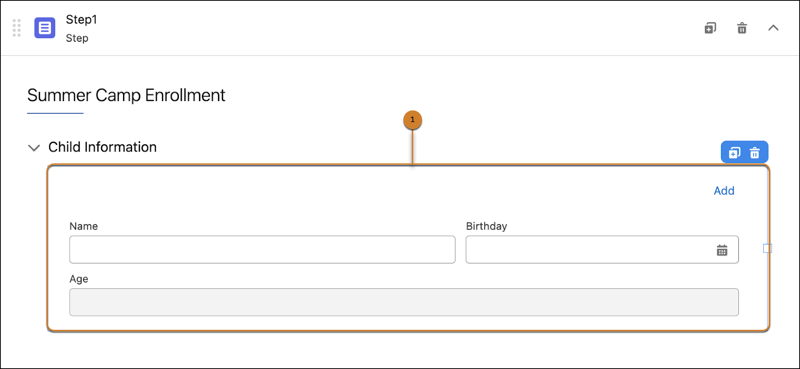
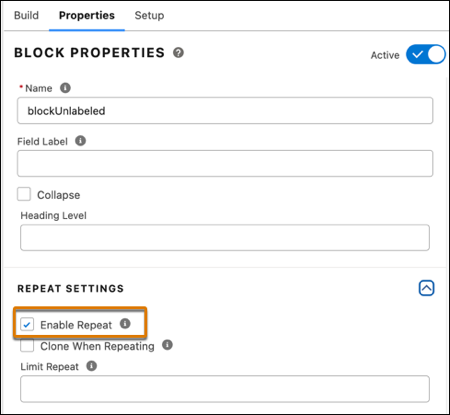
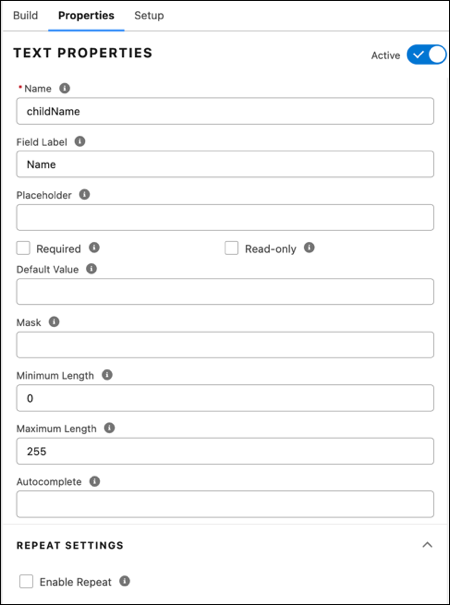
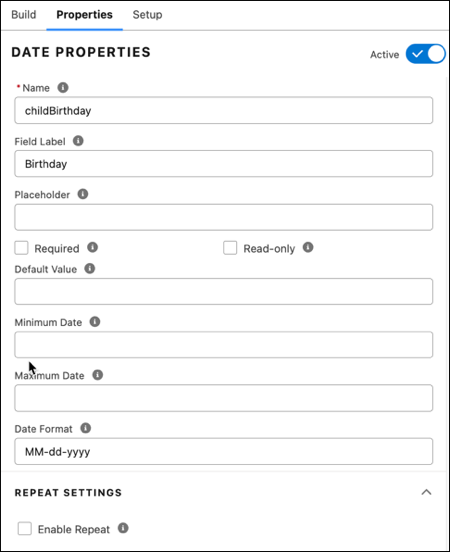
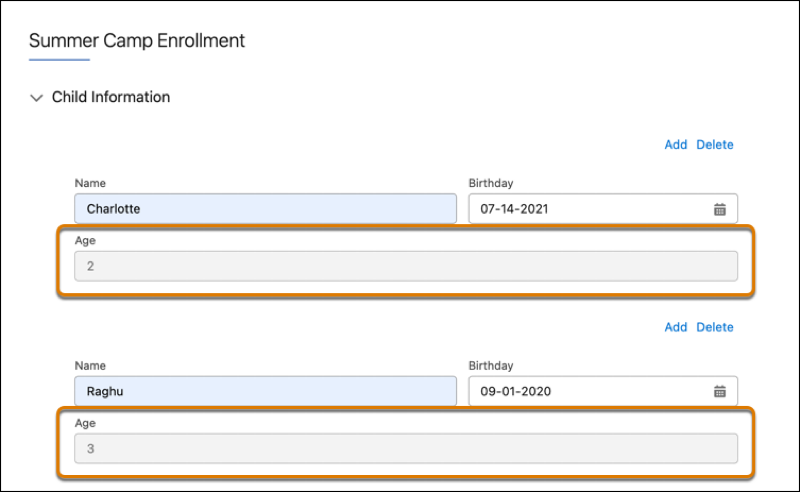
AGE(%blockUnlabeled|n:childBirthday%).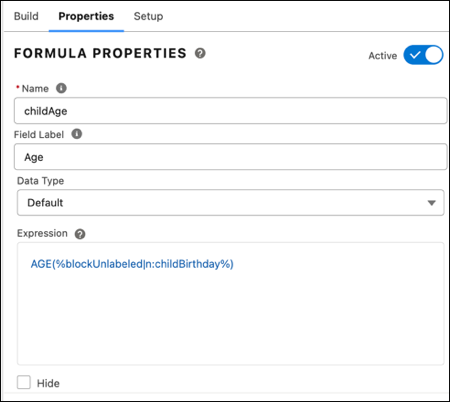
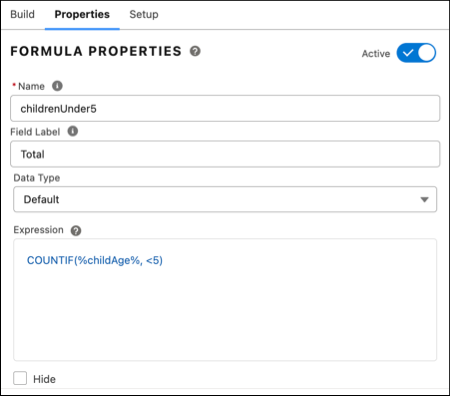
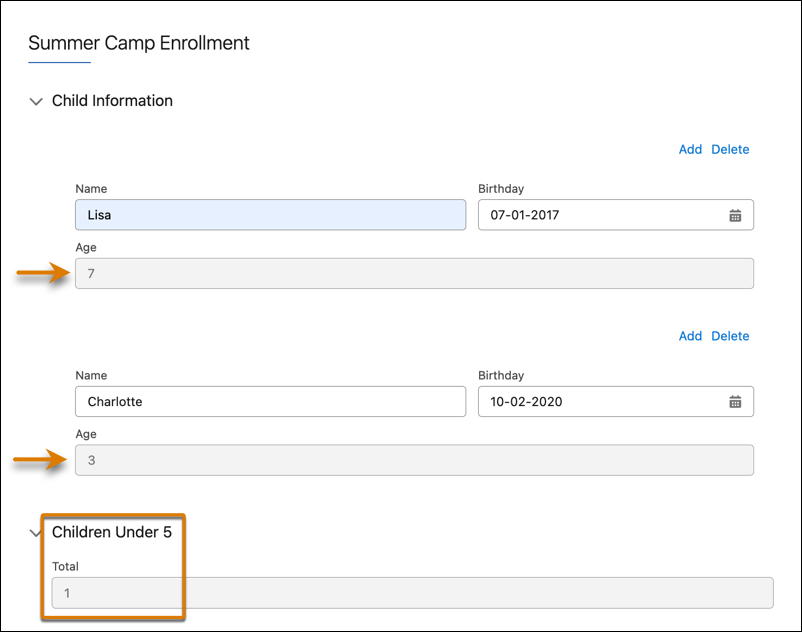
In this example, the Formula element Total references the data from the Age element, which is in a different repeatable block.
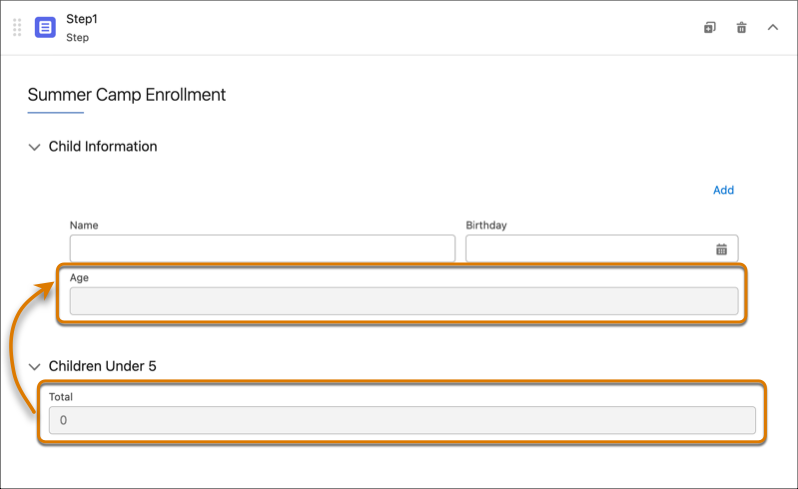
In the properties for the Formula element Total,
the formula COUNTIF(%childAge%, <5)
references the Age element in the previous
block.