
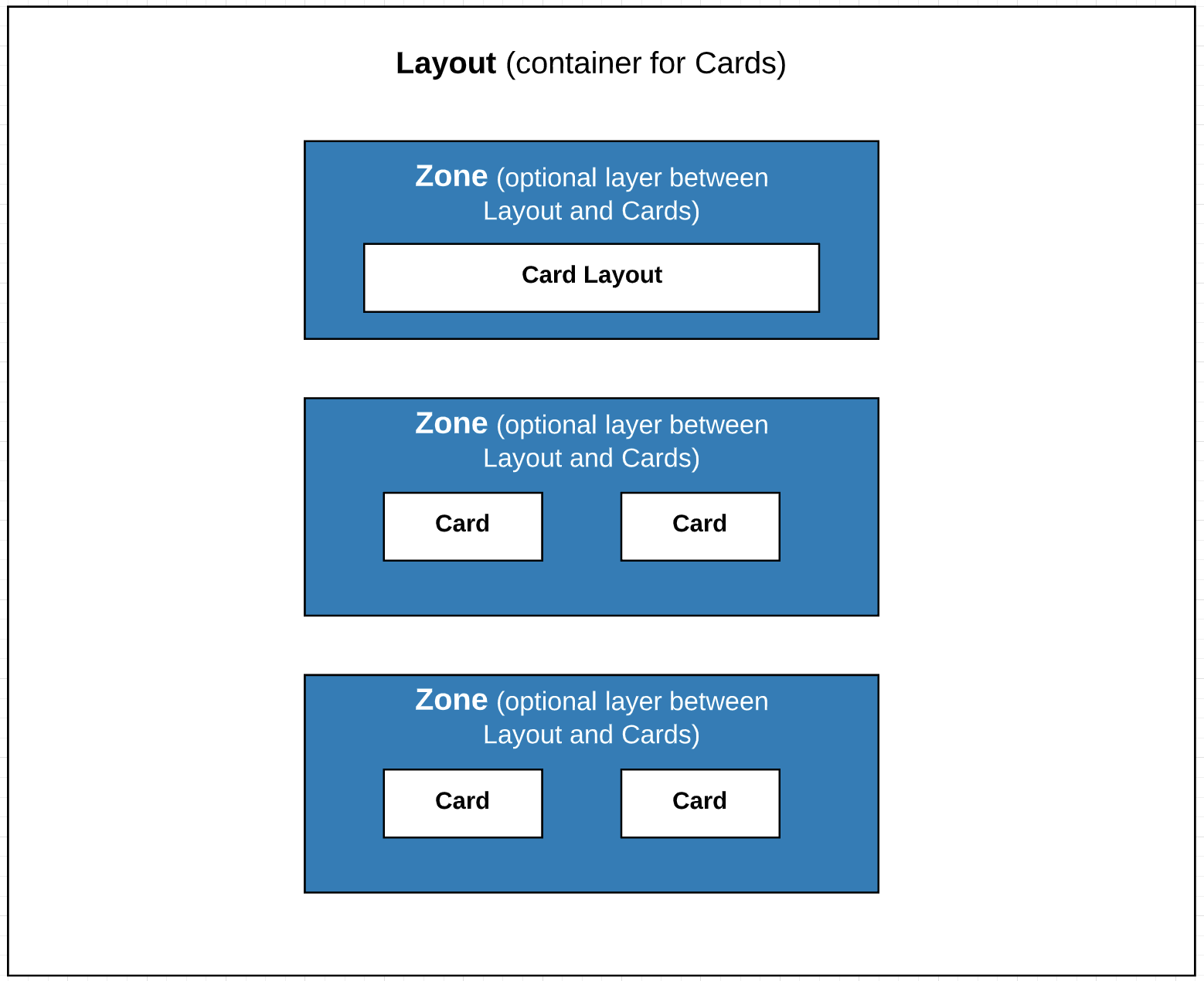
For the managed package runtime, zones enable you to arrange the information on a card layout into sections. Create zones in the Template Designer, add the zones to a layout in the Card Designer, then add cards or nested layouts inside the zones.
 This information is for Omnistudio for Managed Packages. For Omnistudio on standard runtime, see Omnistudio Help.
For example, to create a layout where account information takes the entire width of the layout, and related information displays beneath it as a 3-column grid, create a Header zone with a nested layout for the account information, and one or more Body zones for cards displaying related information, such as cases, policies, and so forth.
- Creating a Zone in the Template Designer (Managed Package)
For the managed package runtime, organize cards into sections by creating zones in the Template Designer. - Adding a Zone to a Card Layout (Managed Package)
For the managed package runtime, add cards to a zone or nest card layouts inside a zone to arrange cards into sections.