
For the managed package runtime, customize the layout of a card state or card layout by creating custom templates for Omniscript elements or Cards Framework components with the Vlocity Template Designer.
To customize a template that already exists, see
 This information is for Omnistudio for Managed Packages. For Omnistudio on standard runtime, see Omnistudio Help.
Cloning a Template (Managed Package).
To create a new template:
- In your org, go to the Vlocity Templates tab, and click New to open the Template Designer.
- In the Template Name field, enter the name of your new template.
- To organize your templates into categories, click into the Template Type field to select from the available options, or enter the name of a new type.
- In the Template Author field, enter an author name that describes the team creating the content. The default author name is Vlocity Internal.
- Click Done.
-
Enter your code in the code editors:
-
HTML: Enter your HTML here.
-
CSS: Enter your CSS and SASS styles here. Vlocity recommends using SASS.
-
JS: Enter your AngularJS here.
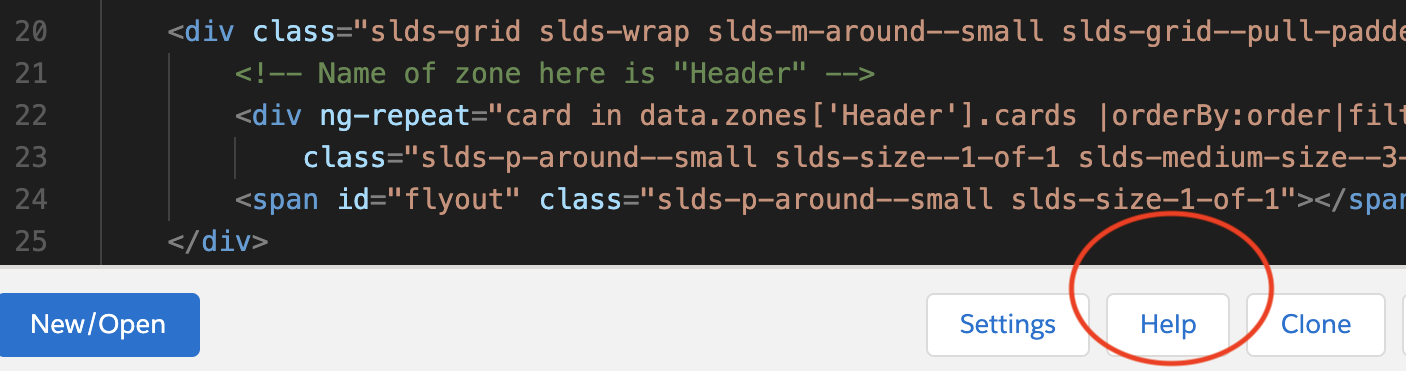
To learn how the Template Designer supports HTML, CSS, SASS, and AngularJS, click Help.
-
-
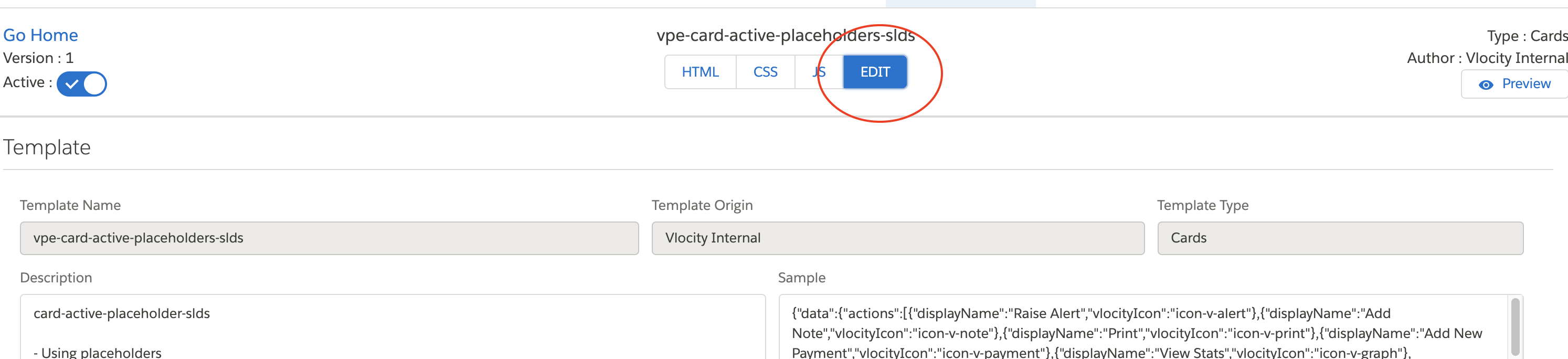
(Optional) Click Edit to configure the following attributes and features of your template:
-
Description: Enter the description of your template.
-
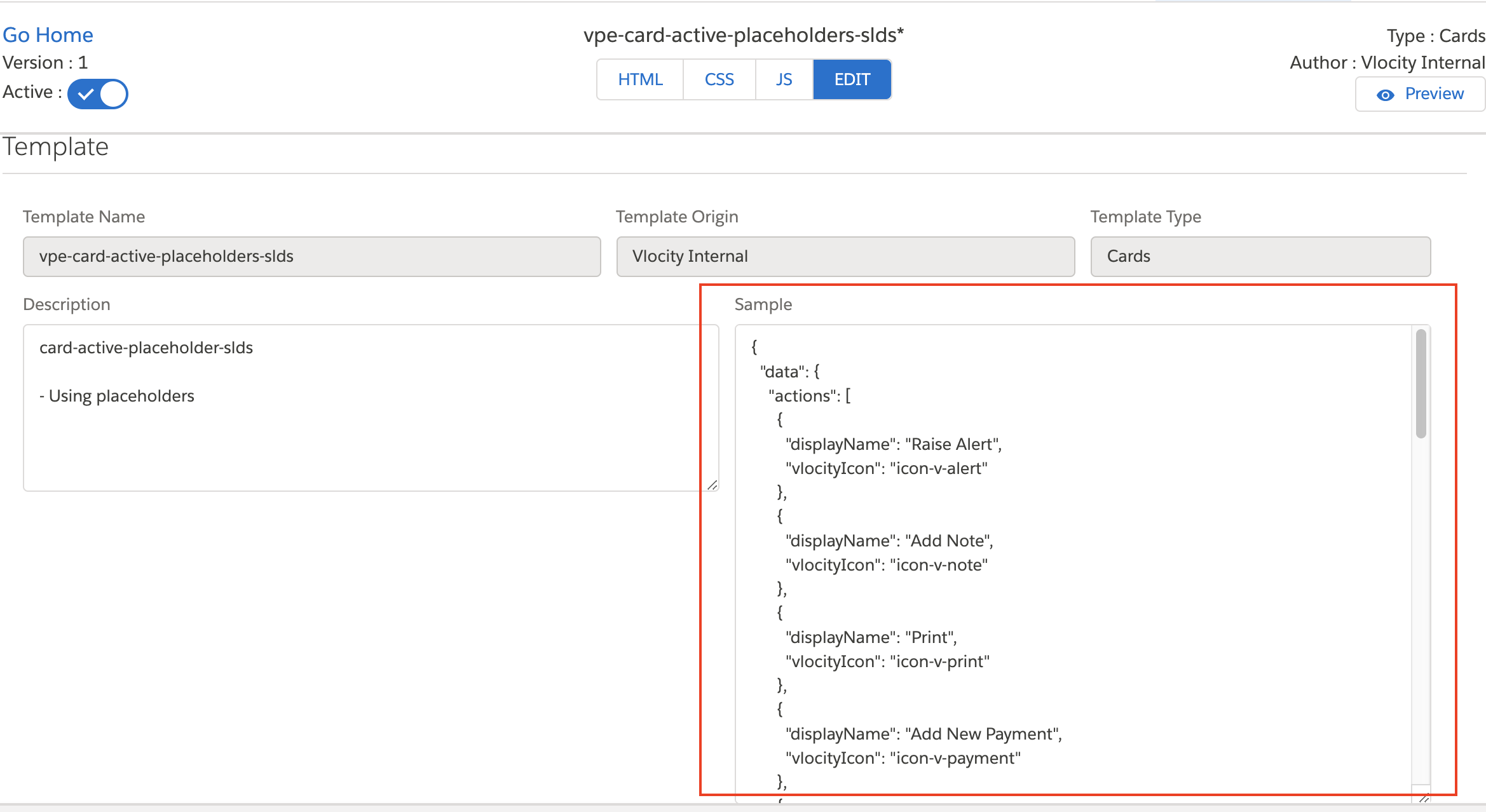
Sample: Enter sample JSON data to preview your template. For example, add data for a card template from the card layout's data source.
-
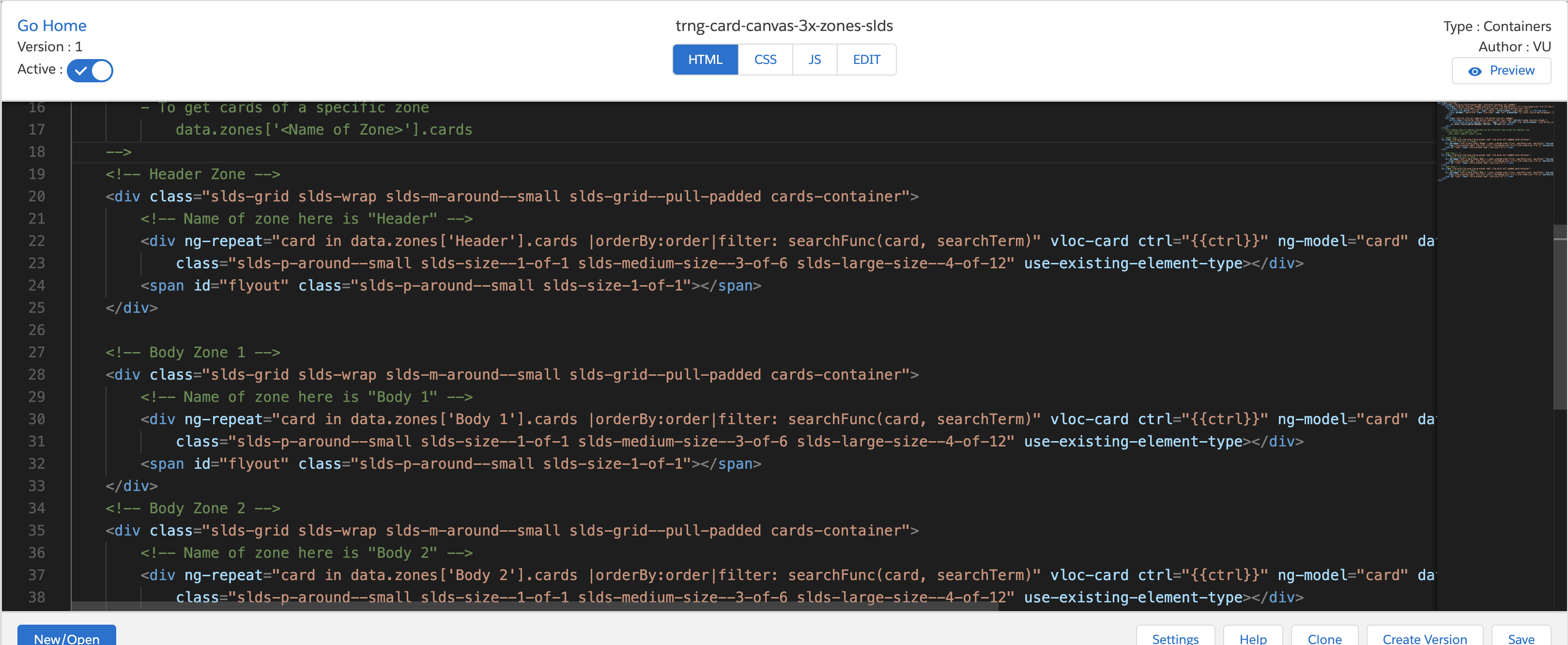
Add Zone: Click to organize the display of your template by zones. For example, separate the header, body, and footer of your template into sections.
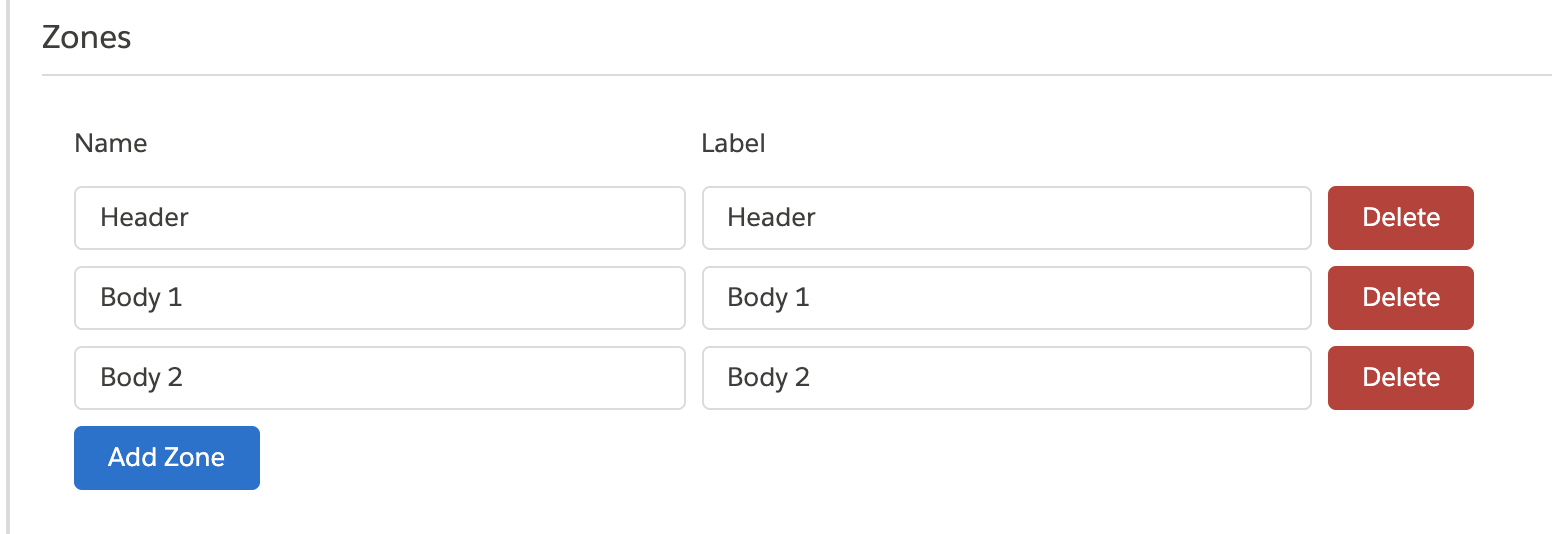
-
Add Placeholder: Click to insert fields in your template. For example, add a Title to a card state to display when certain conditions are met.
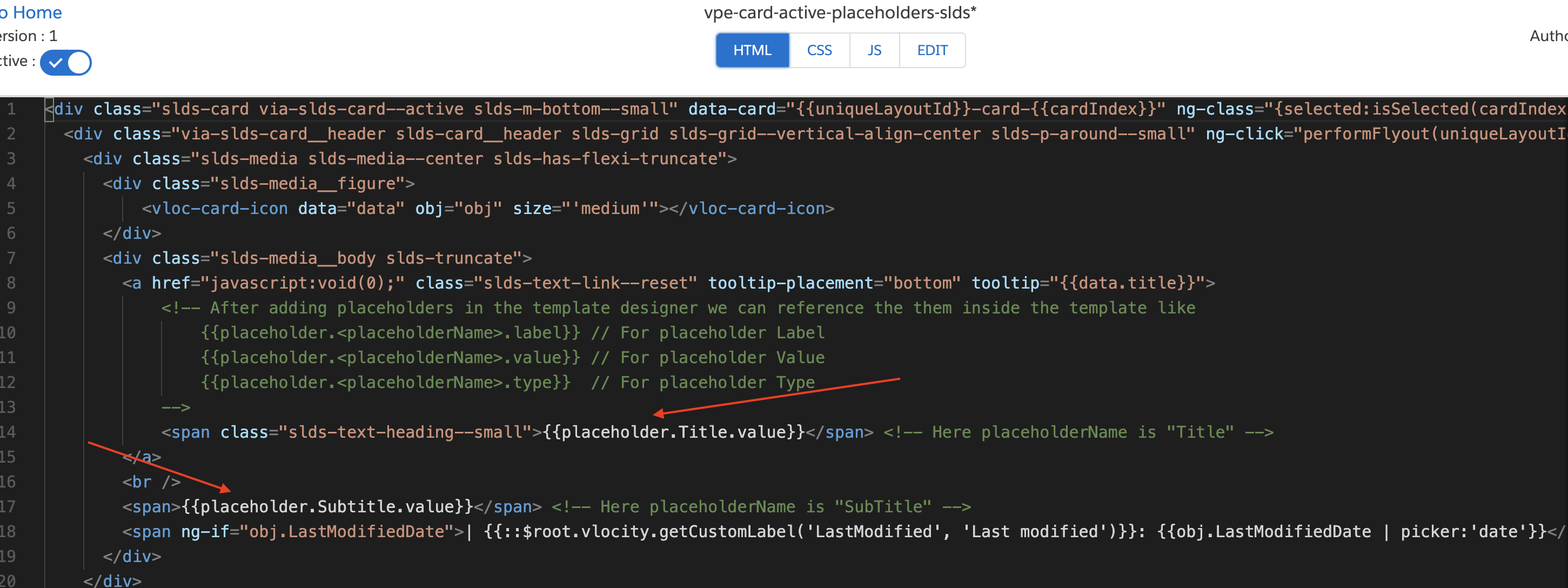
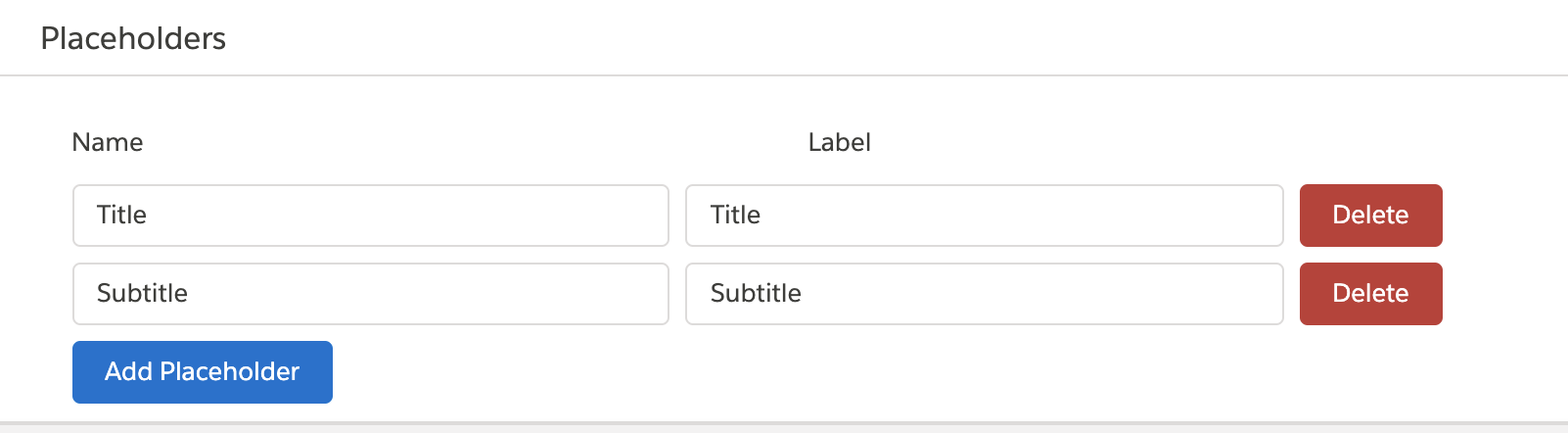
-
-
Click Save.
 Note
NoteThe asterisk next to the name of the template indicates that the template is not saved. To make changes save automatically, select the Auto Save checkbox in Settings. See Template Designer (Managed Package).
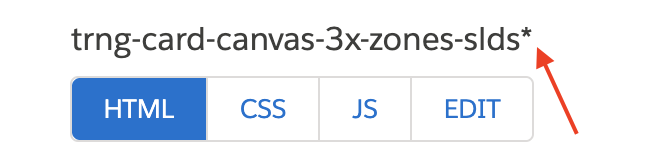
- (Optional) To preview the template, click Preview. The template must have sample data in the Sample field of the Edit tab.
- Import a Template with the Template Designer (Managed Package)
For the managed package runtime, import a Vlocity Template from a DataPack.