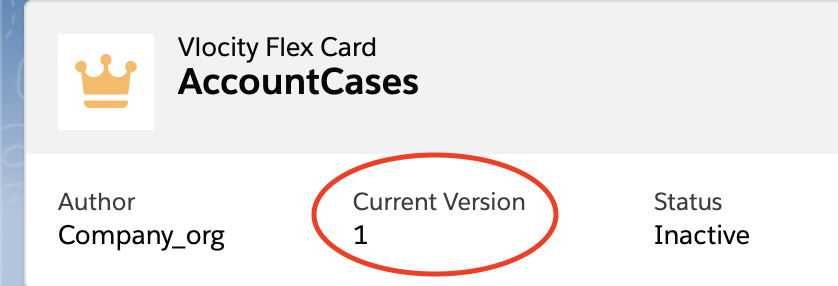
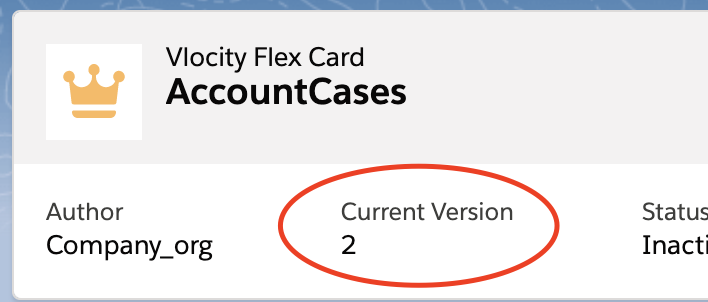
For the managed package runtime, create a new version of a Flexcard in the Flexcard Designer when you want to make slight modifications to a current. Creating a version of a Flexcard makes an exact copy with a version number equal to the latest version number plus one. For example, if you already have two versions, the new version number will be 3.
 This information is for Omnistudio for Managed Packages. For Omnistudio on standard runtime, see Omnistudio Help.

Note
To create a copy of a Flexcard with a new Name, or Author, or both, you must clone the Flexcard. See Clone a Flexcard (Managed Package).
- From the Flexcards tab, click a version of a Flexcard to open the Flexcard Designer.
- Click New Version in the submenu.
-
The new version of your Flexcard opens in a new tab and the Current Version is updated to the previous version number plus one.