
For the managed package runtime, console card and layout templates enable multiple records to be accessible and actionable all from the same view. Apply console cards and layouts to service Vlocity Service Console apps.
 This information is for Omnistudio for Managed Packages. For Omnistudio on standard
runtime, see Omnistudio Help.
This information is for Omnistudio for Managed Packages. For Omnistudio on standard
runtime, see Omnistudio Help.
Console Card Layout Template
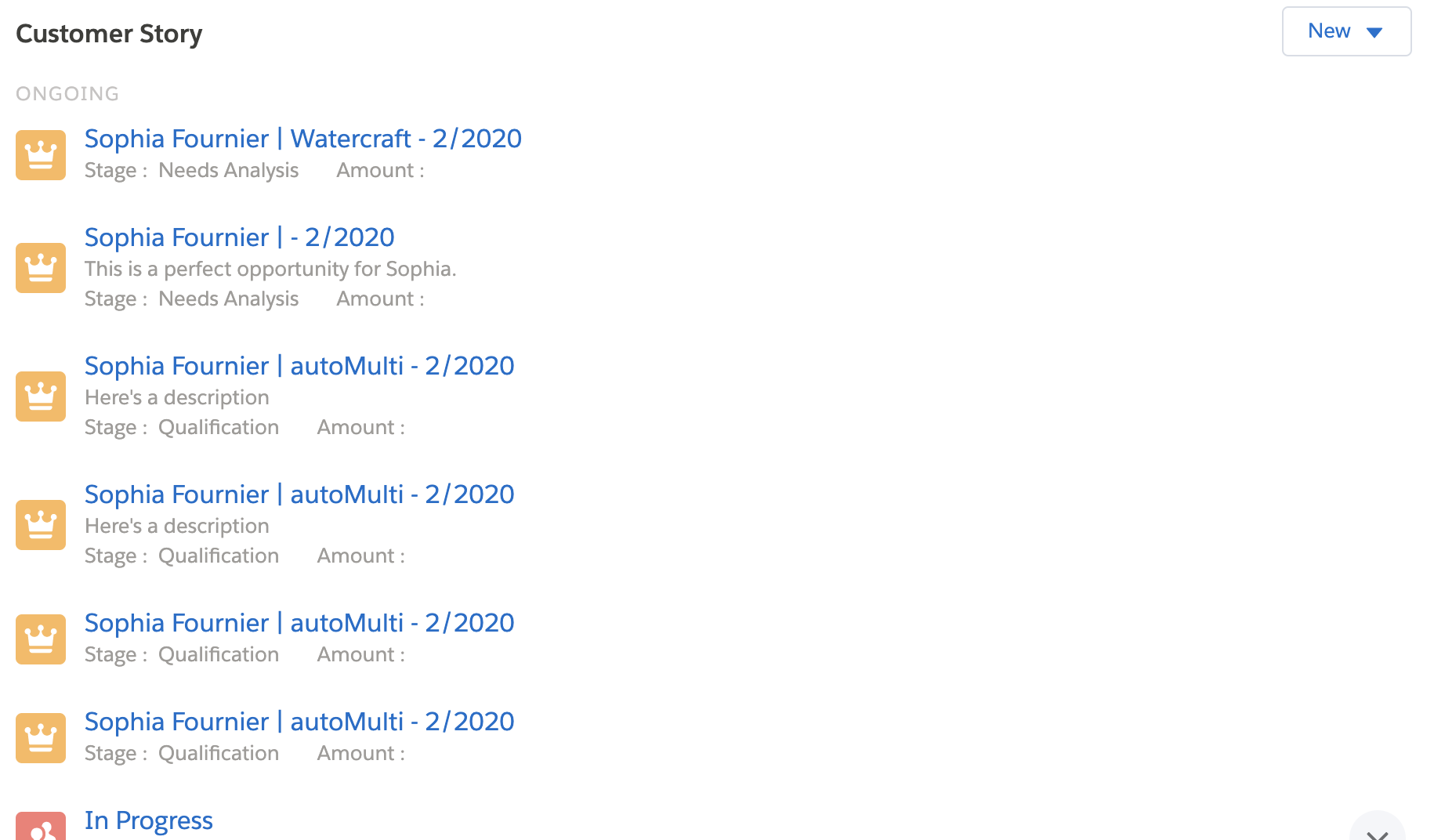
Console card layout templates are containers for console cards and control how console cards display.
|
Card Layout Template |
Description |
Template Preview |
Compatible Card Templates |
|---|---|---|---|
|
Displays story cards inside a one-column container that has a header, which includes a title and a search box. |
 |
storyNormalState, storyOngoingState |
Console Card Templates
Console card templates control how information on a console card displays.
|
Card Template |
Description |
Template Preview |
Compatible Card Templates |
|---|---|---|---|
|
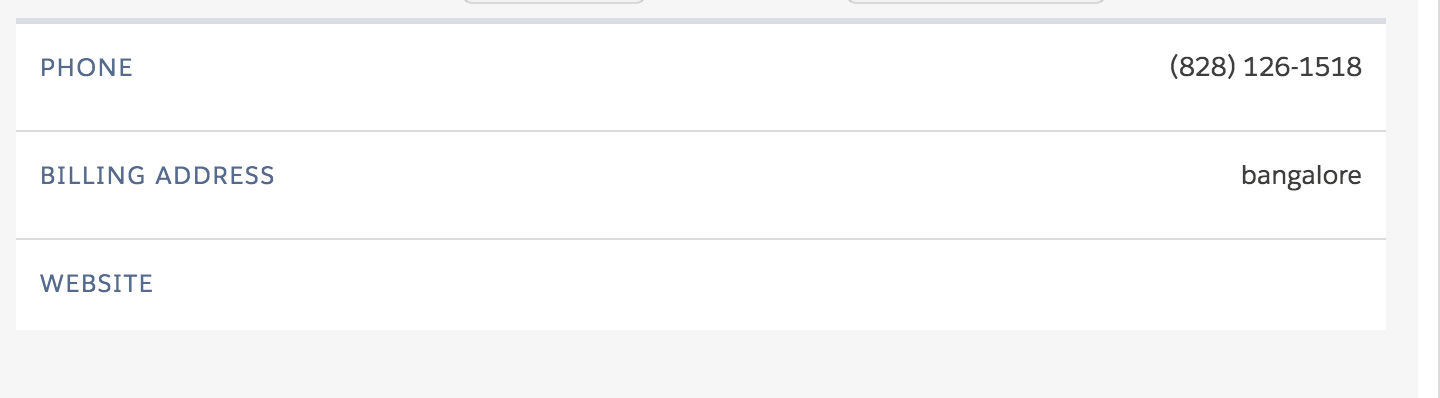
Displays account data listed in rows. |
 |
Any |
|
|
Displays account information as a static google map, up to three data fields, and up to three actions. |
 |
Any |
|
|
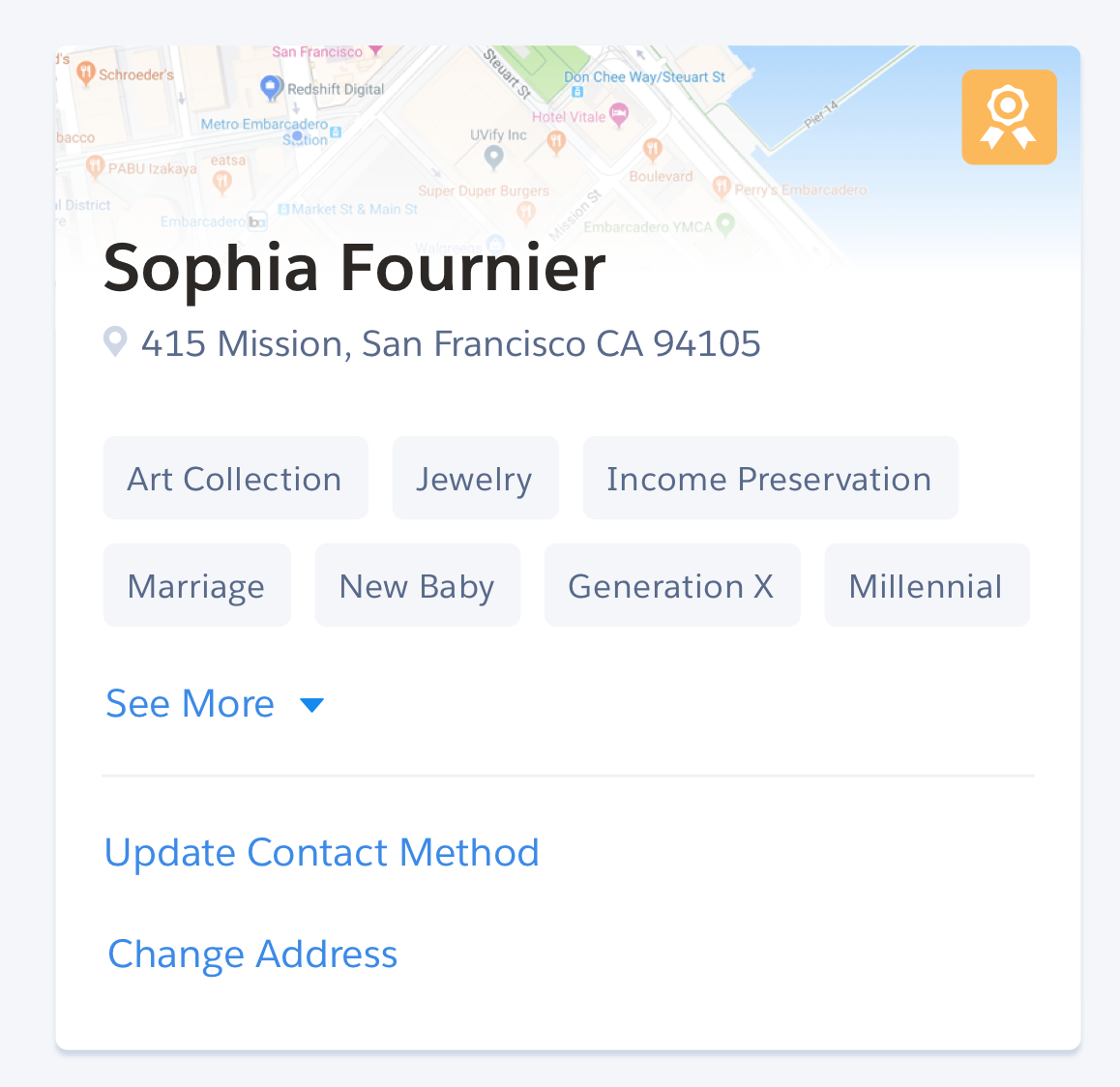
Displays profile information as a static google map, data fields, and actions. |
 |
Any |
|
|
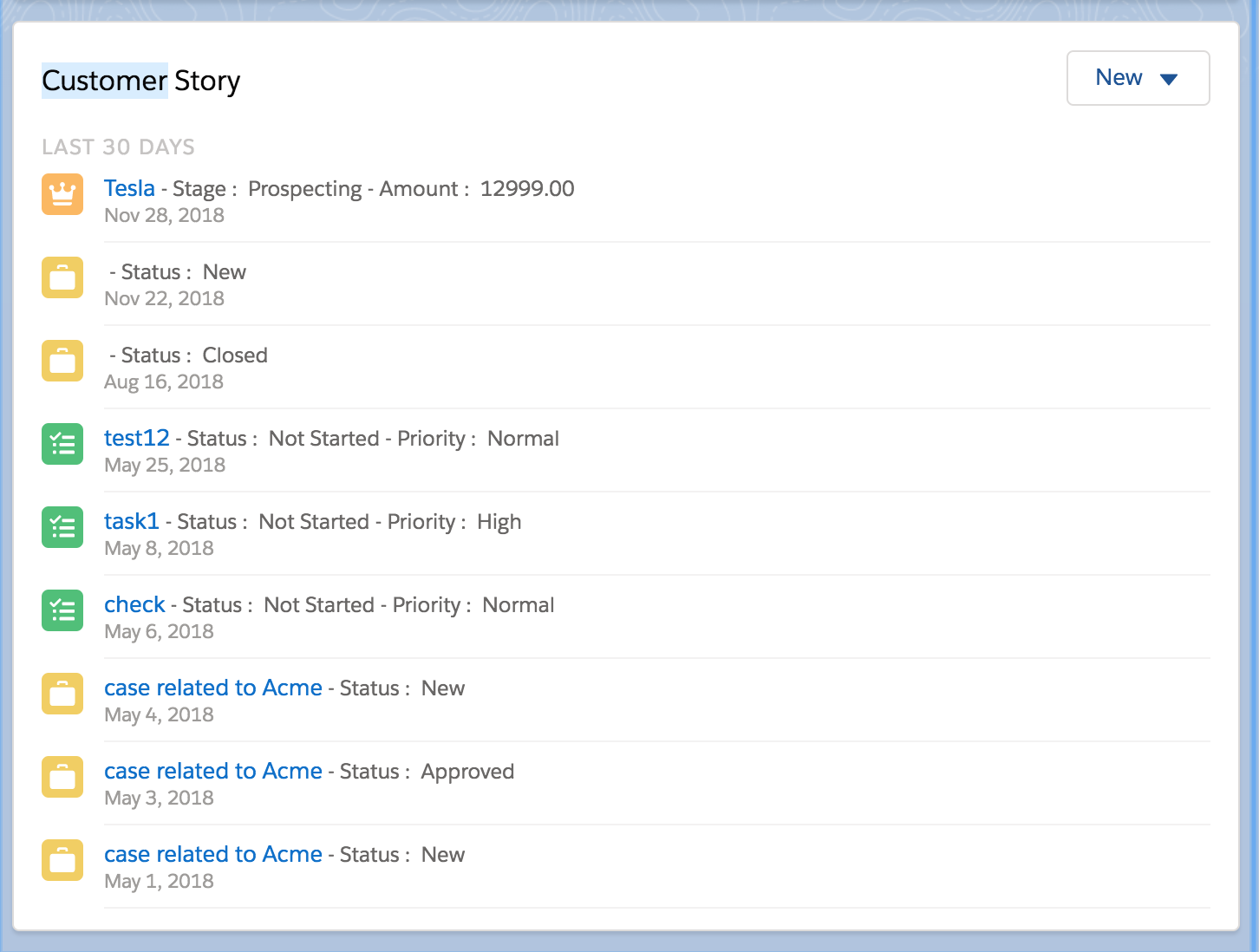
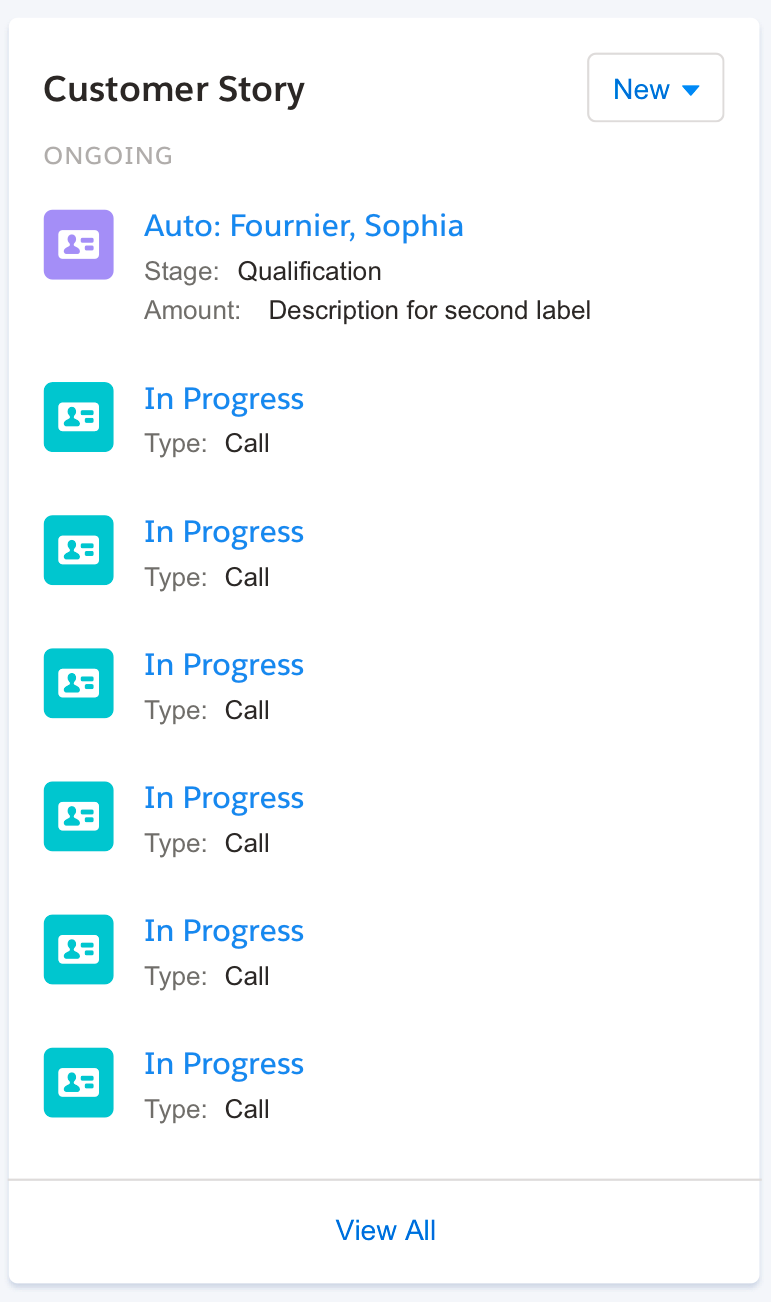
Displays a story item as an image in the first column, and the title and data fields in the second column. |
 |
storyCardCanvas |
|
|
Displays a story item as an image in the first column, and the title, subtitle, and fields in the second column. |
 |
storyCardCanvas |