---
schema_version: "1"
id: 94c6263dc1bf177b5214bc53b90a8409ff57c3c898cec2fa21b68319a4dc1108
title: Configure an Edit Block (Managed Package)
collection: admin
version: current
locale: en-us
portal_url: https://docs.salesforce.com/admin/current/en-us/xcloud/264-0-0/os_configure_an_edit_block.md
canonical_url: https://help.salesforce.com/s/articleView?id=xcloud.os_configure_an_edit_block.htm&release=264.0.0&type=5
source_site: help.salesforce.com
content_type: documentation
content_hash: da68aec85030ad4dcb477a672d5991f85901cb34c6d07b6395de22ece2a56de2
description: For the managed package runtime, Edit Blocks enable a user to add and edit multiple entries in a single array. For example, you can use an Edit Block to list and edit an Account's list of Contacts. Edit Blocks are repeatable blocks by default. You can prefill repeatable blocks with data by using an array format.
products:
  - Omnistudio
release: "264"
---
# Configure an Edit Block (Managed Package)

For the managed package runtime, Edit Blocks enable a user to add and edit multiple entries in a single array. For example, you can use an Edit Block to list and edit an Account's list of Contacts. Edit Blocks are repeatable blocks by default. You can prefill repeatable blocks with data by using an array format.

![Managed Package app icon](https://sf-zdocs-cdn-prod.zoominsoftware.com/tdta-xcloud-omnistudio_for_managed_packages-264-0-0-production-enus/aa2554ec-624a-4ee6-8da4-6435670e6e62/resources-global/_corporate/images/managedpackageicon.png) This information is for Omnistudio for Managed Packages. For Omnistudio on standard runtime, see [Omnistudio Help](https://help.salesforce.com/s/articleView?id=xcloud.os_omnistudio_standard.htm&language=en_US).

## Displaying Elements in an Edit Block

Edit Block displays three elements in the Edit Block's default view and can display additional elements in the edit view. It's possible to hide elements from the edit view.

- To display an element in the Edit Block's default view, check the **checkbox** next to the element in the structure panel. The element also appears when editing an entry.
    
    Example Default View:
    
    ![image](https://sf-zdocs-cdn-prod.zoominsoftware.com/tdta-xcloud-omnistudio_for_managed_packages-264-0-0-production-enus/aa2554ec-624a-4ee6-8da4-6435670e6e62/omnistudio_for_managed_packages/images/owc_edit_block_default_view.png)
- To display elements only when a user edits an entry, leave the **checkbox** next to the element in the structure panel unchecked.
    
    Example Edit View:
    
    ![image](https://sf-zdocs-cdn-prod.zoominsoftware.com/tdta-xcloud-omnistudio_for_managed_packages-264-0-0-production-enus/aa2554ec-624a-4ee6-8da4-6435670e6e62/omnistudio_for_managed_packages/images/owc_edit_block_edit_view.png)
- To hide an element in the Edit Block, click **Edit as JSON** in the element and set Hide equal to true. For more information, see [Hide Omniscript Elements (Managed Package)](https://help.salesforce.com/s/articleView?id=xcloud.os_hide_omniscript_elements.htm&release=264.0.0&type=5 "For the managed package runtime, hide elements and child elements using the Hide property.").
- To display an element only in the Edit Block's default view, check the **checkbox** next to the element in the structure panel. Then click **Edit as JSON** in the element and set **Hide** equal to **true**. The element displays in the entry's default view and is hidden when editing the entry.

![Note](https://sf-zdocs-cdn-prod.zoominsoftware.com/tdta-xcloud-omnistudio_for_managed_packages-264-0-0-production-enus/aa2554ec-624a-4ee6-8da4-6435670e6e62/images/icon_note.png)

Note You can't nest Edit Blocks within other Edit Blocks, and you can add only one level of Block inside an Edit Block. Also, Edit Blocks don’t support the Custom LWC Element.

## Setting Display Modes and Templates

Enable LWC Omniscripts and Angular Omniscripts to display different Edit Block user interfaces by using LWC Modes and Angular Templates.

## LWC Modes

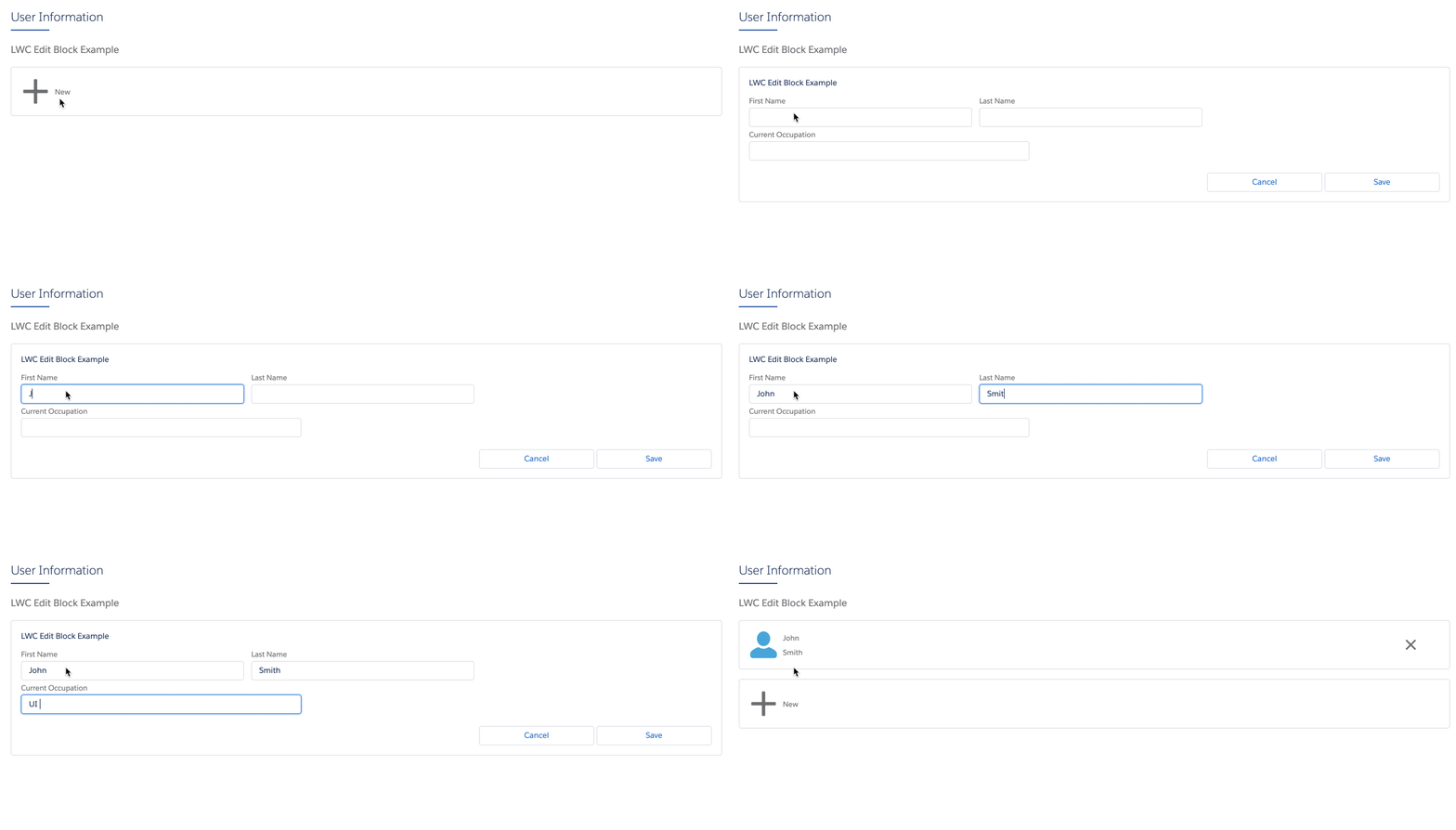
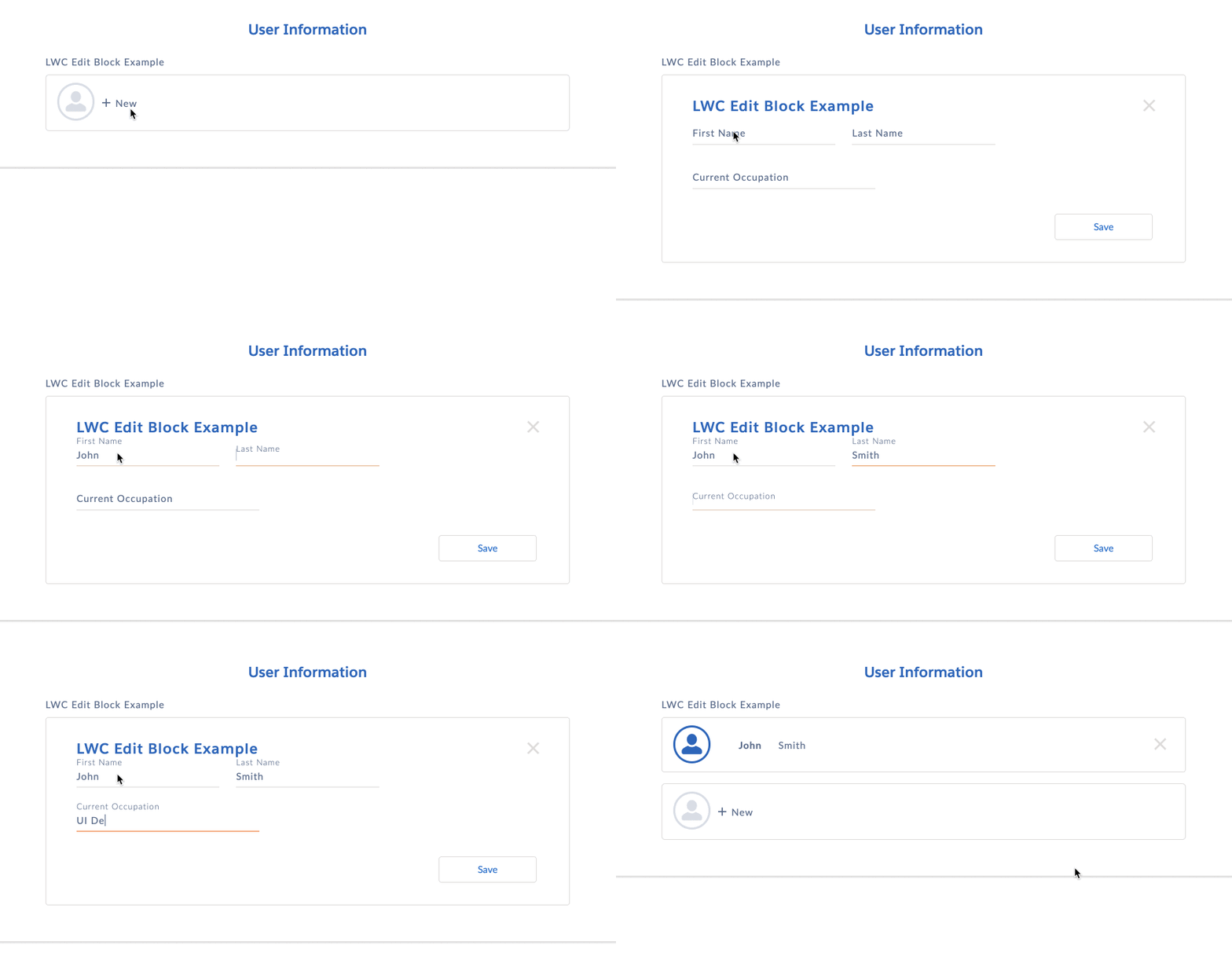
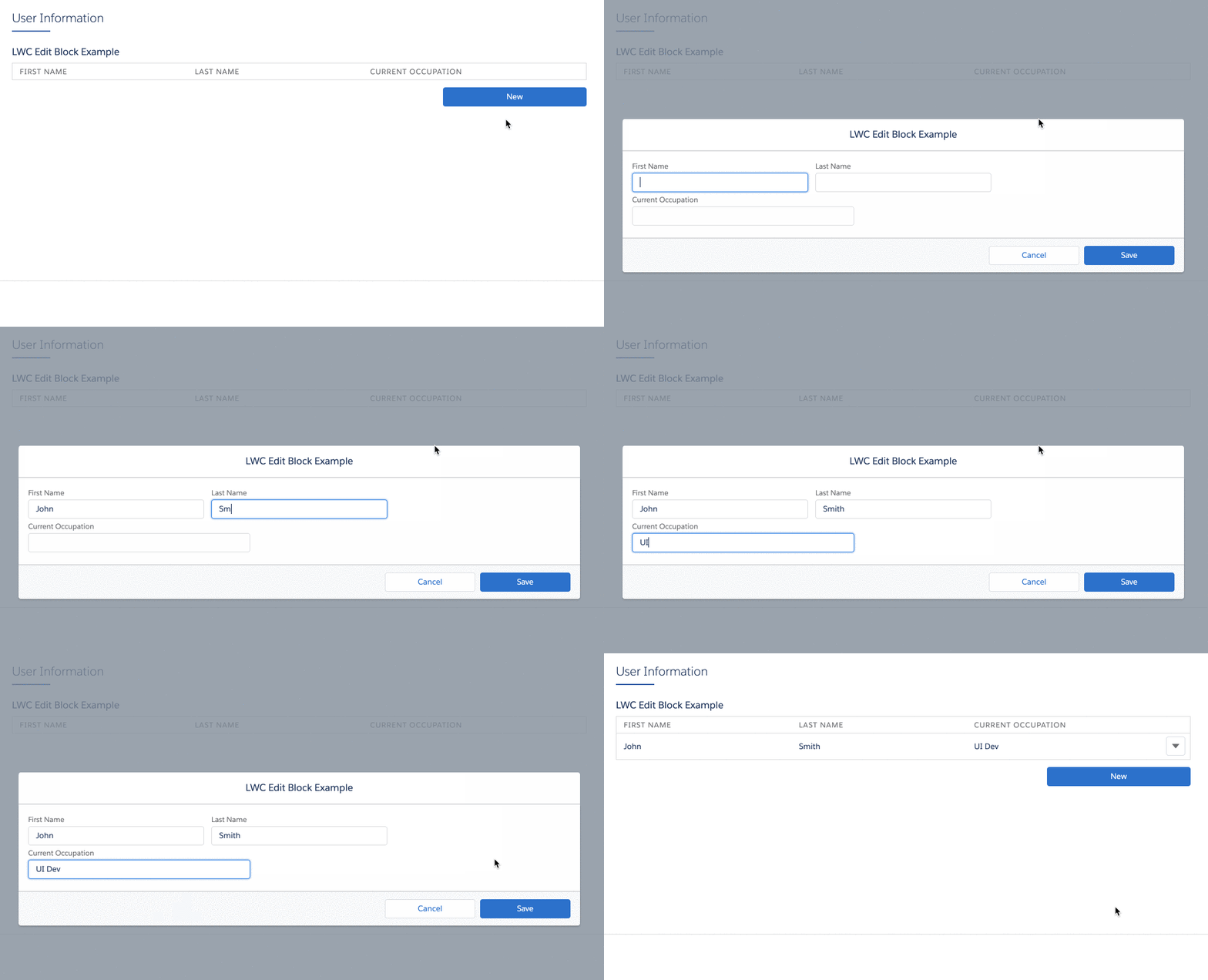
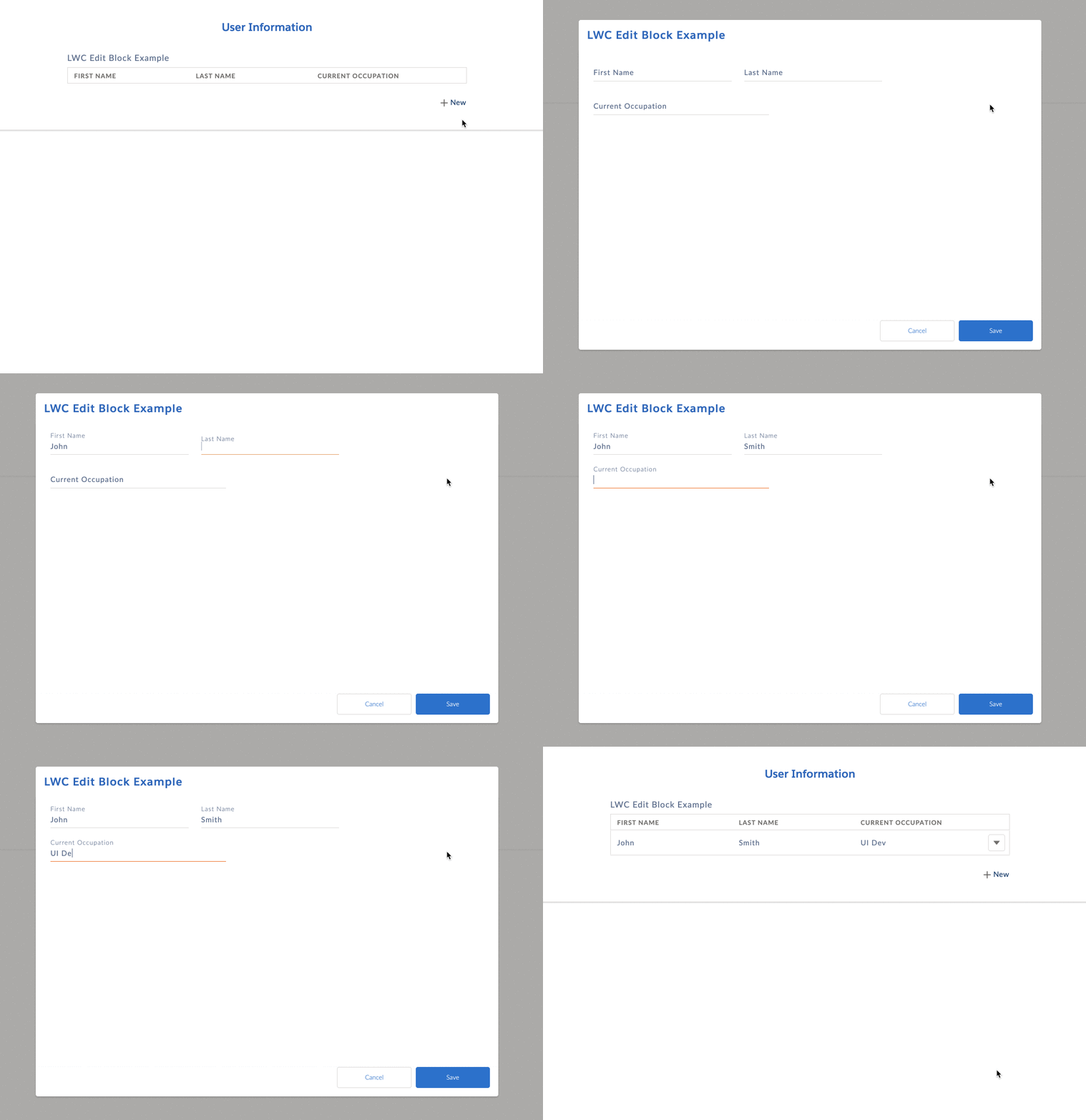
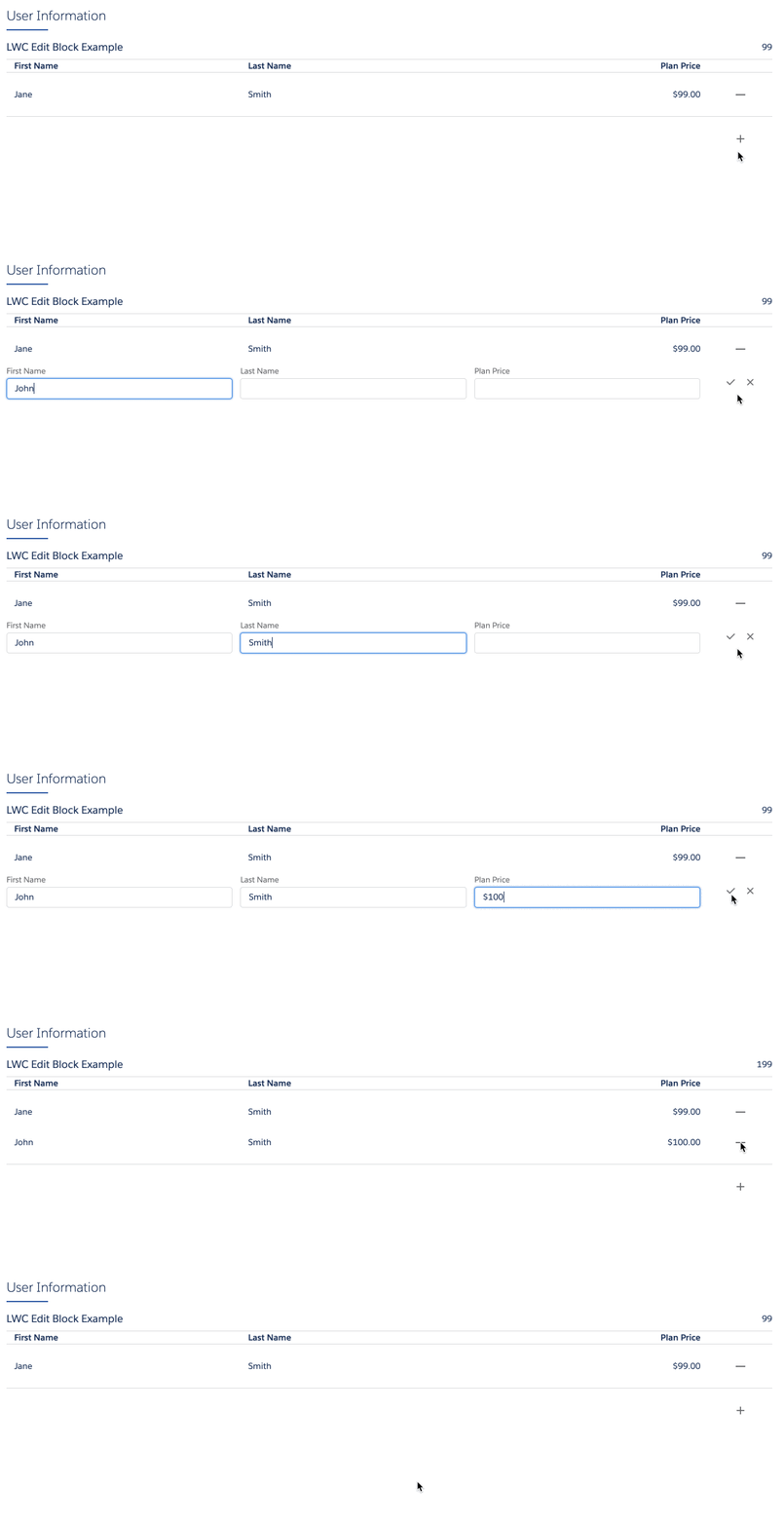
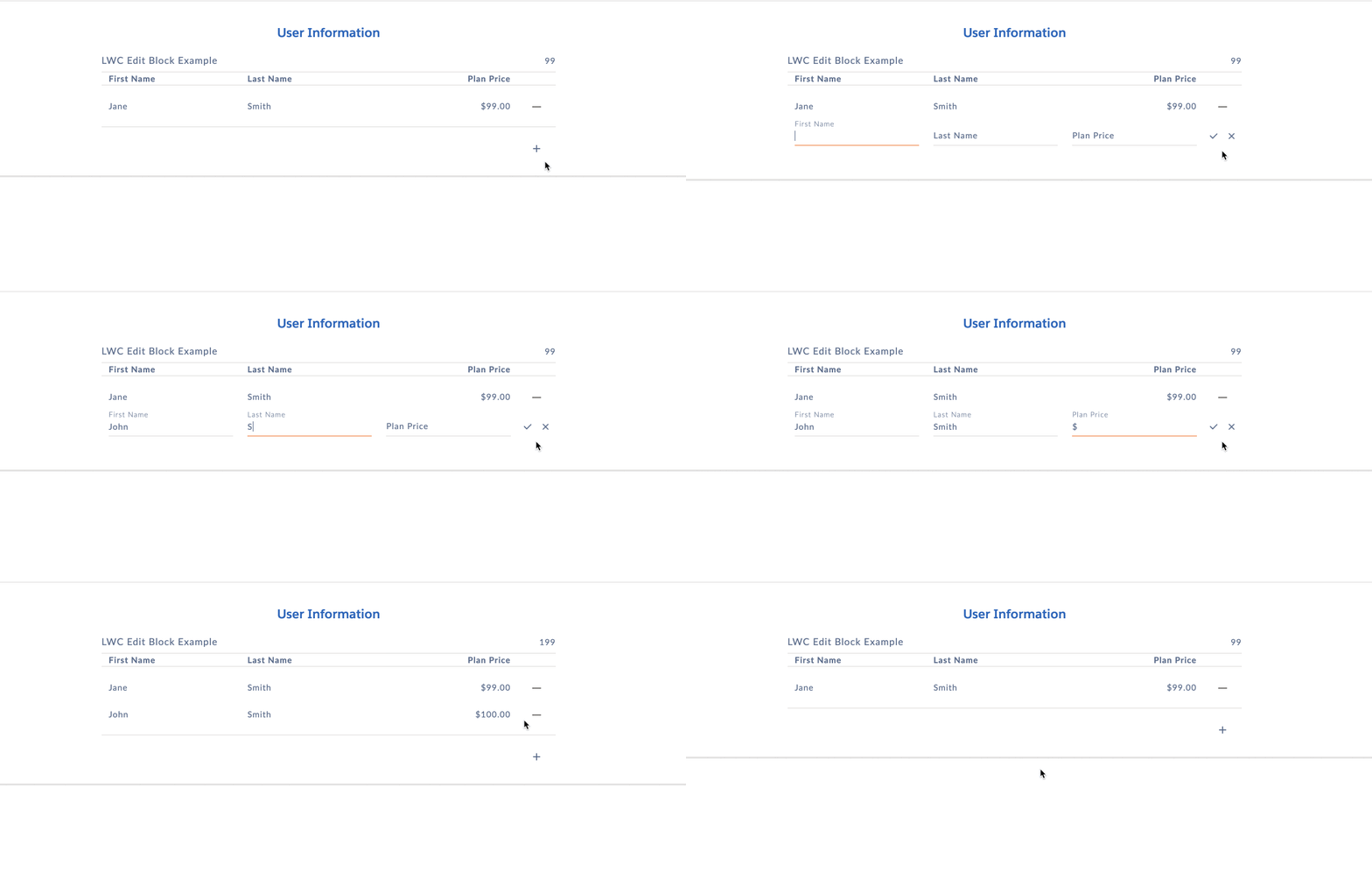
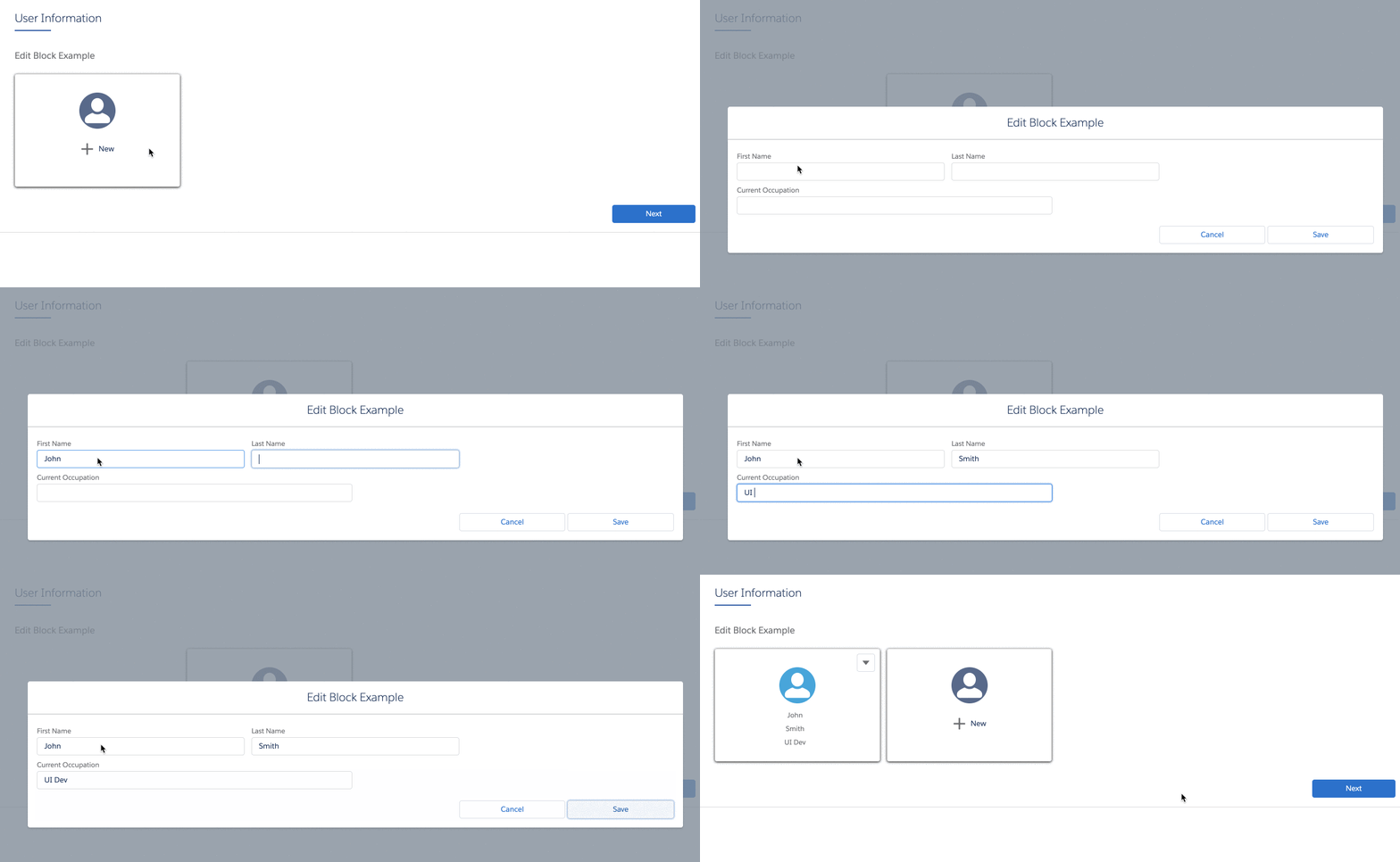
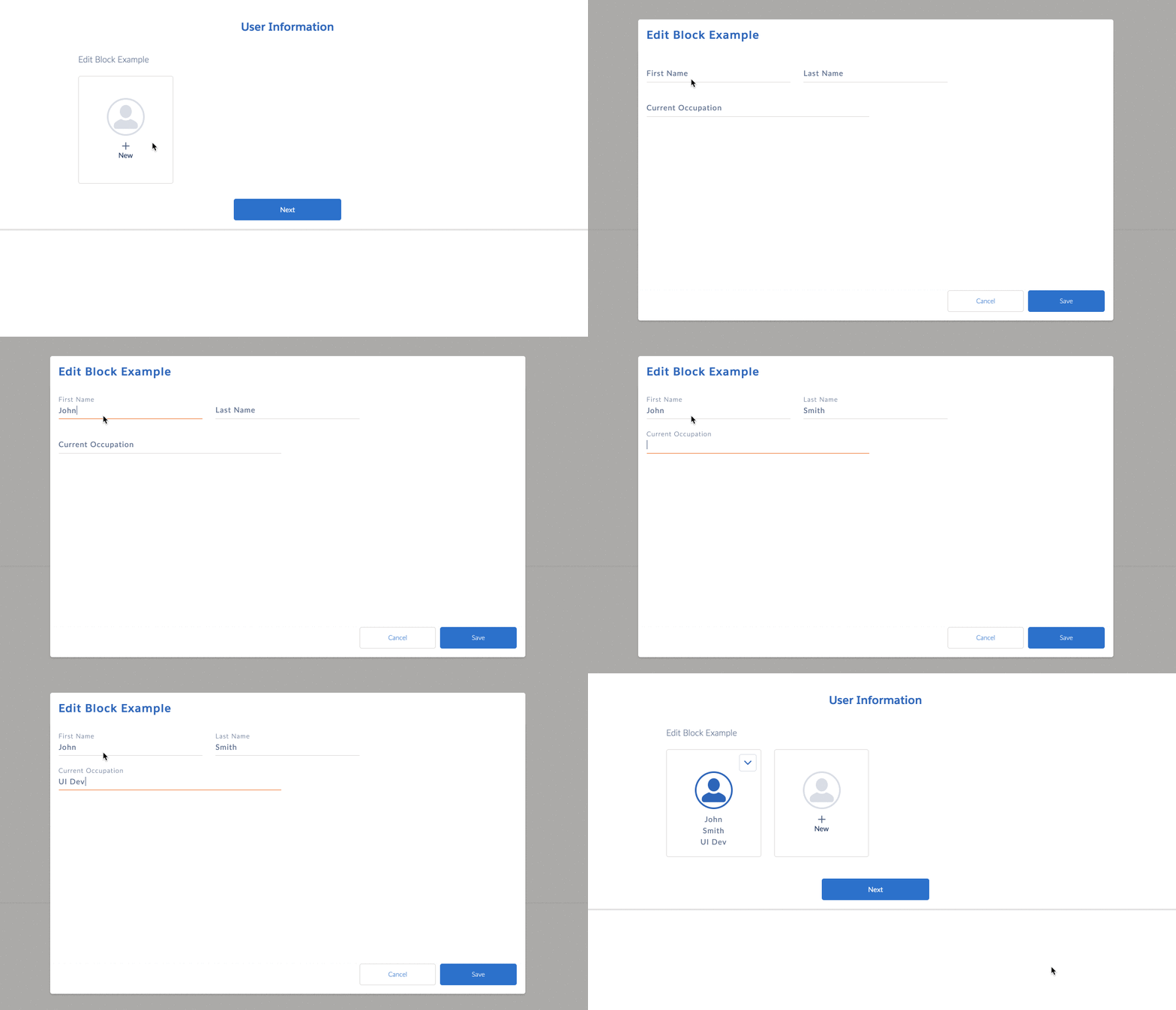
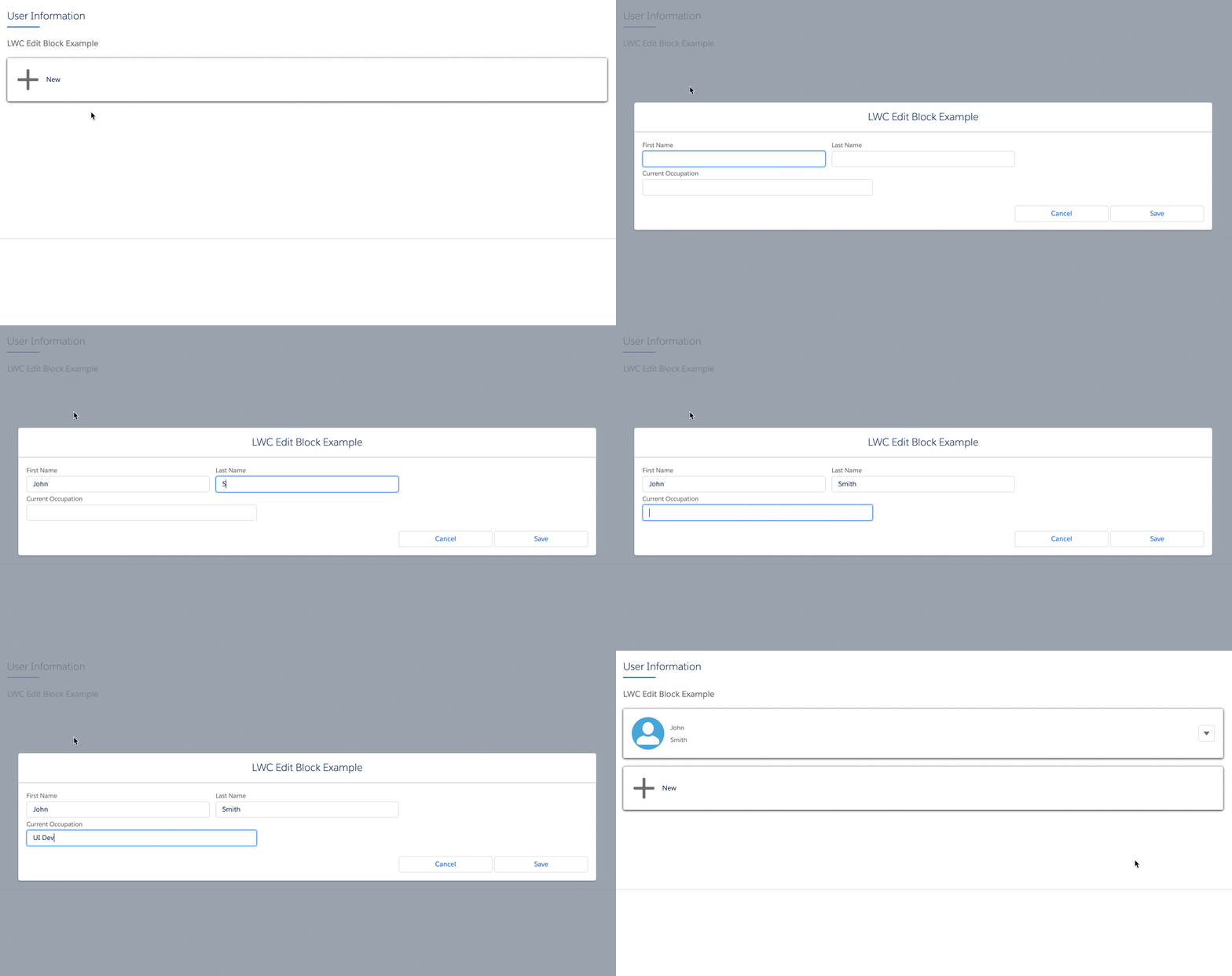
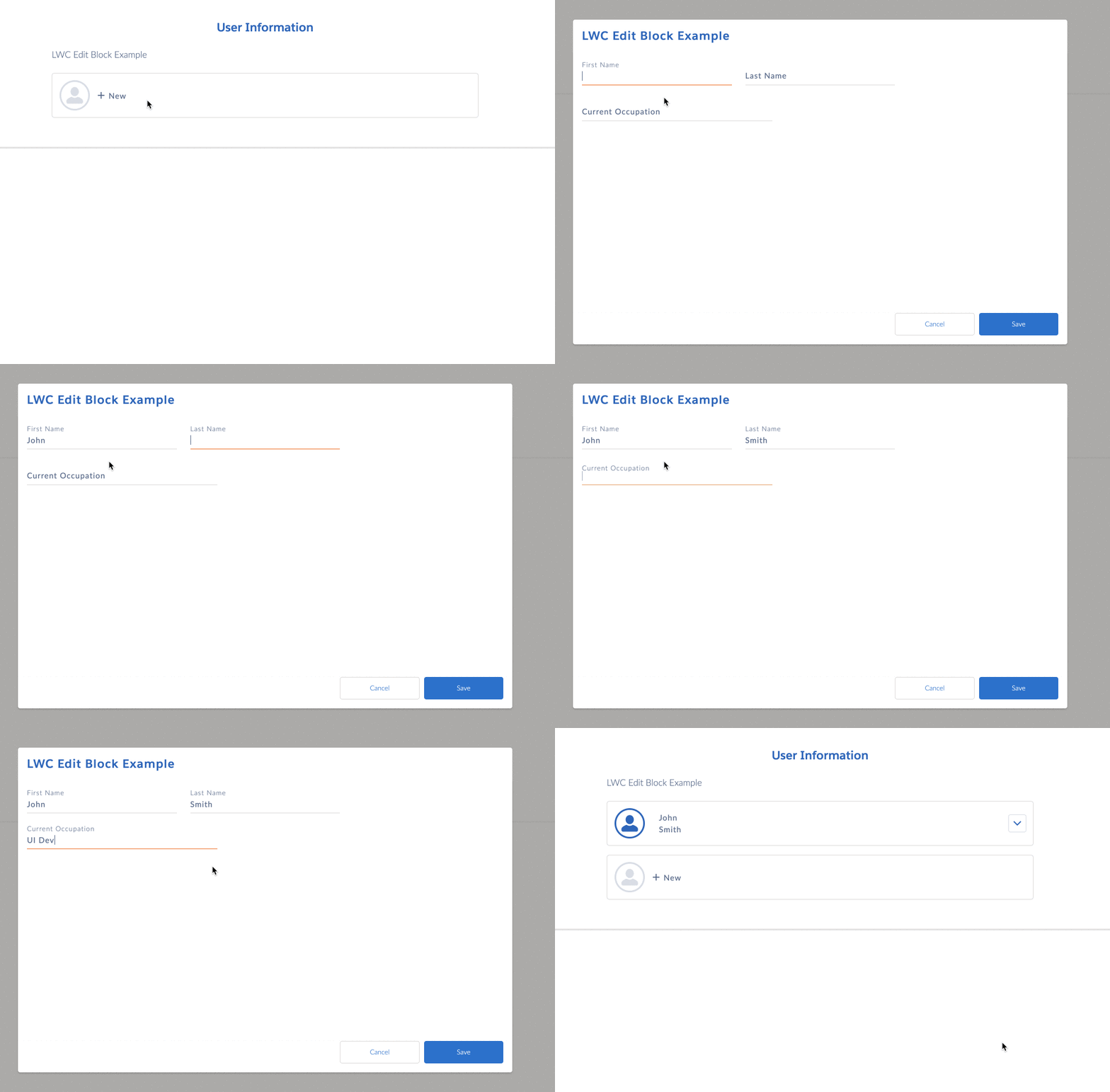
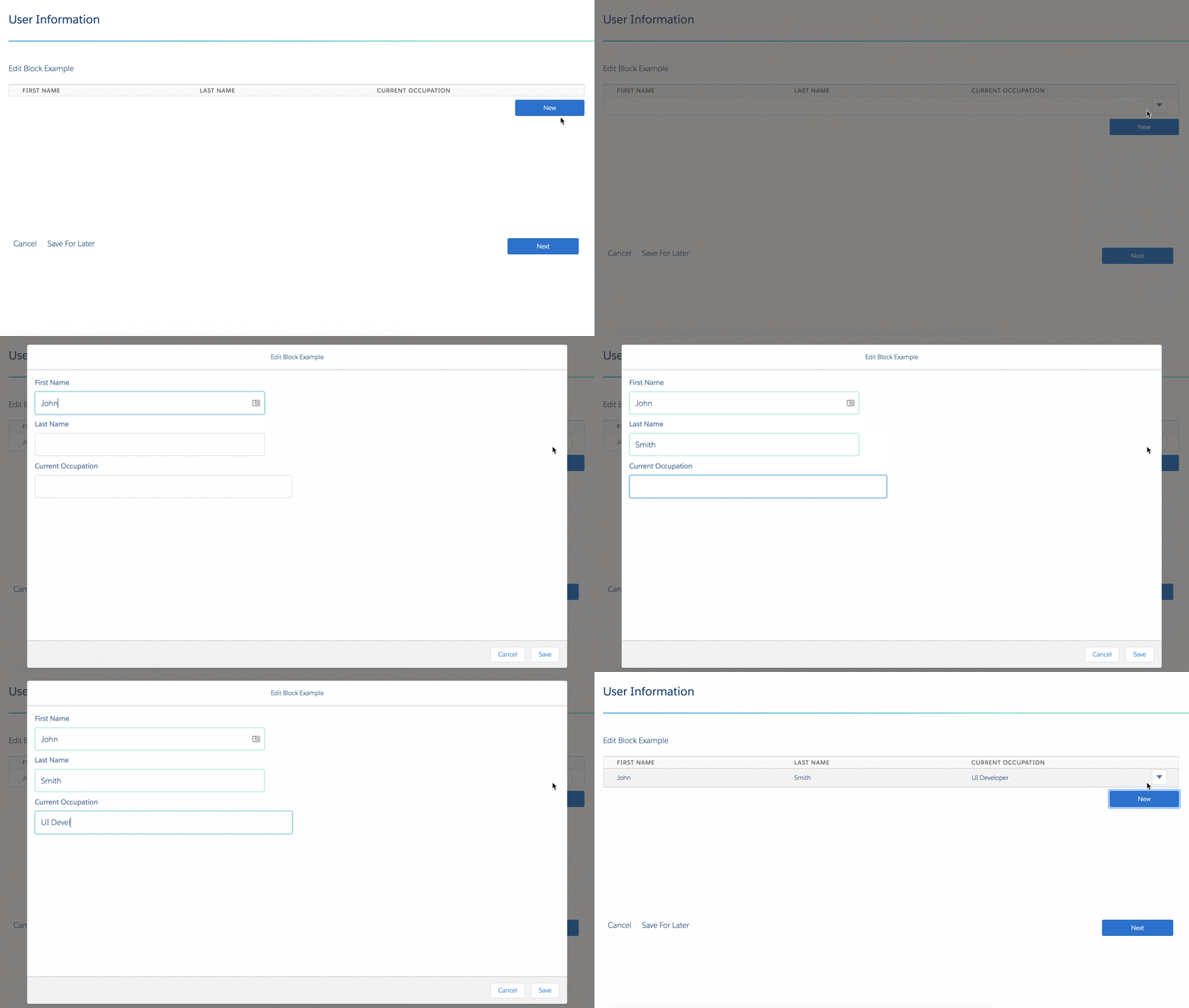
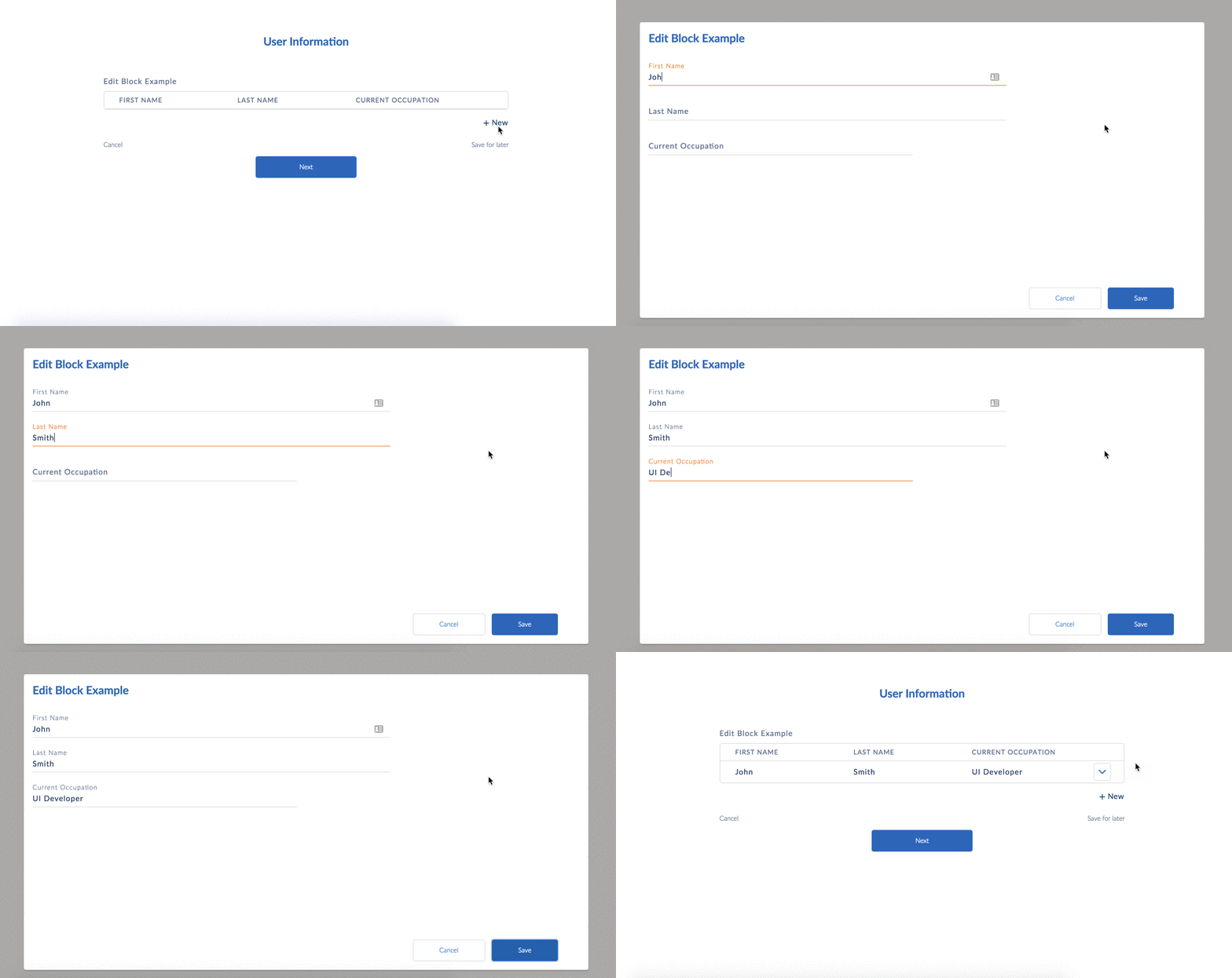
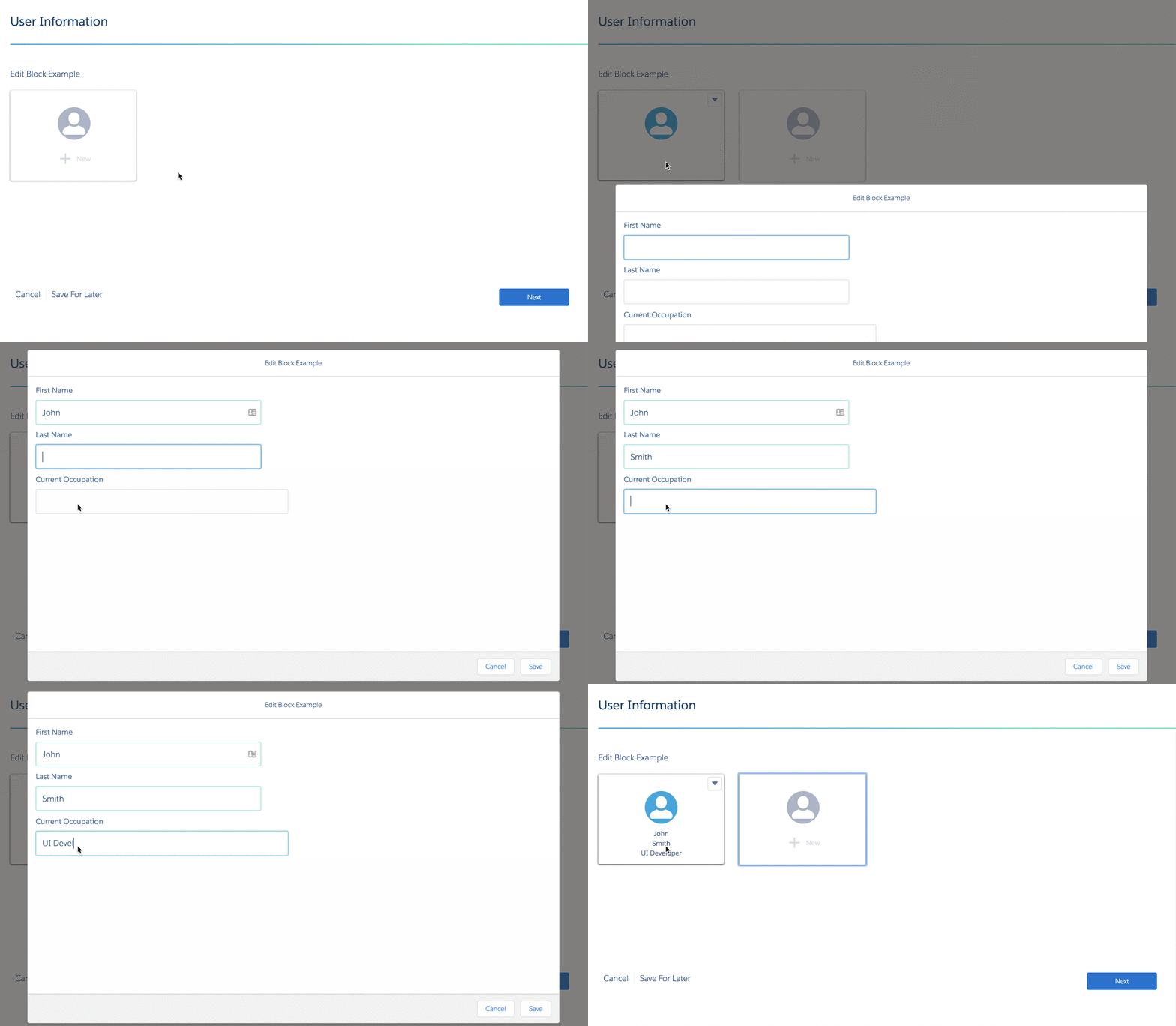
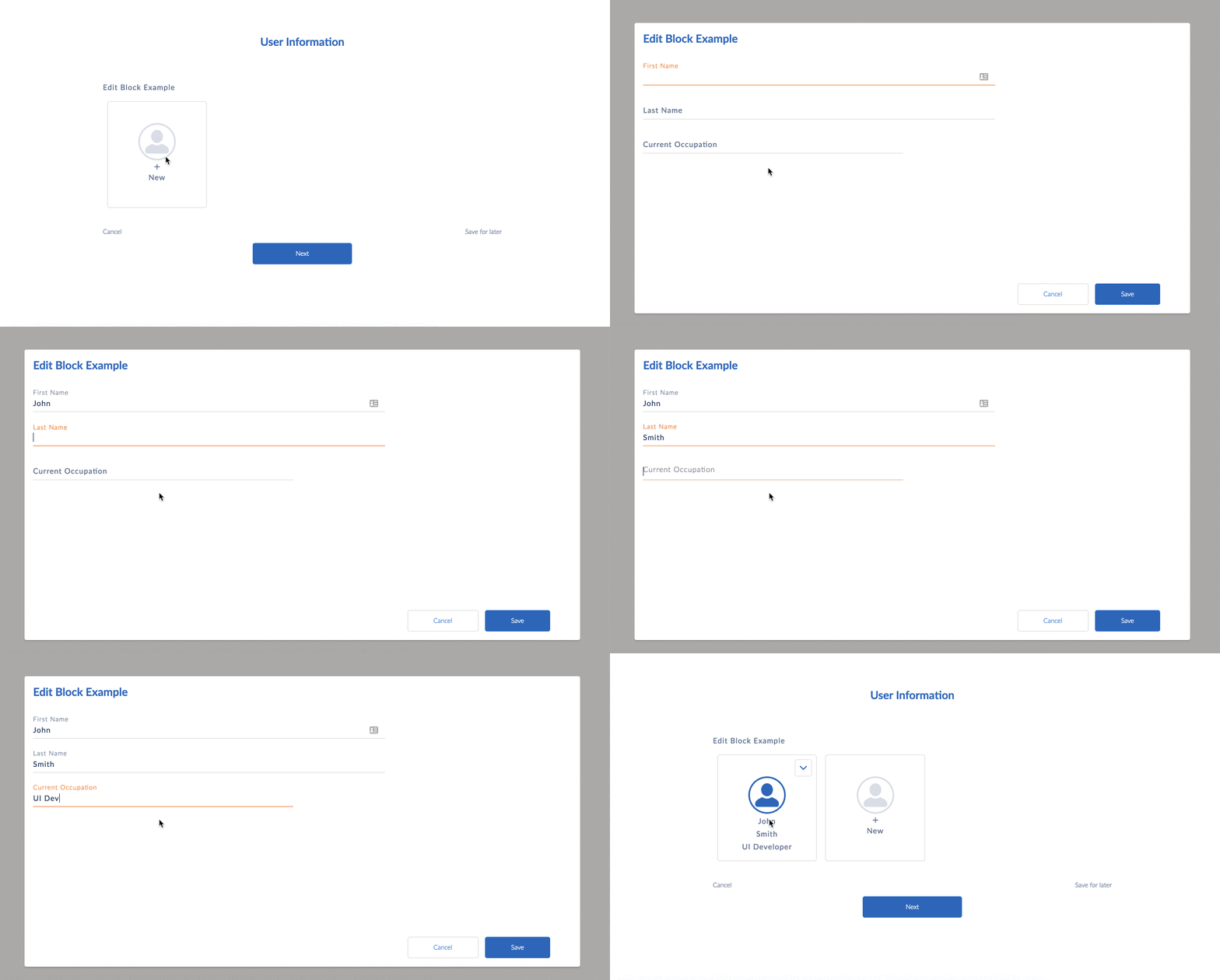
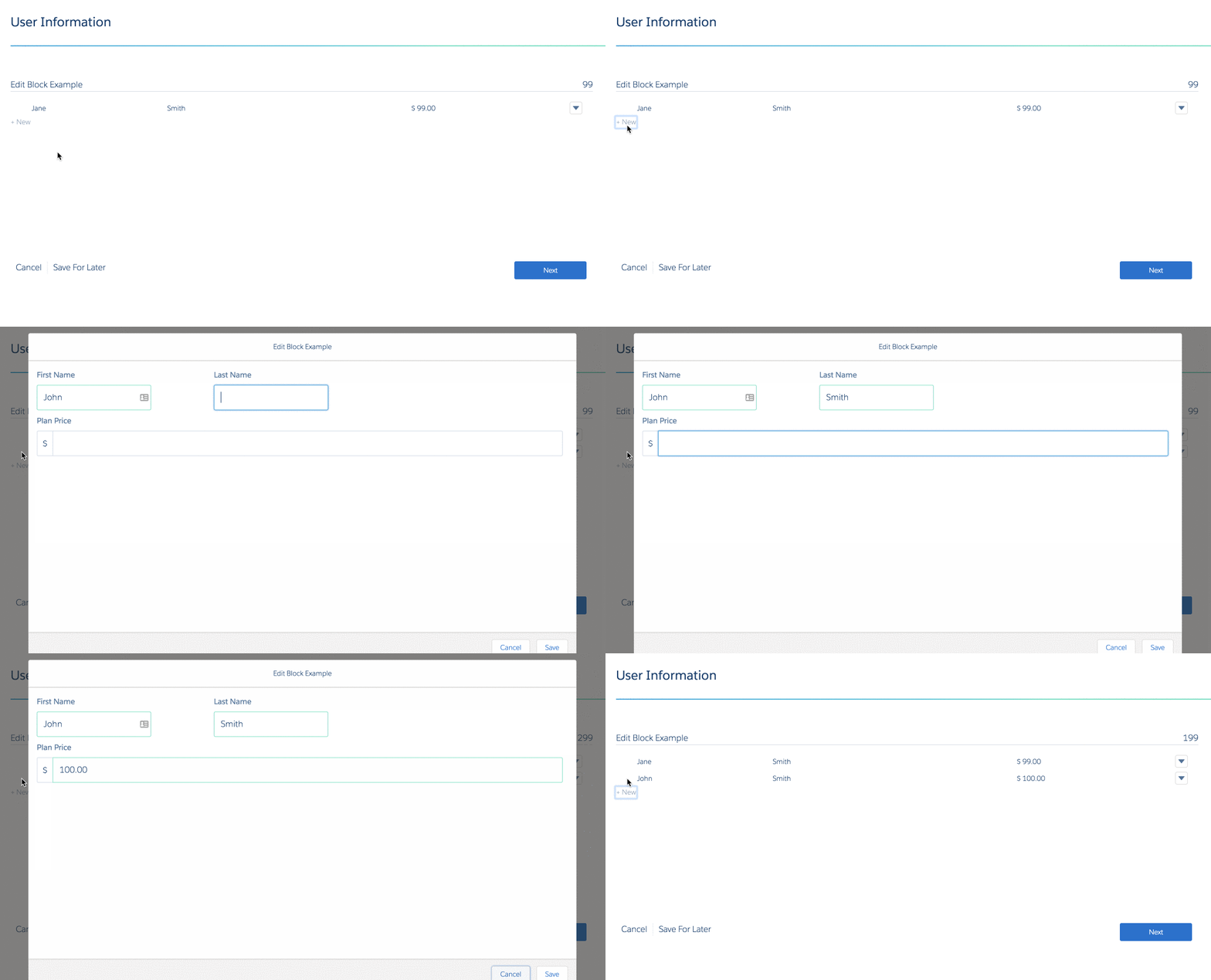
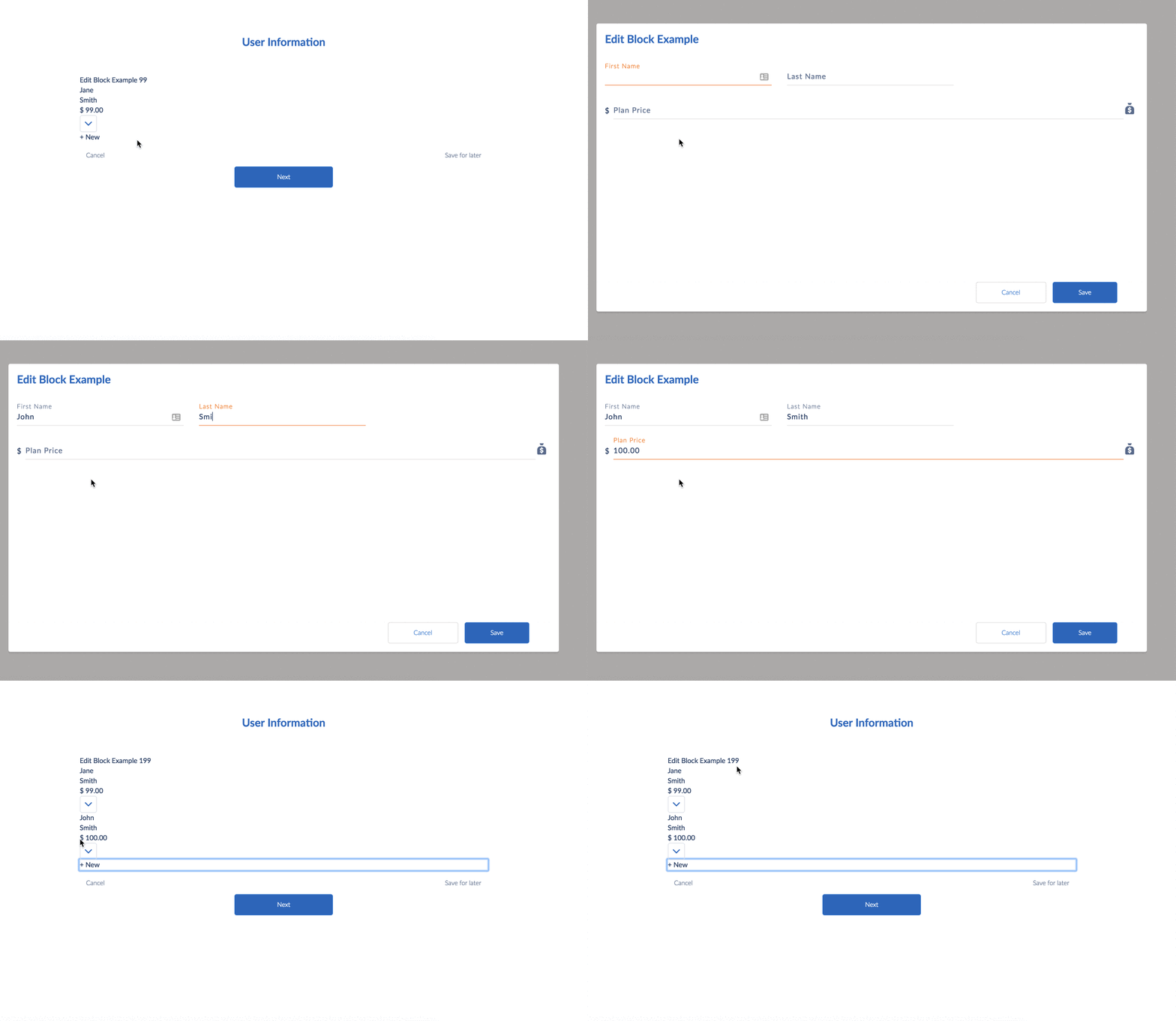
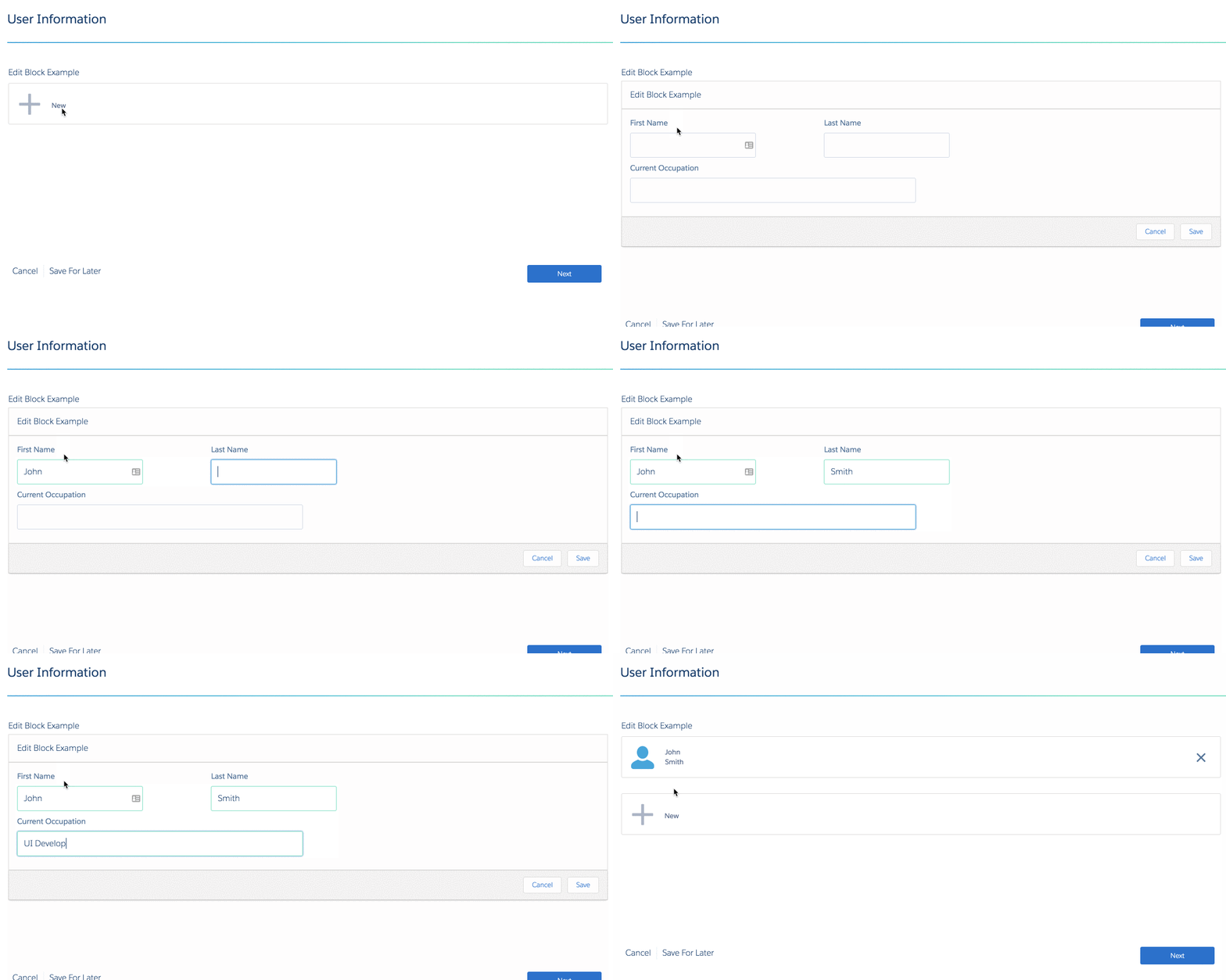
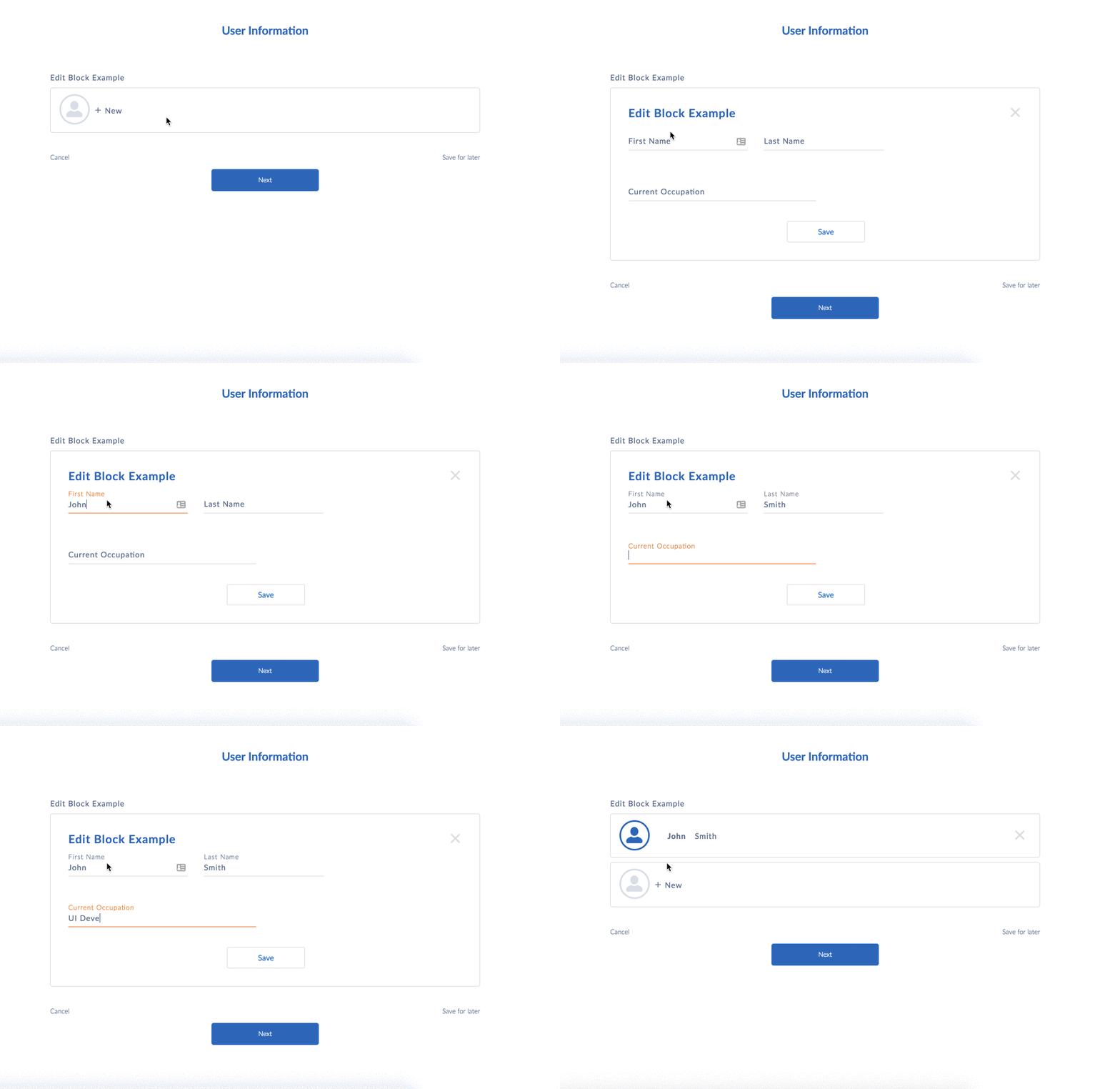
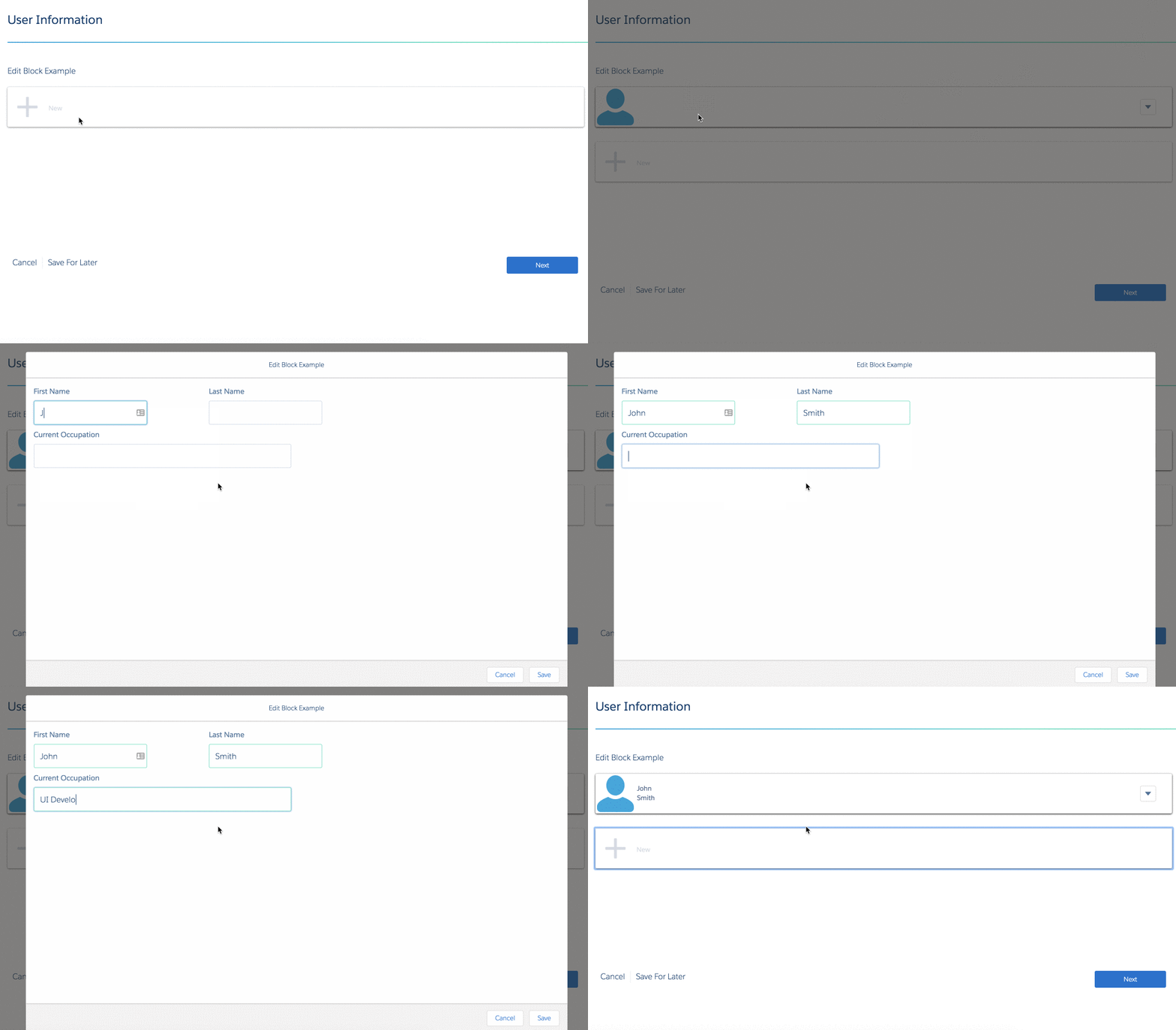
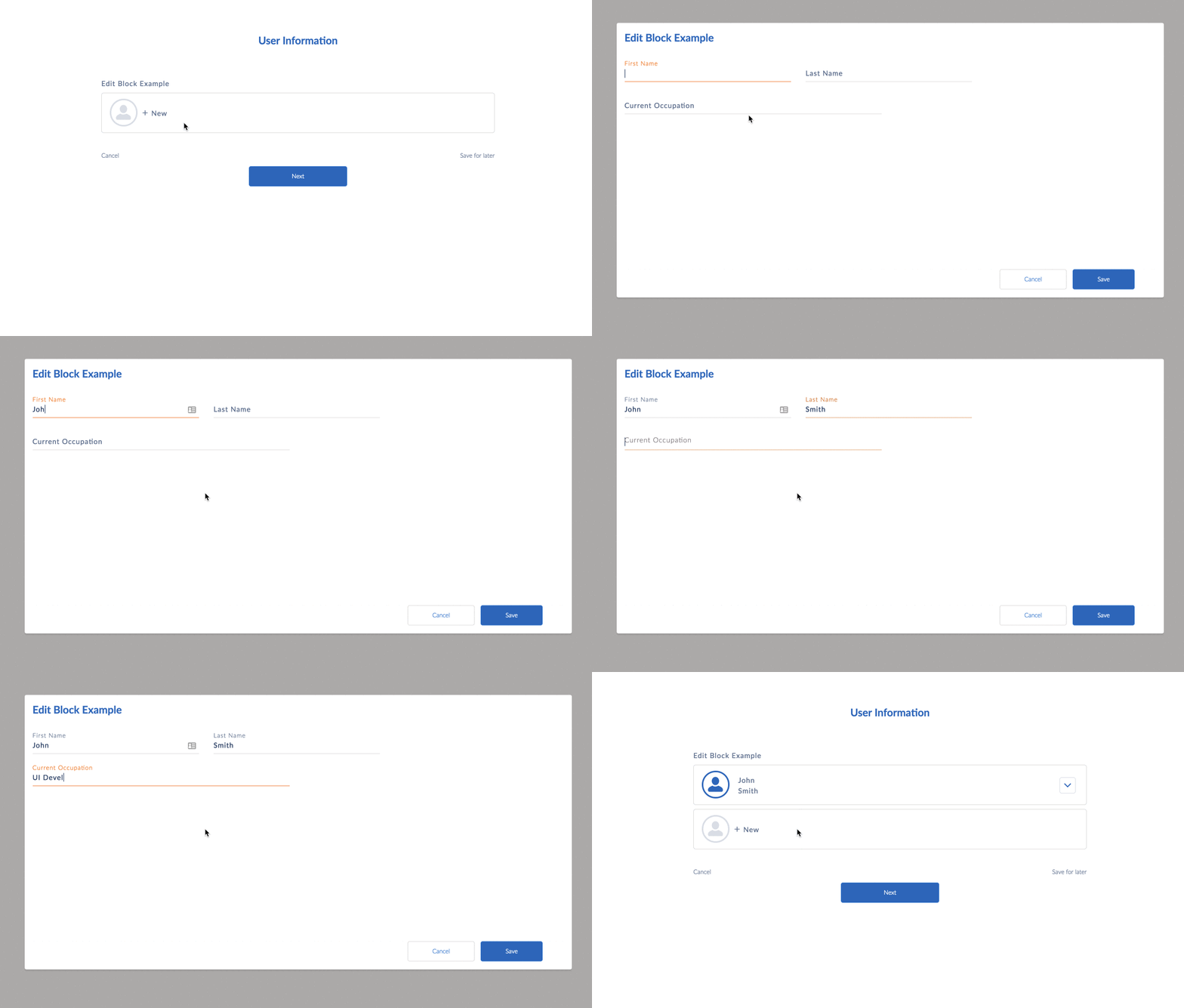
Select a Mode in the Edit Block's **Edit Block Mode** field to change the display and functionality of the Edit Block.

<table class="slds-table slds-table_bordered slds-max-medium-table_stacked slds-m-bottom_small ">
        <colgroup>
          <col>
          <col>
          <col>
          <col>
        </colgroup>
        <thead class="slds-text-title_caps ">
          <tr class="">
            <th scope="col" class="slds-cell-wrap" style="vertical-align:top;" id="d252491e158">
              <p style="margin-bottom:0;">Mode</p>
            </th>
            <th scope="col" class="slds-cell-wrap" style="vertical-align:top;" id="d252491e164">
              <p style="margin-bottom:0;">Configuration Notes</p>
            </th>
            <th scope="col" class="slds-cell-wrap" style="vertical-align:top;" id="d252491e170">
              <p style="margin-bottom:0;">Lightning Example</p>
            </th>
            <th scope="col" class="slds-cell-wrap" style="vertical-align:top;" id="d252491e176">
              <p style="margin-bottom:0;">Newport Example</p>
            </th>
          </tr>
        </thead>
        <tbody>
          <tr class="">
            <td data-label="Mode" class="slds-cell-wrap" style="vertical-align:top;" headers="d252491e158 ">
              <p style="margin-bottom:0;">
                <strong class="uicontrol">Inline</strong>
              </p>
            </td>

            <td data-label="Configuration Notes" class="slds-cell-wrap" style="vertical-align:top;" headers="d252491e164 ">
              <p style="margin-bottom:0;">n/a</p>
            </td>

            <td data-label="Lightning Example" class="slds-cell-wrap" style="vertical-align:top;" headers="d252491e170 ">
              <div><img style="width:100px;" src="https://sf-zdocs-cdn-prod.zoominsoftware.com/tdta-xcloud-omnistudio_for_managed_packages-264-0-0-production-enus/aa2554ec-624a-4ee6-8da4-6435670e6e62/omnistudio_for_managed_packages/images/owc_editblock_inline_lightning.gif" alt="image"></div>
            </td>

            <td data-label="Newport Example" class="slds-cell-wrap" style="vertical-align:top;" headers="d252491e176 ">
              <div><img style="width:100px;" src="https://sf-zdocs-cdn-prod.zoominsoftware.com/tdta-xcloud-omnistudio_for_managed_packages-264-0-0-production-enus/aa2554ec-624a-4ee6-8da4-6435670e6e62/omnistudio_for_managed_packages/images/owc_editblock_inline_newport.gif" alt="image"></div>
            </td>

          </tr>
          <tr class="">
            <td data-label="Mode" class="slds-cell-wrap" style="vertical-align:top;" headers="d252491e158 ">
              <p style="margin-bottom:0;">
                <strong class="uicontrol">Table</strong>
              </p>
            </td>

            <td data-label="Configuration Notes" class="slds-cell-wrap" style="vertical-align:top;" headers="d252491e164 ">
              <p>The maximum number of elements that you can display as columns is 6.</p>
              <p style="margin-bottom:0;">Currently, edit blocks configured in table mode in Omniscripts aren't
                compatible with screen readers. If you use a screen reader, we recommend
                that you use Flexcards instead of Omniscripts. In Flexcards, you can use
                data tables or Lightning datatables that are compatible with screen
                readers. See <a href="https://help.salesforce.com/s/articleView?id=xcloud.os_add_a_datatable_to_a_flexcard_29717.htm&amp;type=5&amp;language=en_US" target="_blank">Show Data in a Table on a
                  Flexcard</a> and <a href="https://developer.salesforce.com/docs/component-library/bundle/lightning-datatable/documentation" target="_blank">Lightning Web Component –
                  Datatable</a>.</p>
            </td>

            <td data-label="Lightning Example" class="slds-cell-wrap" style="vertical-align:top;" headers="d252491e170 ">
              <div><img style="width:100px;" src="https://sf-zdocs-cdn-prod.zoominsoftware.com/tdta-xcloud-omnistudio_for_managed_packages-264-0-0-production-enus/aa2554ec-624a-4ee6-8da4-6435670e6e62/omnistudio_for_managed_packages/images/owc_editblock_table_lightning.gif" alt="image"></div>
            </td>

            <td data-label="Newport Example" class="slds-cell-wrap" style="vertical-align:top;" headers="d252491e176 ">
              <div><img style="width:100px;" src="https://sf-zdocs-cdn-prod.zoominsoftware.com/tdta-xcloud-omnistudio_for_managed_packages-264-0-0-production-enus/aa2554ec-624a-4ee6-8da4-6435670e6e62/omnistudio_for_managed_packages/images/owc_editblock_table_newport.gif" alt="image"></div>
            </td>

          </tr>
          <tr class="">
            <td data-label="Mode" class="slds-cell-wrap" style="vertical-align:top;" headers="d252491e158 ">
              <p style="margin-bottom:0;">
                <strong class="uicontrol">Financial Statement (FS)</strong>
              </p>
            </td>

            <td data-label="Configuration Notes" class="slds-cell-wrap" style="vertical-align:top;" headers="d252491e164 ">
              <ul>
                <li>
                  <p>The total combined width of the elements must be less than or equal to 12.</p>
                </li>

                <li>
                  <p>Vlocity recommends displaying fewer than twelve elements.</p>
                </li>

                <li>
                  <p>Hidden elements don't affect the total display width.</p>
                </li>

              </ul>
            </td>

            <td data-label="Lightning Example" class="slds-cell-wrap" style="vertical-align:top;" headers="d252491e170 ">
              <div><img style="width:100px;" src="https://sf-zdocs-cdn-prod.zoominsoftware.com/tdta-xcloud-omnistudio_for_managed_packages-264-0-0-production-enus/aa2554ec-624a-4ee6-8da4-6435670e6e62/omnistudio_for_managed_packages/images/owc_editblock_fs_lightning.gif" alt="image"></div>
            </td>

            <td data-label="Newport Example" class="slds-cell-wrap" style="vertical-align:top;" headers="d252491e176 ">
              <div><img style="width:200px;" src="https://sf-zdocs-cdn-prod.zoominsoftware.com/tdta-xcloud-omnistudio_for_managed_packages-264-0-0-production-enus/aa2554ec-624a-4ee6-8da4-6435670e6e62/omnistudio_for_managed_packages/images/owc_editblock_fs_newport.gif" alt="image"></div>
            </td>

          </tr>
          <tr class="">
            <td data-label="Mode" class="slds-cell-wrap" style="vertical-align:top;" headers="d252491e158 ">
              <p style="margin-bottom:0;">
                <strong class="uicontrol">Cards</strong>
              </p>
            </td>

            <td data-label="Configuration Notes" class="slds-cell-wrap" style="vertical-align:top;" headers="d252491e164 ">
              <p style="margin-bottom:0;">n/a</p>
            </td>

            <td data-label="Lightning Example" class="slds-cell-wrap" style="vertical-align:top;" headers="d252491e170 ">
              <div><img style="width:100px;" src="https://sf-zdocs-cdn-prod.zoominsoftware.com/tdta-xcloud-omnistudio_for_managed_packages-264-0-0-production-enus/aa2554ec-624a-4ee6-8da4-6435670e6e62/omnistudio_for_managed_packages/images/lwc_edit_block_short.gif" alt="image"></div>
            </td>

            <td data-label="Newport Example" class="slds-cell-wrap" style="vertical-align:top;" headers="d252491e176 ">
              <div><img style="width:200px;" src="https://sf-zdocs-cdn-prod.zoominsoftware.com/tdta-xcloud-omnistudio_for_managed_packages-264-0-0-production-enus/aa2554ec-624a-4ee6-8da4-6435670e6e62/omnistudio_for_managed_packages/images/lwc_edit_block_short_card_newport.gif" alt="image"></div>
            </td>

          </tr>
          <tr class="">
            <td data-label="Mode" class="slds-cell-wrap" style="vertical-align:top;" headers="d252491e158 ">
              <p style="margin-bottom:0;">
                <strong class="uicontrol">LongCards</strong>
              </p>
            </td>

            <td data-label="Configuration Notes" class="slds-cell-wrap" style="vertical-align:top;" headers="d252491e164 ">
              <p style="margin-bottom:0;">The width of LongCards must be set to 12.</p>
            </td>

            <td data-label="Lightning Example" class="slds-cell-wrap" style="vertical-align:top;" headers="d252491e170 ">
              <div><img style="width:100px;" src="https://sf-zdocs-cdn-prod.zoominsoftware.com/tdta-xcloud-omnistudio_for_managed_packages-264-0-0-production-enus/aa2554ec-624a-4ee6-8da4-6435670e6e62/omnistudio_for_managed_packages/images/owc_editblock_longcards_lightning.gif" alt="image"></div>
            </td>

            <td data-label="Newport Example" class="slds-cell-wrap" style="vertical-align:top;" headers="d252491e176 ">
              <div><img style="width:200px;" src="https://sf-zdocs-cdn-prod.zoominsoftware.com/tdta-xcloud-omnistudio_for_managed_packages-264-0-0-production-enus/aa2554ec-624a-4ee6-8da4-6435670e6e62/omnistudio_for_managed_packages/images/owc_editblock_longcards_newport.gif" alt="image"></div>
            </td>

          </tr>
        </tbody>
      </table>

## Angular Templates

Add a template to the EditBlock's **HTML Template Id** field to modify the display and functionality of the Edit Block.

<table class="slds-table slds-table_bordered slds-max-medium-table_stacked slds-m-bottom_small ">
        <colgroup>
          <col>
          <col>
          <col>
        </colgroup>
        <thead class="slds-text-title_caps ">
          <tr class="">
            <th scope="col" class="slds-cell-wrap" style="vertical-align:top;" id="d252491e421">
              <p style="margin-bottom:0;">Template Name</p>
            </th>
            <th scope="col" class="slds-cell-wrap" style="vertical-align:top;" id="d252491e427">
              <p style="margin-bottom:0;">Lightning Example</p>
            </th>
            <th scope="col" class="slds-cell-wrap" style="vertical-align:top;" id="d252491e433">
              <p style="margin-bottom:0;">Newport Example</p>
            </th>
          </tr>
        </thead>
        <tbody>
          <tr class="">
            <td data-label="Template Name" class="slds-cell-wrap" style="vertical-align:top;" headers="d252491e421 ">
              <p style="margin-bottom:0;">Responsive table - vlcEditBlock.html</p>
            </td>

            <td data-label="Lightning Example" class="slds-cell-wrap" style="vertical-align:top;" headers="d252491e427 ">
              <div><img style="width:200px;" src="https://sf-zdocs-cdn-prod.zoominsoftware.com/tdta-xcloud-omnistudio_for_managed_packages-264-0-0-production-enus/aa2554ec-624a-4ee6-8da4-6435670e6e62/omnistudio_for_managed_packages/images/os_lightning_vlceditblock.gif" alt="image"></div>
            </td>

            <td data-label="Newport Example" class="slds-cell-wrap" style="vertical-align:top;" headers="d252491e433 ">
              <div><img style="width:200px;" src="https://sf-zdocs-cdn-prod.zoominsoftware.com/tdta-xcloud-omnistudio_for_managed_packages-264-0-0-production-enus/aa2554ec-624a-4ee6-8da4-6435670e6e62/omnistudio_for_managed_packages/images/os_newport_vlceditblock.gif" alt="image"></div>
            </td>

          </tr>
          <tr class="">
            <td data-label="Template Name" class="slds-cell-wrap" style="vertical-align:top;" headers="d252491e421 ">
              <p style="margin-bottom:0;">Cards - vlcEditBlockCards.html</p>
            </td>

            <td data-label="Lightning Example" class="slds-cell-wrap" style="vertical-align:top;" headers="d252491e427 ">
              <div><img style="width:200px;" src="https://sf-zdocs-cdn-prod.zoominsoftware.com/tdta-xcloud-omnistudio_for_managed_packages-264-0-0-production-enus/aa2554ec-624a-4ee6-8da4-6435670e6e62/omnistudio_for_managed_packages/images/os_lightning_vlceditblockcards.gif" alt="image"></div>
            </td>

            <td data-label="Newport Example" class="slds-cell-wrap" style="vertical-align:top;" headers="d252491e433 ">
              <div><img style="width:200px;" src="https://sf-zdocs-cdn-prod.zoominsoftware.com/tdta-xcloud-omnistudio_for_managed_packages-264-0-0-production-enus/aa2554ec-624a-4ee6-8da4-6435670e6e62/omnistudio_for_managed_packages/images/os_newport_vlceditblockcards.gif" alt="image"></div>
            </td>

          </tr>
          <tr class="">
            <td data-label="Template Name" class="slds-cell-wrap" style="vertical-align:top;" headers="d252491e421 ">
              <p style="margin-bottom:0;">Financial Statement - vlcEditBlockFS.html</p>
            </td>

            <td data-label="Lightning Example" class="slds-cell-wrap" style="vertical-align:top;" headers="d252491e427 ">
              <div><img style="width:200px;" src="https://sf-zdocs-cdn-prod.zoominsoftware.com/tdta-xcloud-omnistudio_for_managed_packages-264-0-0-production-enus/aa2554ec-624a-4ee6-8da4-6435670e6e62/omnistudio_for_managed_packages/images/os_lightning_vlceditblockfs.gif" alt="image"></div>
            </td>

            <td data-label="Newport Example" class="slds-cell-wrap" style="vertical-align:top;" headers="d252491e433 ">
              <div><img style="width:200px;" src="https://sf-zdocs-cdn-prod.zoominsoftware.com/tdta-xcloud-omnistudio_for_managed_packages-264-0-0-production-enus/aa2554ec-624a-4ee6-8da4-6435670e6e62/omnistudio_for_managed_packages/images/os_newport_vlceditblockfs.gif" alt="image"></div>
            </td>

          </tr>
          <tr class="">
            <td data-label="Template Name" class="slds-cell-wrap" style="vertical-align:top;" headers="d252491e421 ">
              <p style="margin-bottom:0;">Inline - vlcEditBlockInline.html</p>
            </td>

            <td data-label="Lightning Example" class="slds-cell-wrap" style="vertical-align:top;" headers="d252491e427 ">
              <div><img style="width:200px;" src="https://sf-zdocs-cdn-prod.zoominsoftware.com/tdta-xcloud-omnistudio_for_managed_packages-264-0-0-production-enus/aa2554ec-624a-4ee6-8da4-6435670e6e62/omnistudio_for_managed_packages/images/os_lightning_vlceditblockinline.gif" alt="image"></div>
            </td>

            <td data-label="Newport Example" class="slds-cell-wrap" style="vertical-align:top;" headers="d252491e433 ">
              <div><img style="width:200px;" src="https://sf-zdocs-cdn-prod.zoominsoftware.com/tdta-xcloud-omnistudio_for_managed_packages-264-0-0-production-enus/aa2554ec-624a-4ee6-8da4-6435670e6e62/omnistudio_for_managed_packages/images/os_newport_vlceditblockinline.gif" alt="image"></div>
            </td>

          </tr>
          <tr class="">
            <td data-label="Template Name" class="slds-cell-wrap" style="vertical-align:top;" headers="d252491e421 ">
              <p style="margin-bottom:0;">Long cards - vlcEditBlockLongCards.html</p>
            </td>

            <td data-label="Lightning Example" class="slds-cell-wrap" style="vertical-align:top;" headers="d252491e427 ">
              <div><img style="width:200px;" src="https://sf-zdocs-cdn-prod.zoominsoftware.com/tdta-xcloud-omnistudio_for_managed_packages-264-0-0-production-enus/aa2554ec-624a-4ee6-8da4-6435670e6e62/omnistudio_for_managed_packages/images/os_lightning_vlceditblocklongcards.gif" alt="image"></div>
            </td>

            <td data-label="Newport Example" class="slds-cell-wrap" style="vertical-align:top;" headers="d252491e433 ">
              <div><img style="width:200px;" src="https://sf-zdocs-cdn-prod.zoominsoftware.com/tdta-xcloud-omnistudio_for_managed_packages-264-0-0-production-enus/aa2554ec-624a-4ee6-8da4-6435670e6e62/omnistudio_for_managed_packages/images/os_newport_vlceditblocklongcards.gif" alt="image"></div>
            </td>

          </tr>
        </tbody>
      </table>

## Compatible Elements

The following elements are compatible with Edit Block:

- Aggregate
- Checkbox
- Currency
- Date
- Date/Time
- Disclosure
- Email
- File
- Formula
- Headline
- HTTP Action
- Image
- Integration Procedure Action
- Line Break
- Lookup
- Matrix Action
- Multi-select
- Number
- Password
- Radio
- Radio Group
- Range
- Remote Action
- Select
- Signature
- Telephone
- Text
- Text Area
- Text Block
- Type Ahead Block
- Time
- URL

## What's Next

Add actions to an Edit Block or use sObject mapping to create, edit, and delete records. See [Add, Edit, and Delete Records with Edit Block Actions (Managed Package)](https://help.salesforce.com/s/articleView?id=xcloud.os_addeditand_delete_records_with_edit_block_actions.htm&release=264.0.0&type=5 "For the managed package runtime, enable users to add, edit, and delete records by using Edit Block's default remote actions. Add custom functionality by configuring additional actions.").