
For the managed package runtime, view two templates or two template versions side by side in the Template Designer to compare the differences between them and make changes to one.
 This information is for Omnistudio for Managed Packages. For Omnistudio on standard runtime, see Omnistudio Help.
To compare the differences between templates:
- Go to Vlocity Templates, click to expand a template, and click to open a version of the template to compare with another template.
-
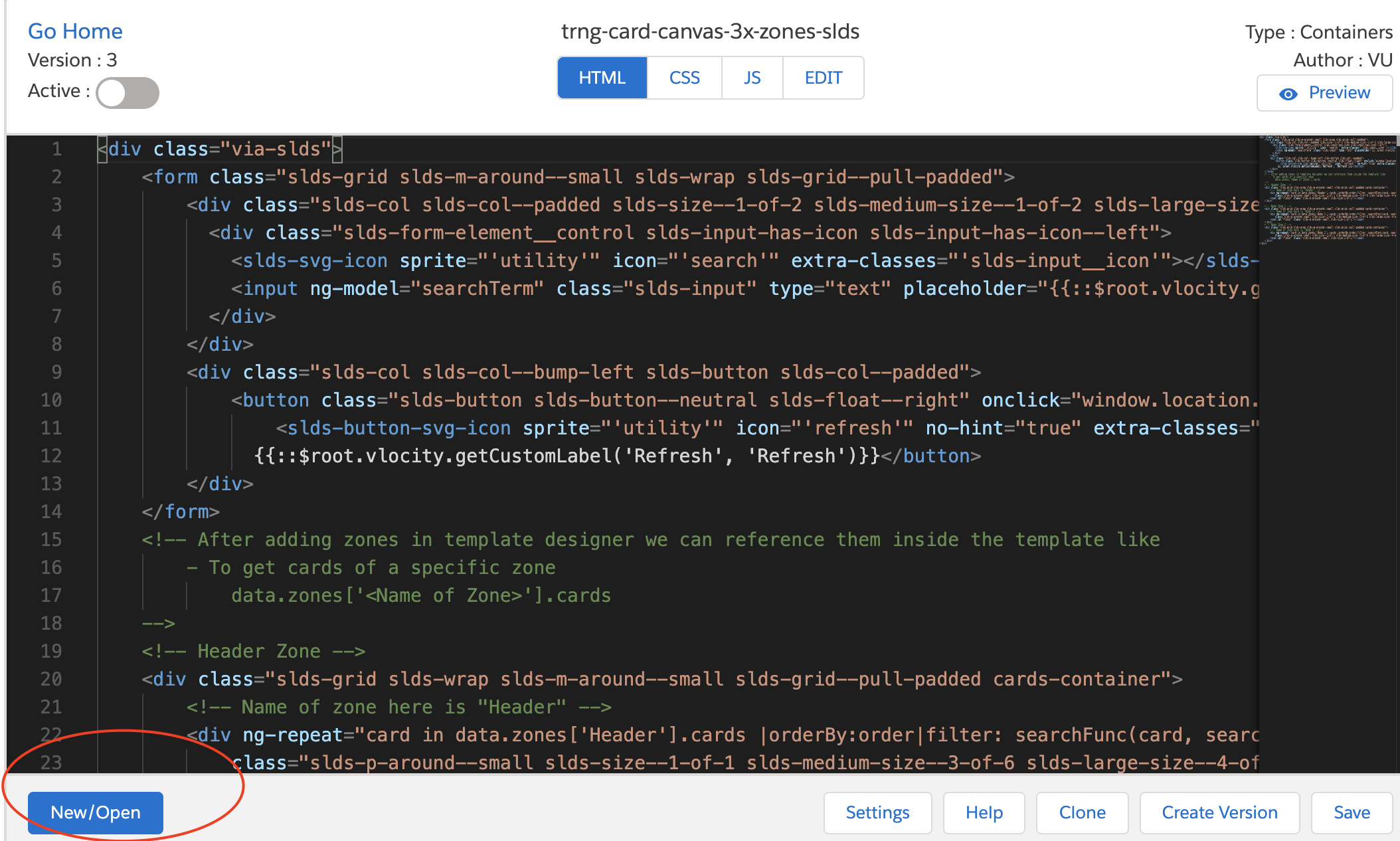
Click New/Open.
-
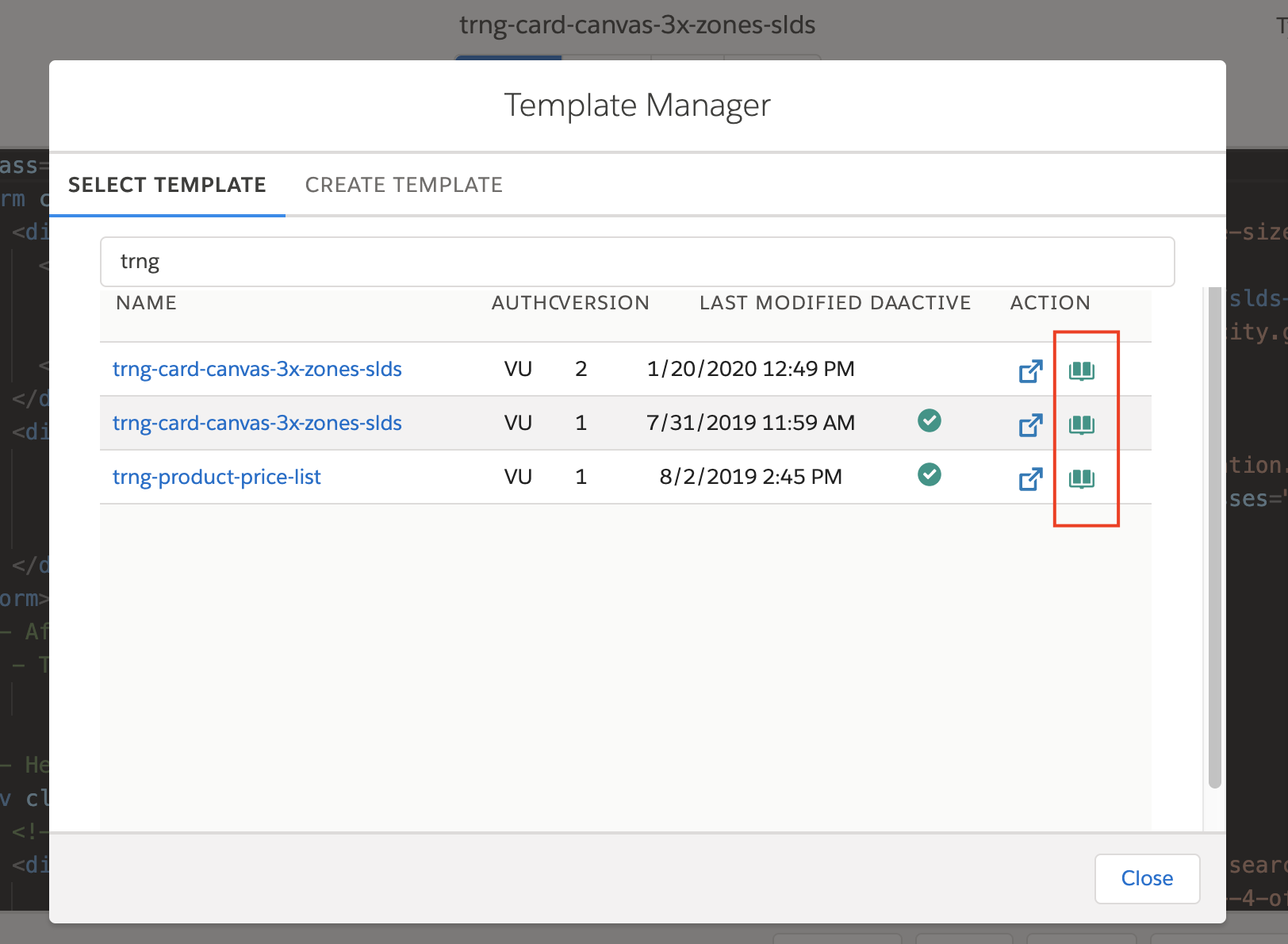
Click the book icon of the template to compare it to the open template. For
example, if you have version 2 of the template
trng-card-canvas-3x-zones-slds open, click the book icon of
version 3 of that template to compare the differences between them.
-
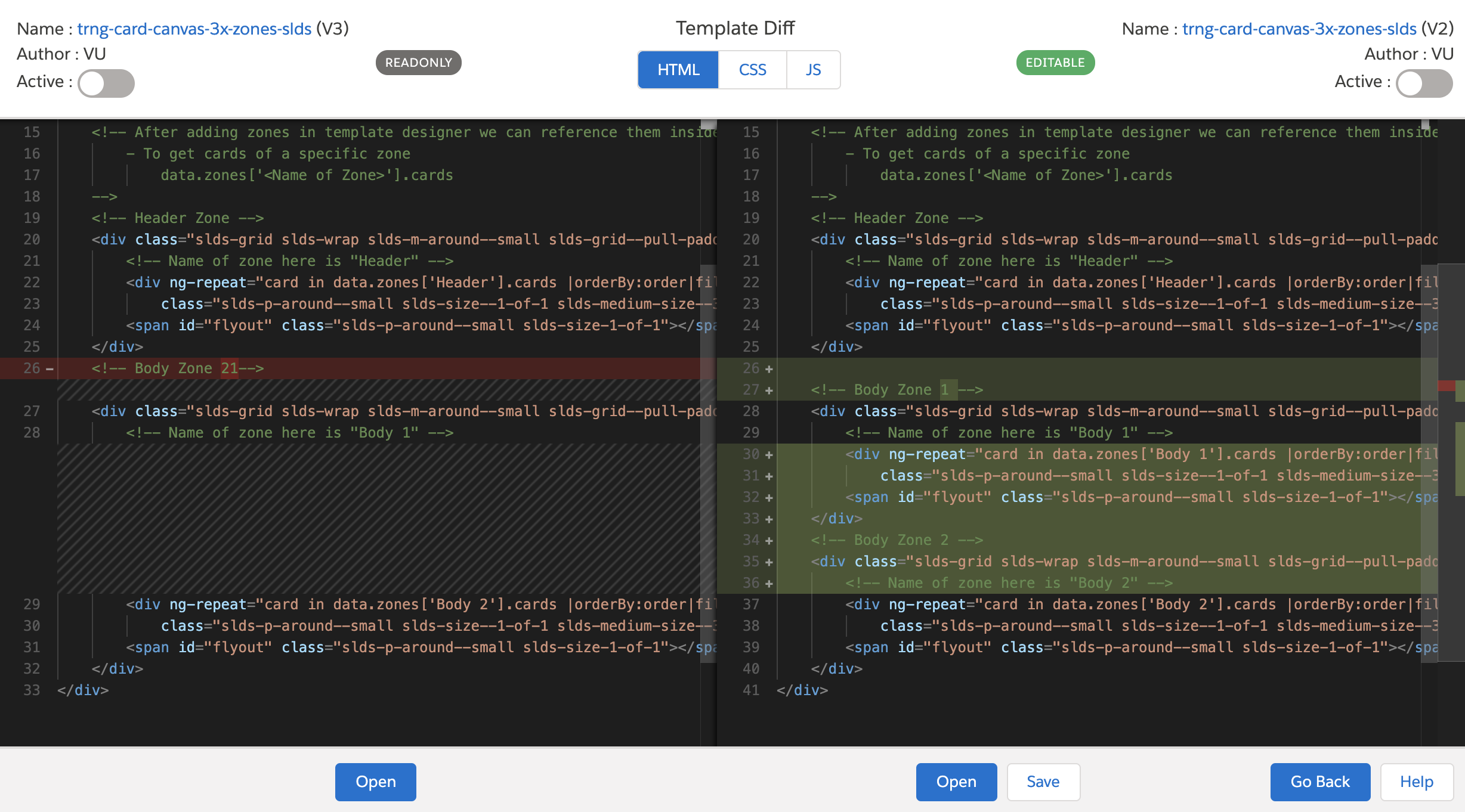
Click HTML, CSS, or
JS to view the differences between each and perform these
tasks:
-
In the right Editable column, edit the template that you are comparing to the original template. Click Save when done.
-
View the code in the original template in the left Read Only.
-
Click Activate for either template. You must activate only one template version at a time.
-
To see either template in full view, click Open.
-
To return to the original template in full view, click Go Back.
-