
For the managed package runtime, you can use your own Salesforce DX CLI to deploy Omniscripts or Flexcards that are compiled locally.
 This information is for Omnistudio for Managed Packages. For Omnistudio on standard runtime, see Omnistudio Help.
-
To use your own Salesforce DX CLI, set
useSfdxClitotruein your job file like this:useSfdxCli: trueThe output looks like this:
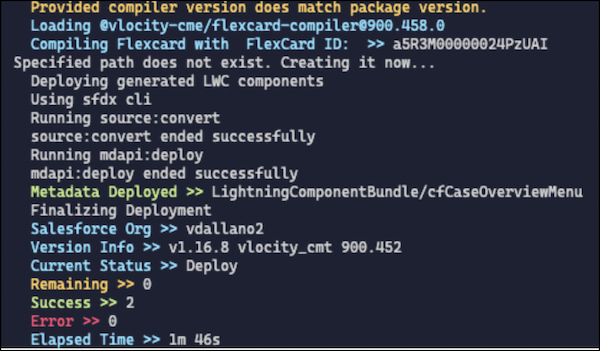
When
useSfdxCliis false or is omitted, the output looks like this: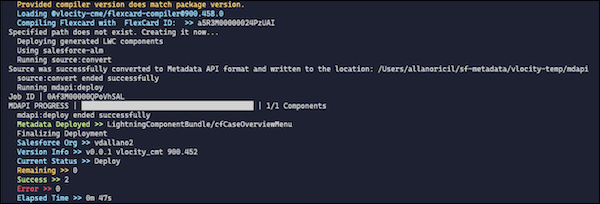
-
To keep the Omniscript activated after deployment and activation, if LWC deployment fails,
add this parameter:
keepOSActiveWhenLWCDeploymentFails: trueThis configuration affects only the local compilation of Omniscripts and Flexcards.