
For the managed package runtime, arrange, duplicate, and delete elements on the canvas of a Flexcard in the Flexcard Designer. Drag elements onto the canvas, and rearrange them by dragging them below, above, and next to other elements. Duplicate and remove elements with one click.
 This information is for Omnistudio for Managed Packages. For Omnistudio on standard runtime, see Omnistudio Help.
-
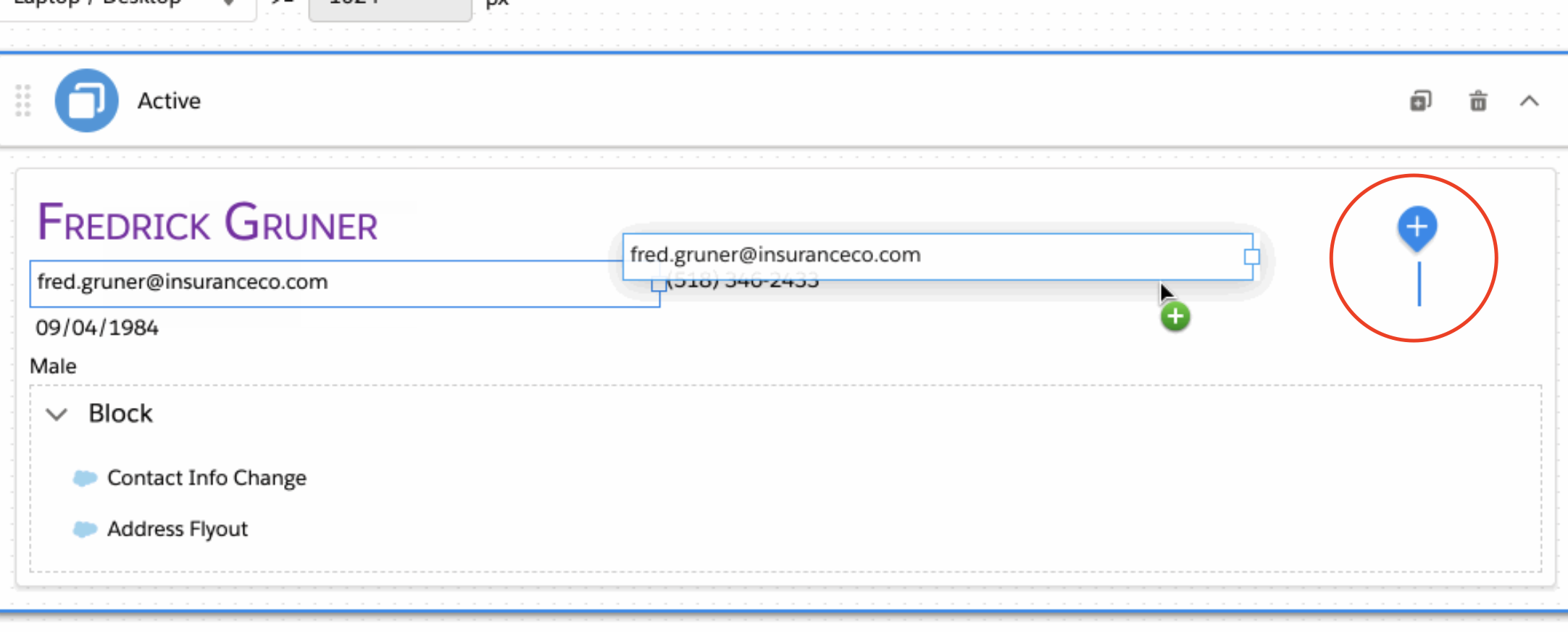
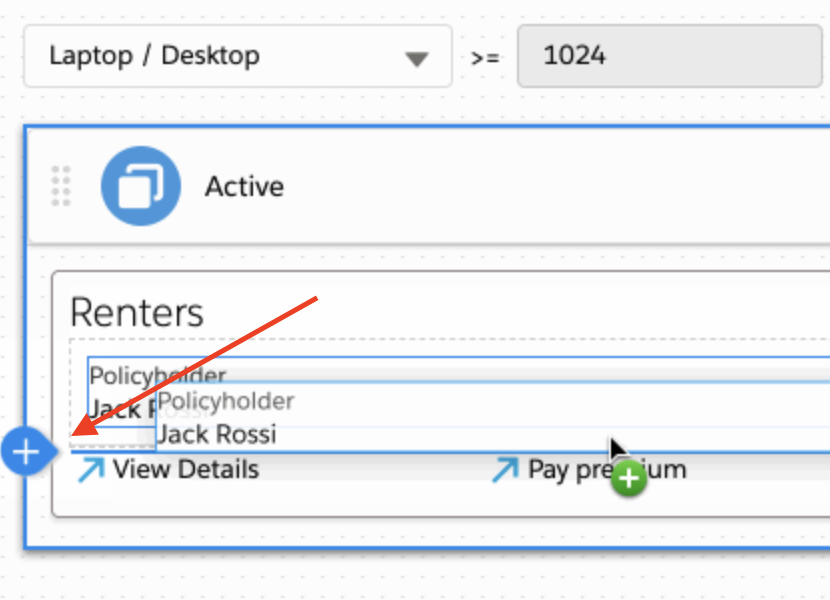
To rearrange an element inside a state, or move an element between states, click
and hold down the element, then drag it to the desired position. Wait for the
position indicator to appear at the desired position before letting go.
- To rearrange a state, click and hold down the state and move it up or down to the desired position.
-
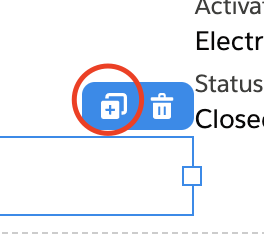
To duplicate an element, click the element, and click the double square icon.
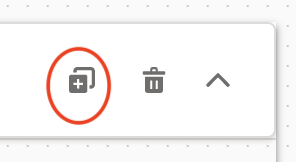
- To delete an element, click the element, and click the trash icon.