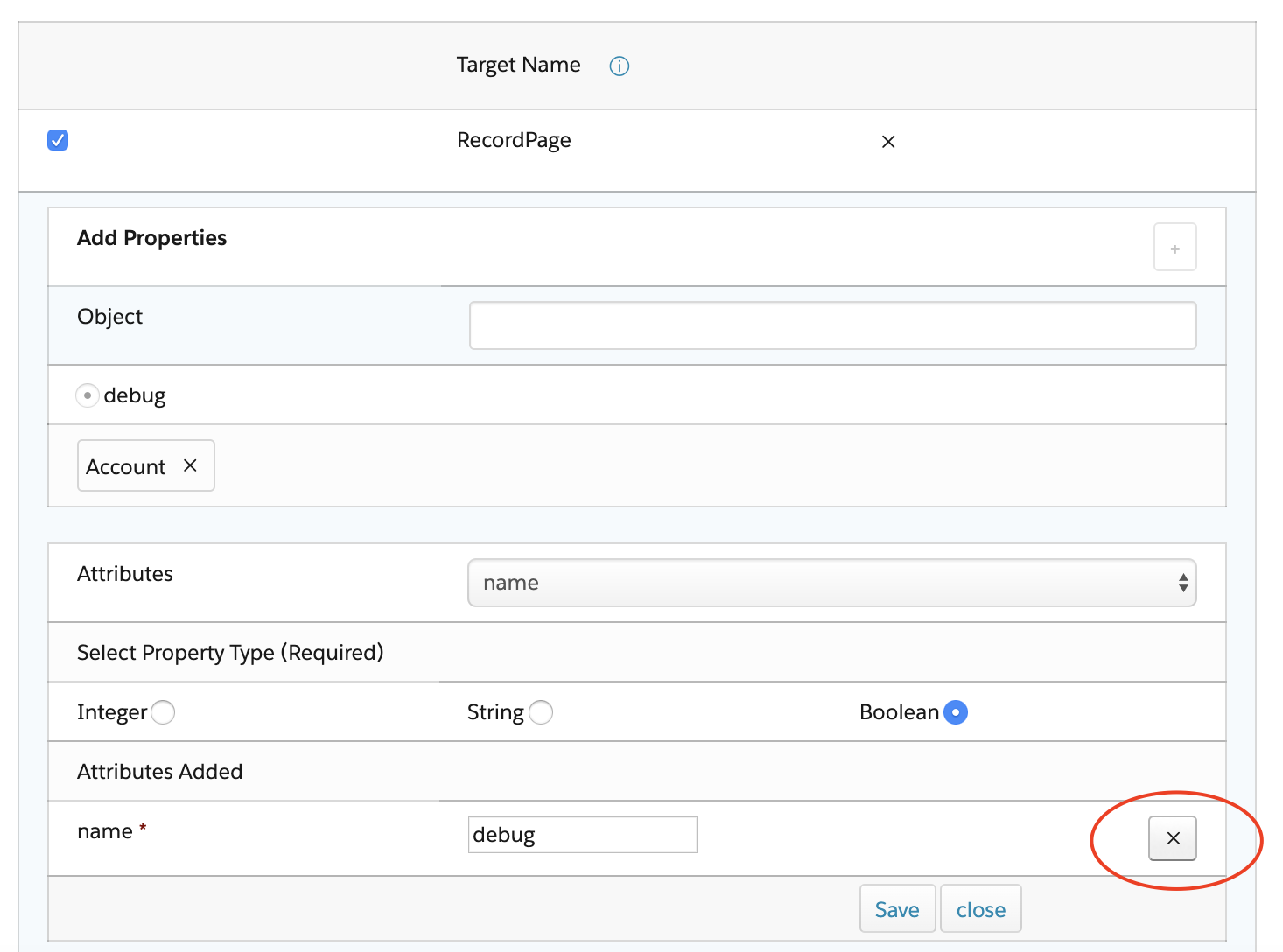
For the managed package runtime, remove an attribute from an existing property of a Target Name.
 This information is for Omnistudio for Managed Packages. For Omnistudio on standard runtime, see Omnistudio Help.
To remove an attribute from an existing property:
- Click the pencil icon for the Target Name whose property attribute you want to remove.
- Click the radio button next to the property name.
- Click the pencil icon for the property.
- In the Attributes Added section, click the X next to the attribute you want to remove.