
For the managed package runtime, add cards to a zone or nest card layouts inside a zone to arrange cards into sections.
 This information is for Omnistudio for Managed Packages. For Omnistudio on standard runtime, see Omnistudio Help.
To add a zone to a card layout:
- In your org, click App Launcher, click Vlocity Cards, and click a version of a card layout to open the Card Designer.
- In the Layout pane, select a template with zones.
-
Click the black arrow in the Zones pane to expand it, and
click the black arrow of a zone to expand.
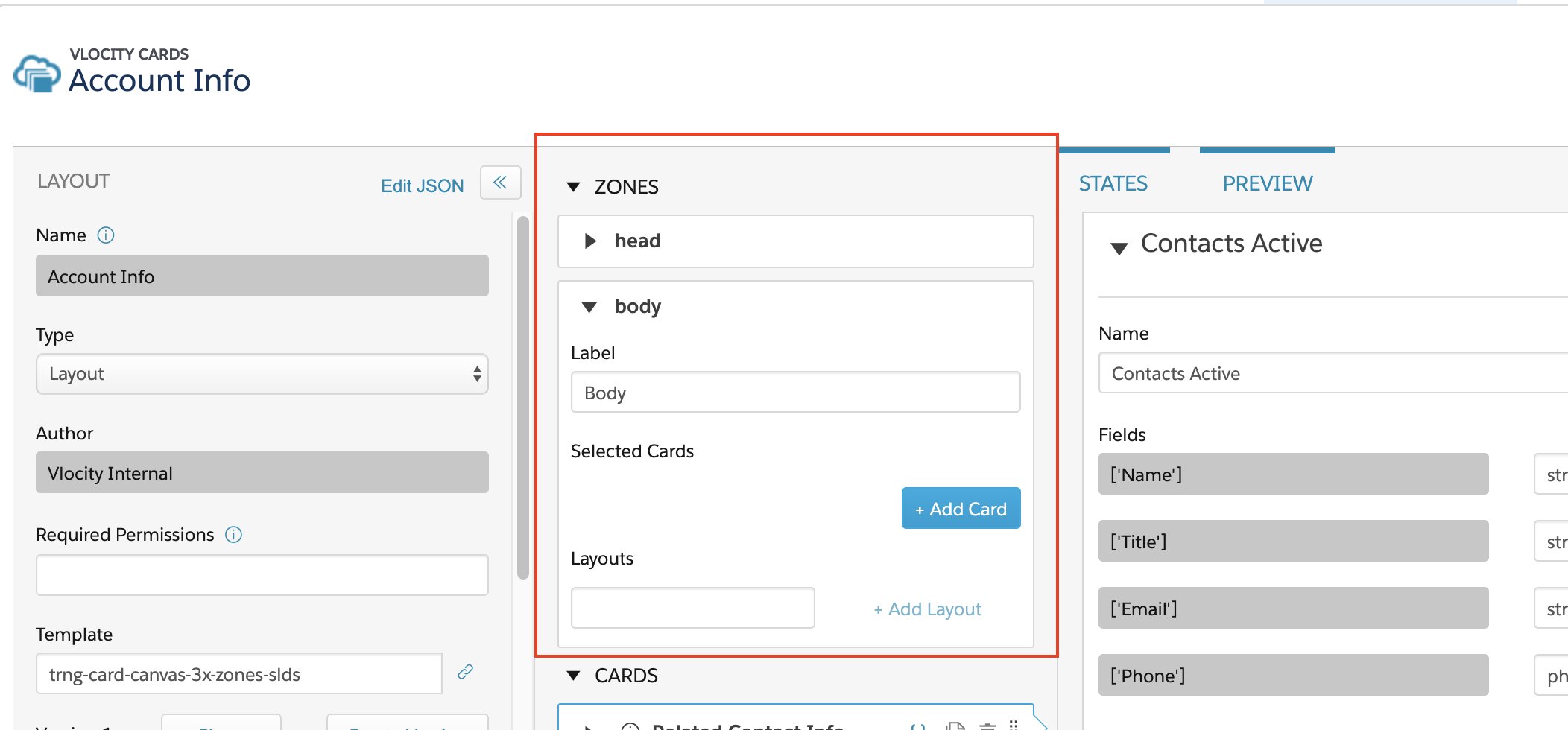
- (Optional) Edit the zone Label.
- To add a card to a zone, see Adding a Card to a Zone (Managed Package).
- To add a card layout to a zone, see Adding a Card Layout to a Zone (Managed Package).
- Click Activate on the Layout pane.
- Adding a Card to a Zone (Managed Package)
For the managed package runtime, to add a card to a zone: - Adding a Card Layout to a Zone (Managed Package)
For the managed package runtime, to embed a card layout inside a zone: