
For the managed package runtime, add a flyout to a card state to display additional information about the record
displayed on the card when you click the card. For example, the base Vlocity flyout template
flyout-grid-slds displays overflow actions from the parent card.
 This information is for Omnistudio for Managed Packages. For Omnistudio on standard runtime, see Omnistudio Help.
To add a flyout to a card state:
- In your org, click the App Launcher, click Vlocity Cards, and click a version of a card to open the Card Designer.
- In the Flyouts section of a card state, select a flyout layout template from the Flyout Layout dropdown. See Creating a Flyout (Managed Package). Only active flyouts are visible in the list.
-
To display specific records, set the Flyout Data Object:
 Note
NoteThe parent context variable always gets passed into the flyout. See Creating a Flyout (Managed Package).
-
null: leave the field blank to pass in the parent context of the card.
-
$scope.obj.[children]: where [children] represents an array inside the data source object such as PolicyLineItems for a Policy.
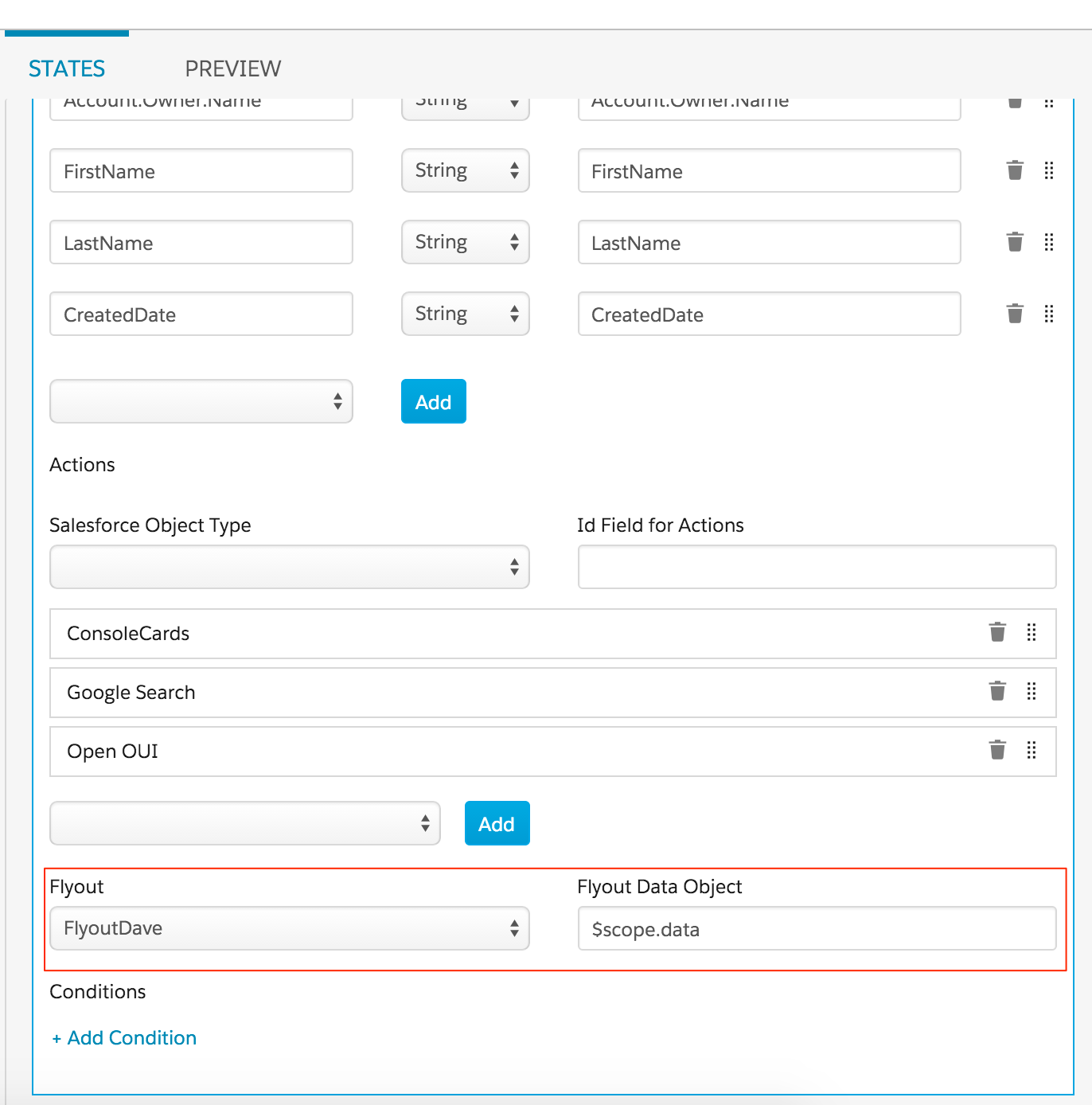
-