
For the managed package runtime, add a card to a layout.
 This information is for Omnistudio for Managed Packages. For Omnistudio on standard runtime, see Omnistudio Help.
- In your org, click the App Launcher, click Vlocity Cards, click a version of card layout to open.
-
In the Cards section of your layout, click + Add Card.
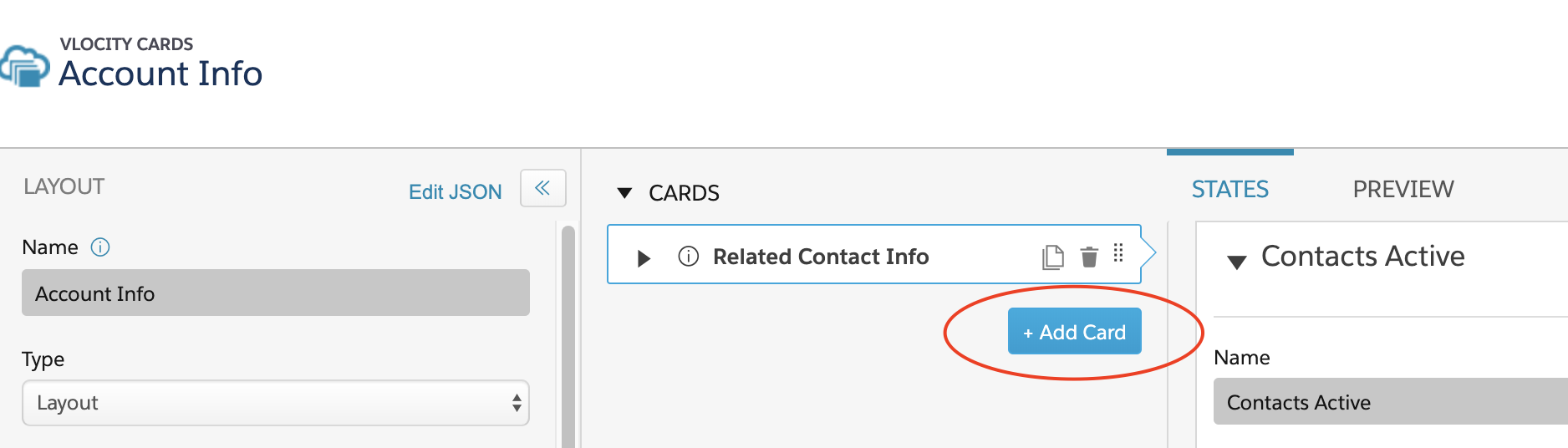
-
To select an existing card, in the Choose Existing column,
select the checkboxes next to one or more cards.
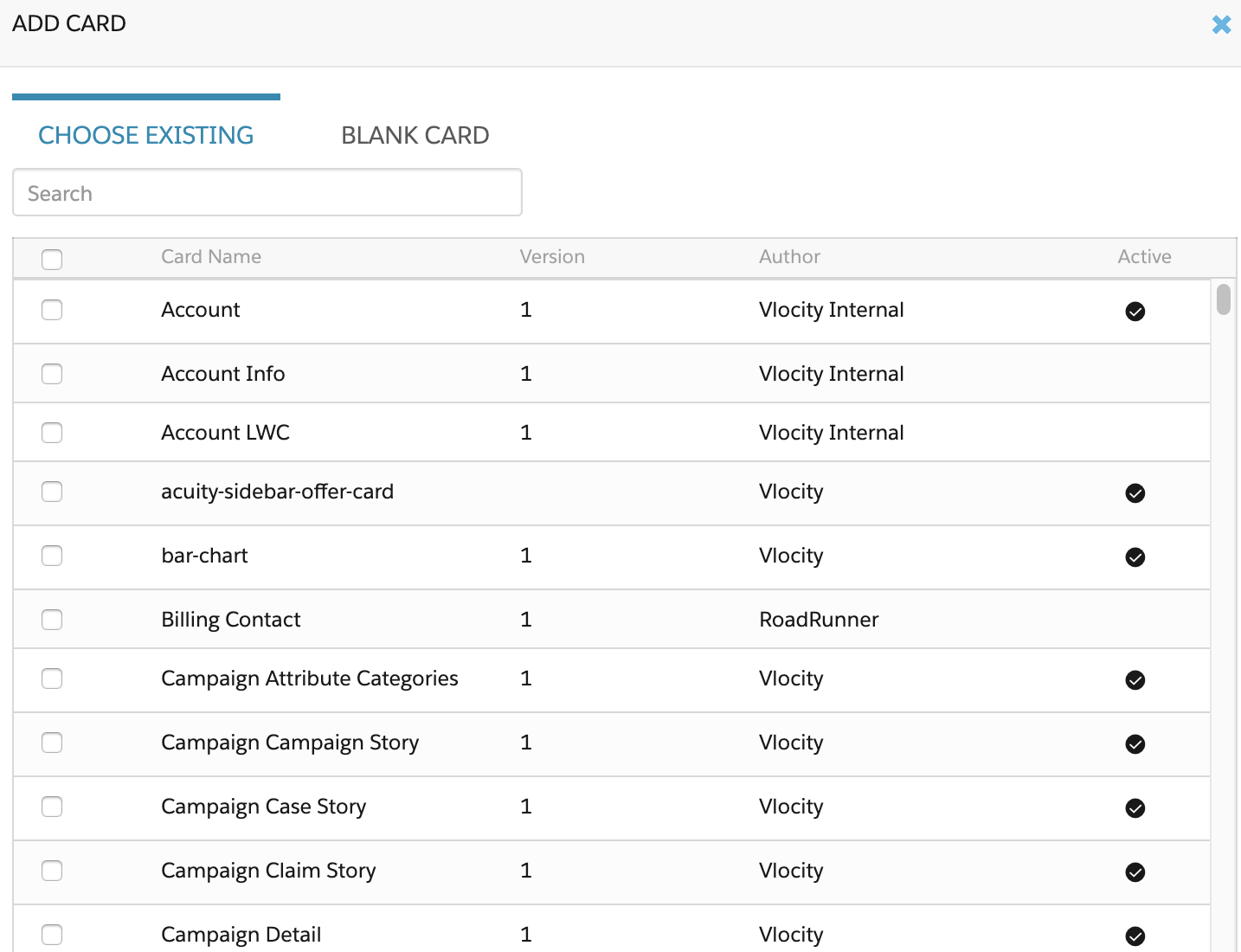
-
To create a new card, in the Blank Card column, enter the
values for these properties:
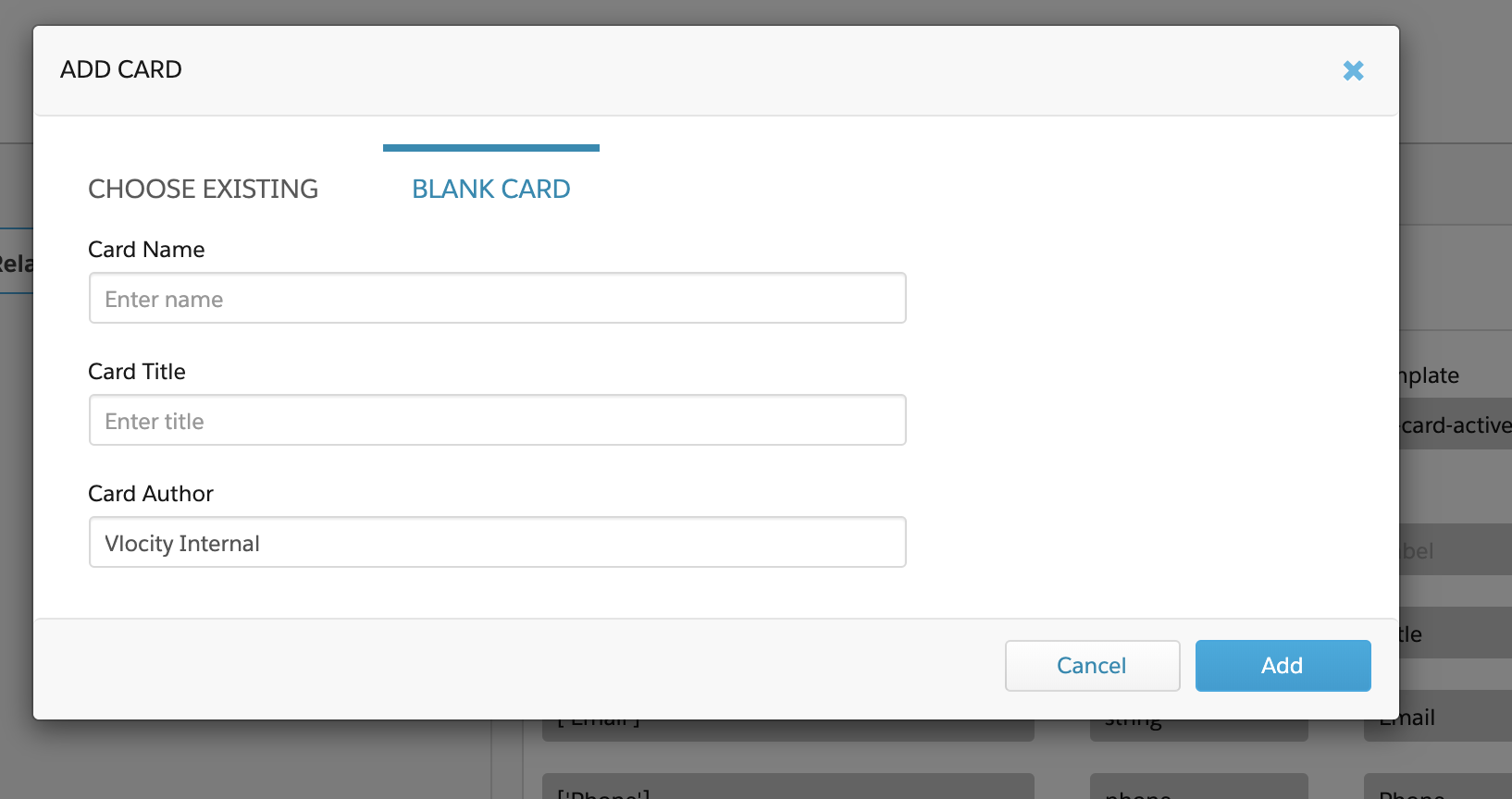
-
Card Name: Create a unique name for your card, such as CustServ Account Cases.
-
Card Title: Enter the visible name of your card, such as Cases.
-
(Optional) Card Author: Update the user organization that created the record. The best practice is to use author names that describe the team creating the content. For example, MeriCommCustServ. See Understanding the Author of a Card Layout (Managed Package).
-
- Click Add.
- Beginning with Vlocity Insurance and Health Winter '20 and Vlocity CME Winter '20, if your layout is LWC enabled, click the Deploy button next to Enable LWC in the Layout pane to save changes to the card layout.