
For the managed package runtime, to embed a card layout inside a zone:
 This information is for Omnistudio for Managed Packages. For Omnistudio on standard runtime, see Omnistudio Help.
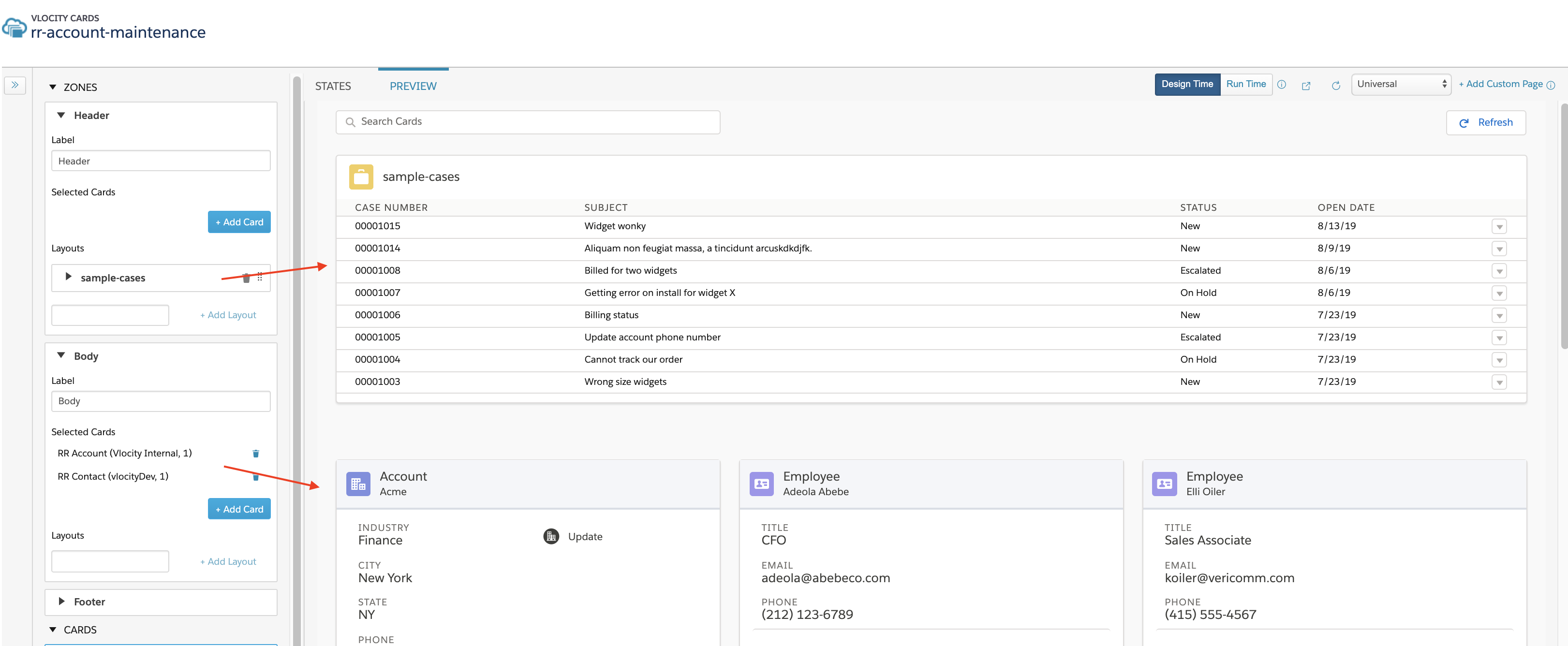
-
Expand a zone, and click into the Layouts input field to
select an active card layout from the dropdown.
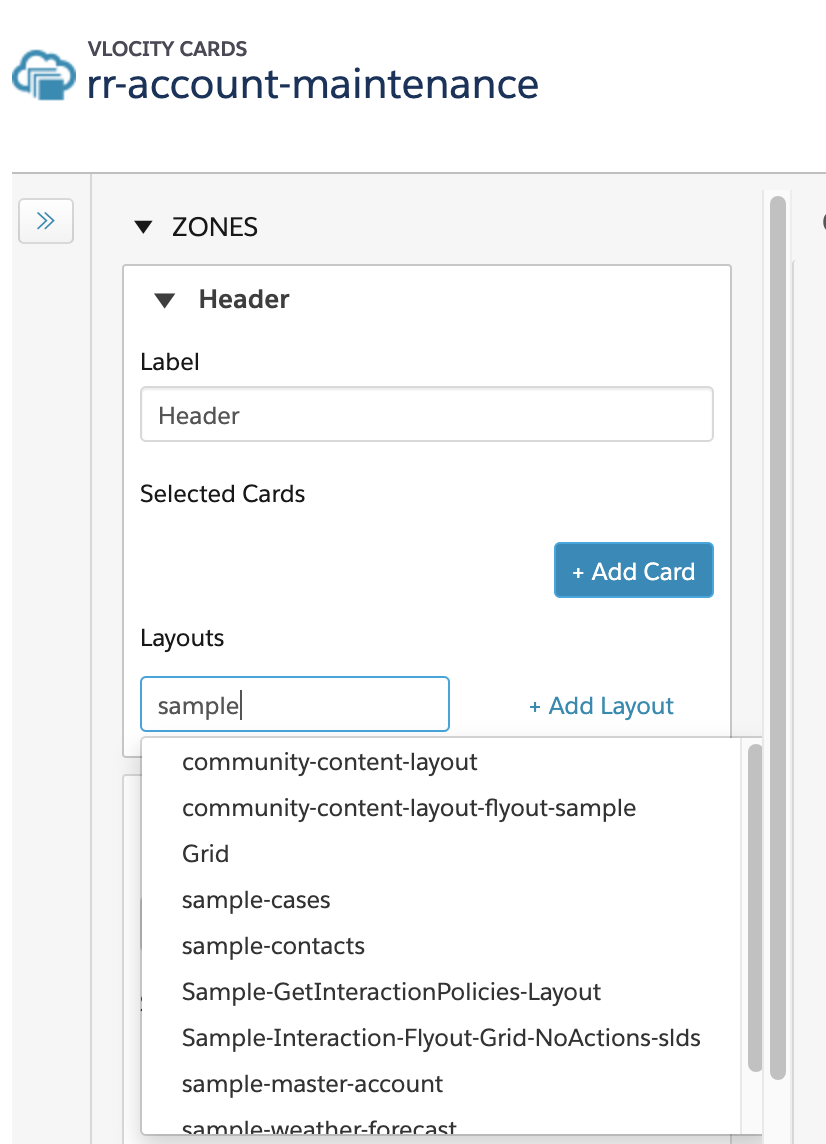
- Click + Add Layout.