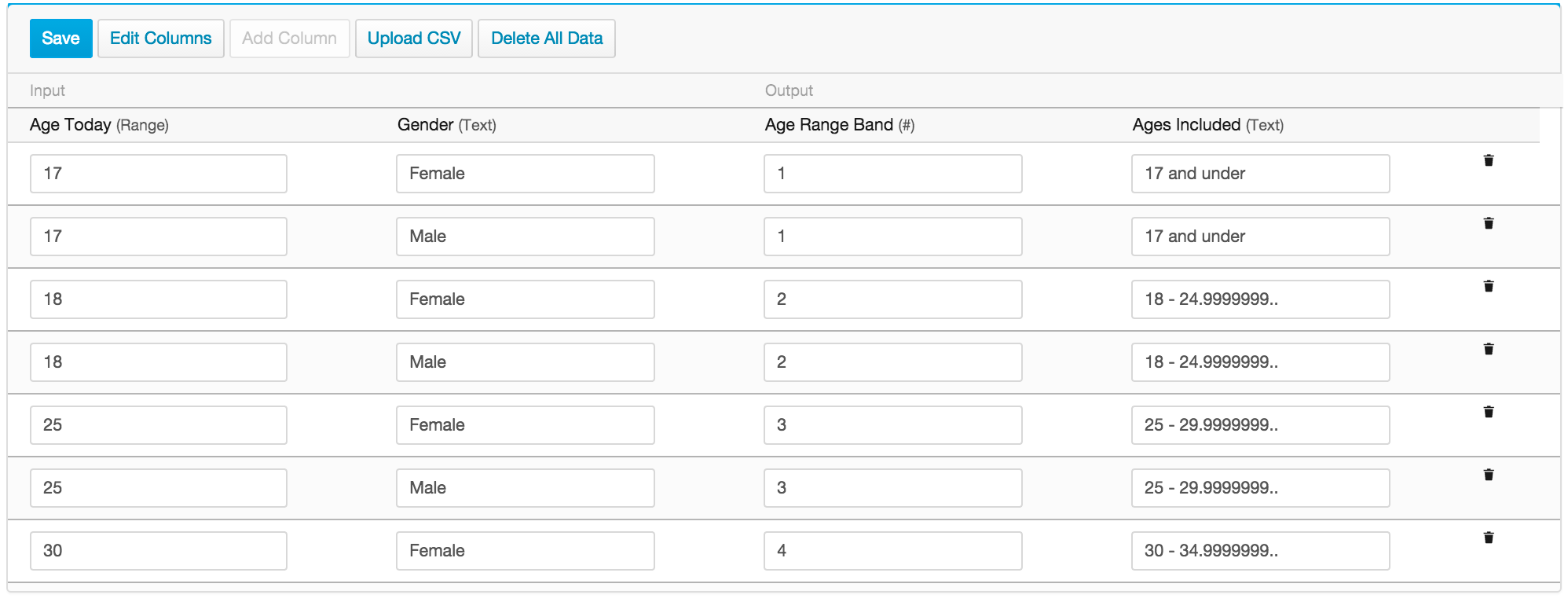
For the managed package runtime, you might want to look up additional dimensions in the Matrix. For example, to look up Age Range Band by gender, create two rows for each age: one for Male applicants, the other for Female applicants. Additional dimensions require additional rows.
 This information is for Omnistudio for Managed Packages. For Omnistudio on standard runtime, see Omnistudio Help.