
For the managed package runtime, when you activate or deactivate an embedded script, Vlocity updates all activated parent scripts to reflect the change.
 This information is for Omnistudio for Managed Packages. For Omnistudio on standard runtime, see Omnistudio Help.
Learn how to embed an Omniscript in other Omniscripts. See Embed an Omniscript in Another Omniscript (Managed Package).
- From the Setup section of the embedded script, click Activate Version or Deactivate Version.
-
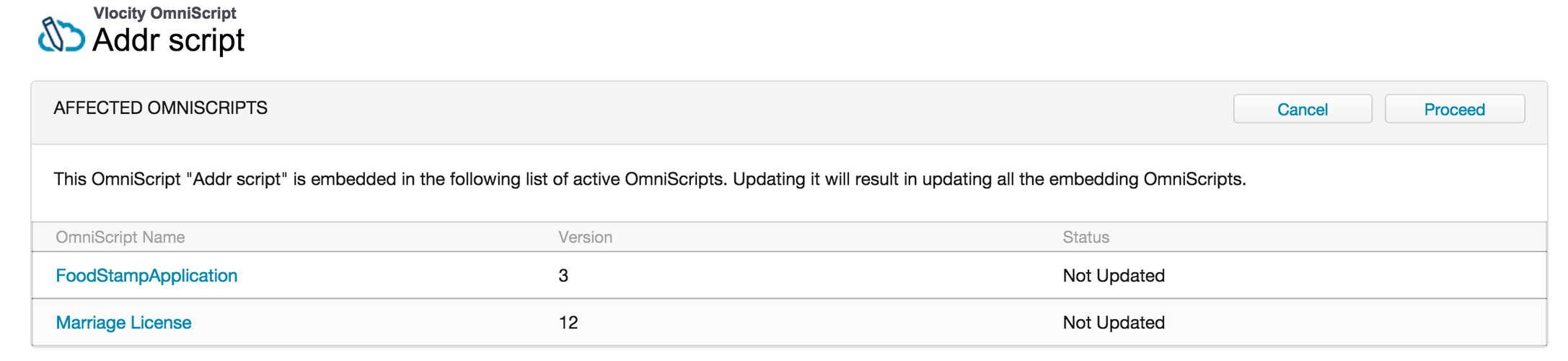
Verify the Affected Omniscripts (any Active Omniscript that this form is embedded
in), and click Proceed.
- After the parent scripts update, click Done.