
We know that changing Salesforce editions can feel like a significant shift, but we’ve designed this guide to walk you through every step of the process—from initial consent to a successful launch—so you can transition with confidence and start taking advantage of the advanced features waiting for you on the other side.
Starting in April of 2026 you’ll see a new upgrade notification banner appear in your Essentials org. The notification banner will roll out in phases and all Essentials customers will have access to the upgrade banner by the end of July 2026.
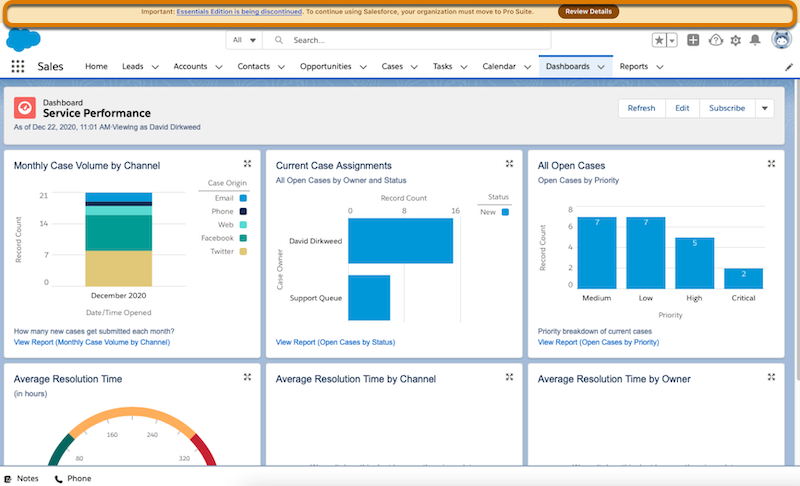
The most important thing for you to do is consent to the upgrade when the banner appears. This ensures you can keep using your org. The good news is that once you consent, Salesforce will take care of the heavy lifting by automating the upgrade and making sure all your data and customizations stay exactly where they are. Follow the instructions in the Consent to Upgrade section to consent to the Pro Suite upgrade.
Avoid losing access to your org and data by ensuring you’ve consented to the Pro Suite upgrade no later than the end of your contract term or August 18, 2026, whichever date is earlier.