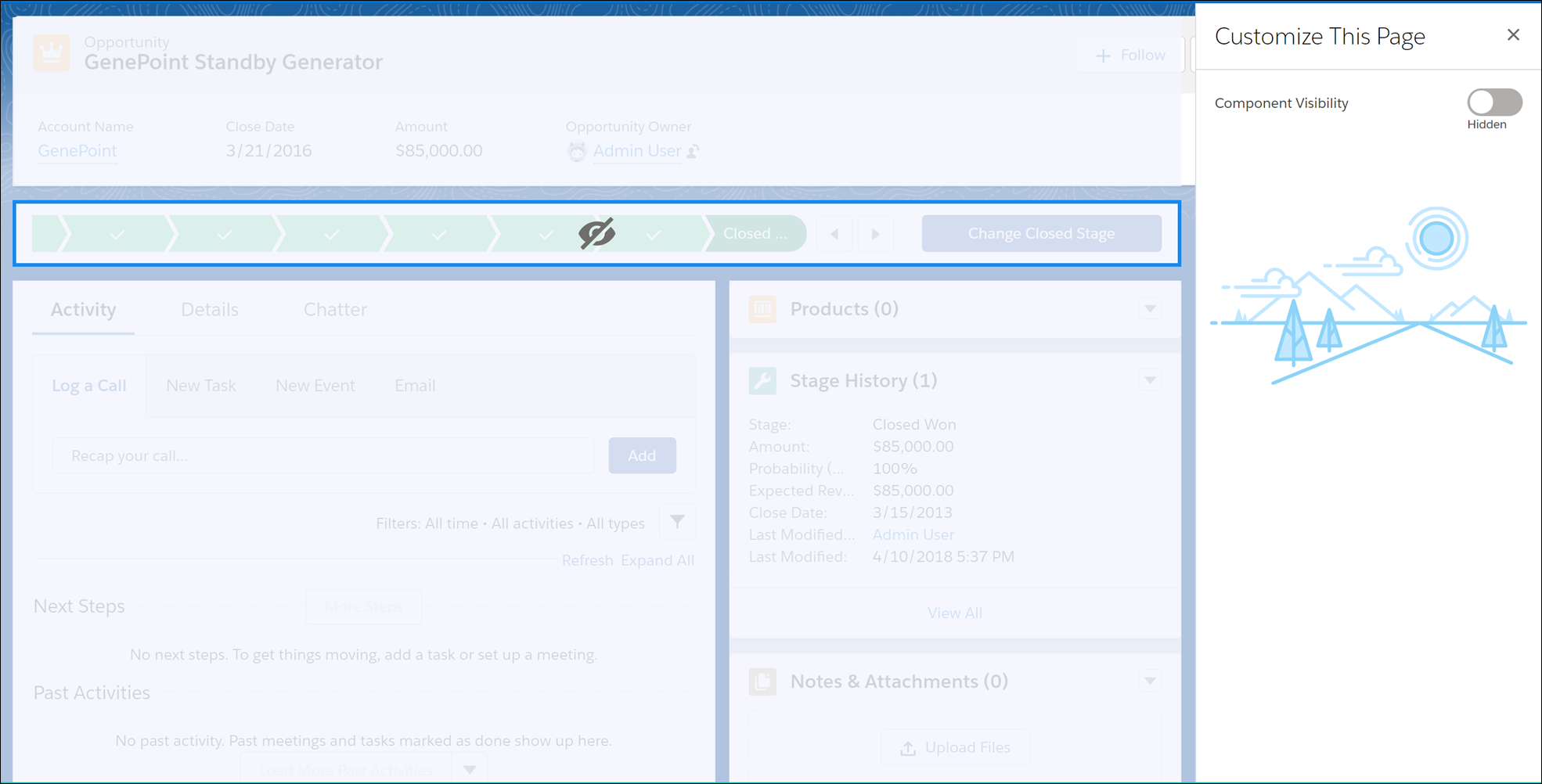
Hide components in home and record pages on a per-app basis.
This feature is a Beta Service. Customer may opt to try such Beta Service in its sole discretion. Any use of the Beta Service is subject to the applicable Beta Services Terms provided at Agreements and Terms
How do I use the Component Customization (Beta) feature?
Click  on the header to edit a record
or home page. To hide a component, select the component you want to hide, and click the
Component Visibility toggle in the customization panel.
on the header to edit a record
or home page. To hide a component, select the component you want to hide, and click the
Component Visibility toggle in the customization panel.