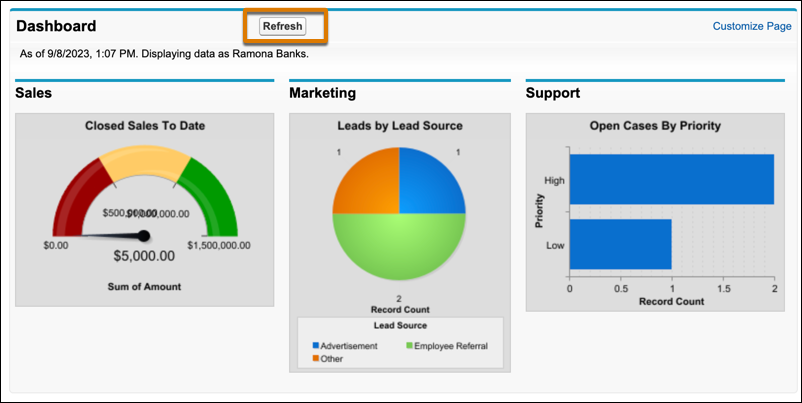
If your Home tab contains a dashboard snapshot, you can change the dashboard.
Required Editions
| Available in: Salesforce Classic |
| Available in: Professional, Enterprise, Performance, Unlimited, and Developer Editions |

Note The link to customize your Home tab in Salesforce Classic is only available if your
Salesforce admin has customized your home page layout to include a dashboard. Only your
admin can add or remove the Dashboard snapshot component from your home page.
-
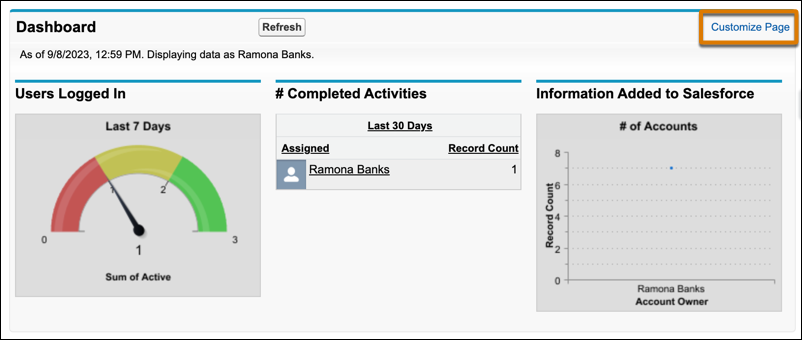
Click Customize Page in the Dashboard section of the Home tab.
-
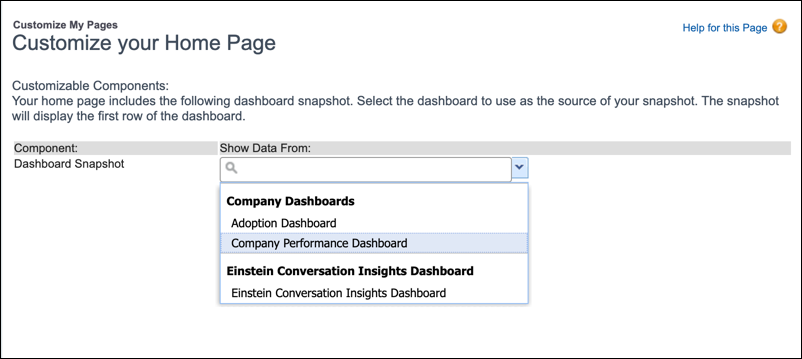
Search for a dashboard and select a different dashboard from the dropdown
list.
-
To show the new dashboard, or to refresh its data, click
Refresh.